> ## Documentation Index
> Fetch the complete documentation index at: https://help.hiredata.com/llms.txt
> Use this file to discover all available pages before exploring further.
# Add an activity or item in Carerix with HireData
> Automatically add activities or items to Carerix from HireData, keeping candidate and client records up to date without manual admin work for recruiters.
*Welcome to our detailed guide on automatically adding an activity or item in Carerix with HireData. This tutorial is designed to be user-friendly and efficient, helping you to leverage the full potential of Carerix automations by HireData. For a visual guide, be sure to watch our step-by-step video at the end of this article.*
Before we start setting up this automated task, make sure you've [set up the connection with Carerix](/apps/carerix/connect-with-carerix) and are familiar with [how to create a Carerix automation](/apps/carerix/create-a-carerix-automation-in-hiredata) in HireData. Now let's start configuring this automated task.
## Step 1: Adding a task to your automation
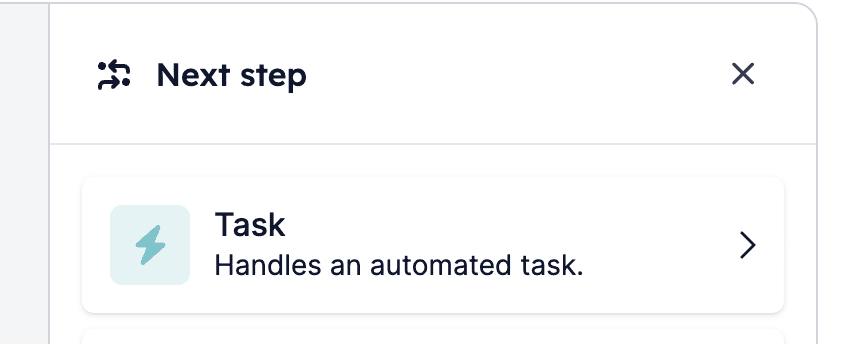
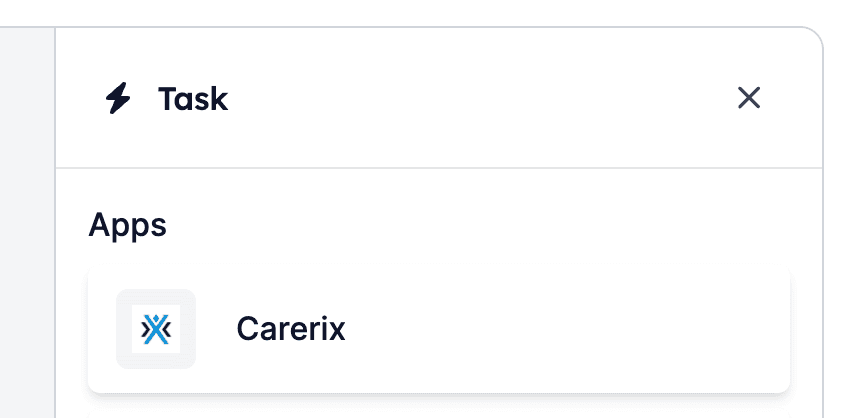
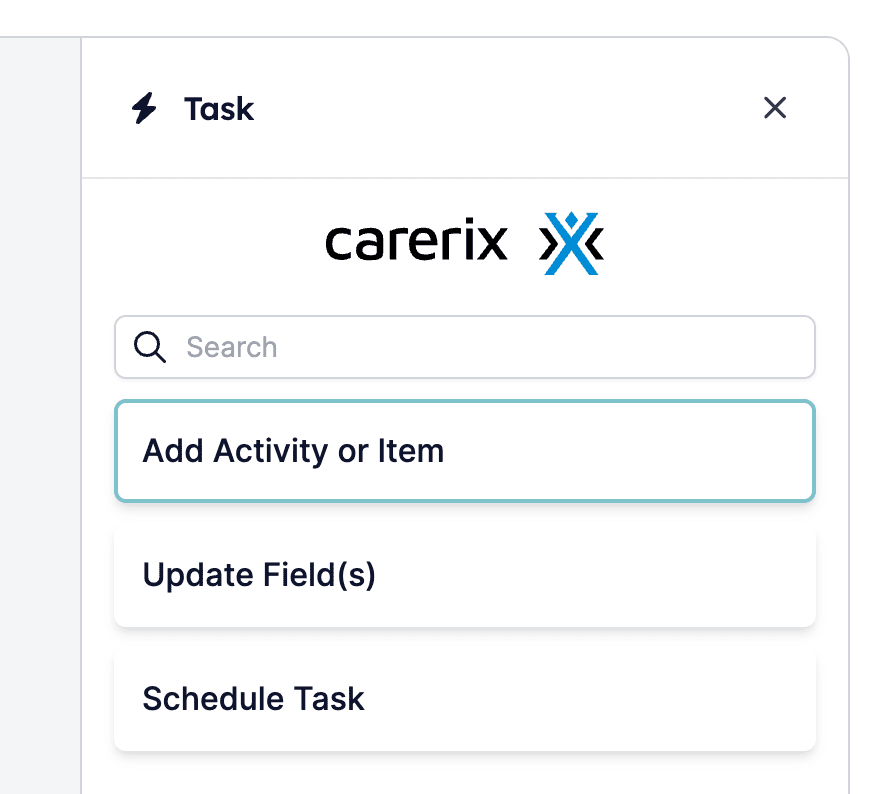
Click on one of the \[+] items in your automation to open up the menu where you can choose a building block. Select \[Task] to open up the options, then select \[Carerix] and \[Add Activity or Item].
*1.1: Click on a \[+] item while editing your automation:*
 *1.2: Select \[Task]:*
 *1.3: Select \[Carerix]:*
 *1.4: Select \[Add Activity or Item]*
 ## Step 2: Choosing the activity or item to be added
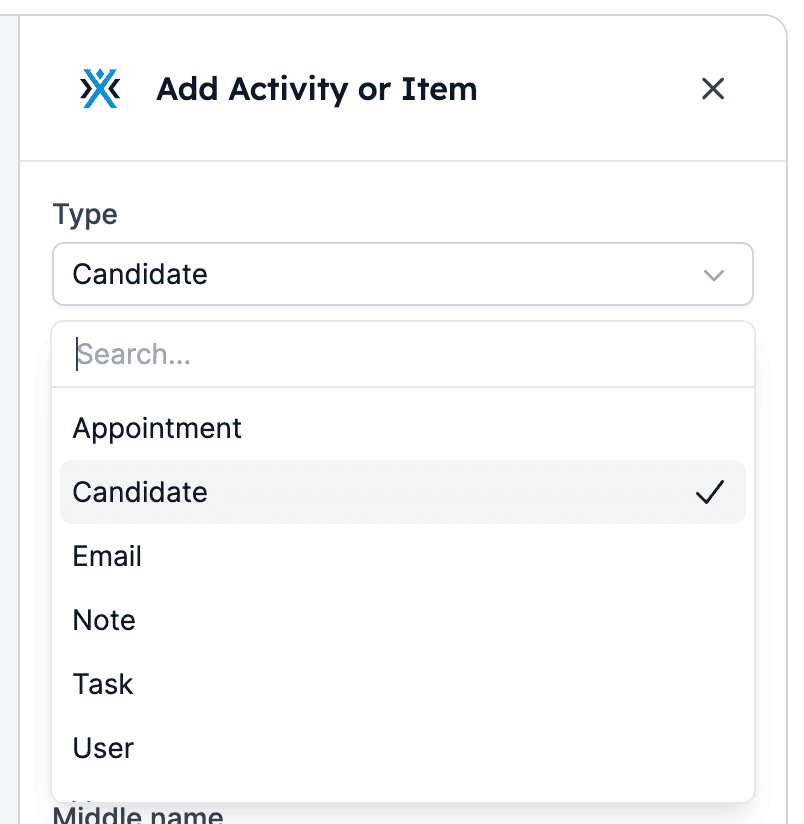
Next you'll select the activity or item you'd like to add or log in Carerix. We currently support these activities and items:
* Appointment
* Candidate
* Email
* Note
* Task
* User
* Vacancy
*Select the activity or item type you'd like to add or log in Carerix:*
## Step 2: Choosing the activity or item to be added
Next you'll select the activity or item you'd like to add or log in Carerix. We currently support these activities and items:
* Appointment
* Candidate
* Email
* Note
* Task
* User
* Vacancy
*Select the activity or item type you'd like to add or log in Carerix:*
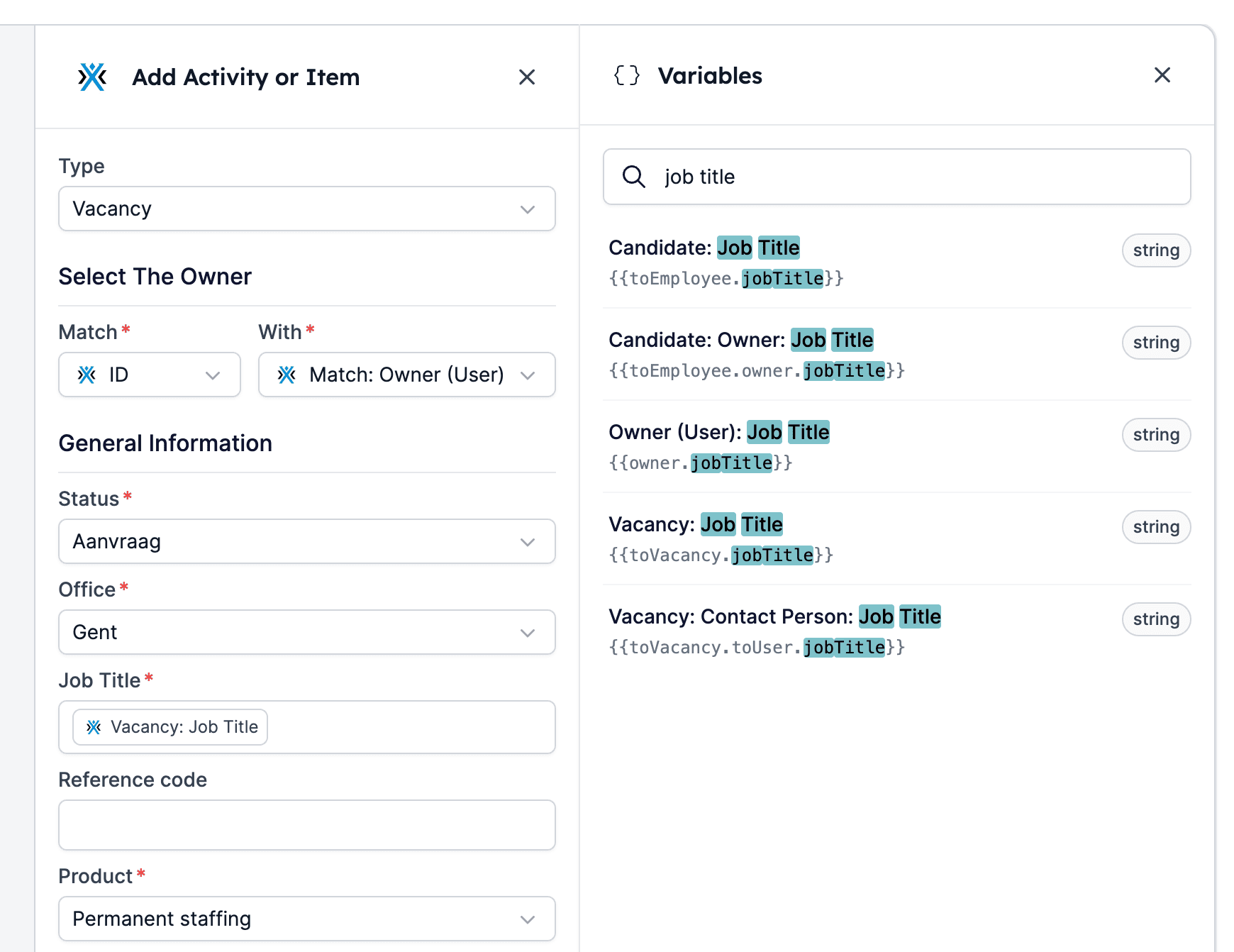
 ## Step 3: Filling in the item's fields
Proceed to fill in the activity's or item's fields. If you'd like to use variables, click on the variables icon (top right) to open the variables menu. You can use both static and dynamic data. Don't forget to click \[Save Task] after filling in all fields necessary.
*Complete the activity's or item's fields by using static and/or dynamic data (variables):*
## Step 3: Filling in the item's fields
Proceed to fill in the activity's or item's fields. If you'd like to use variables, click on the variables icon (top right) to open the variables menu. You can use both static and dynamic data. Don't forget to click \[Save Task] after filling in all fields necessary.
*Complete the activity's or item's fields by using static and/or dynamic data (variables):*
 ## Related topics
- [Add an activity or item in Vincere with HireData](/apps/vincere/add-an-activity-or-item-in-vincere-with-hiredata.md)
- [Schedule a task in Carerix with HireData](/apps/carerix/schedule-a-task-in-carerix-with-hiredata.md)
- [Logging WhatsApp conversations in Carerix with HireData](/apps/carerix/logging-whatsapp-conversations-in-carerix-with-hiredata.md)
- [Logging Email Messages on Carerix with HireData](/apps/carerix/logging-email-messages-on-carerix-with-hiredata.md)
- [Create a Carerix automation in HireData](/apps/carerix/create-a-carerix-automation-in-hiredata.md)
## Related topics
- [Add an activity or item in Vincere with HireData](/apps/vincere/add-an-activity-or-item-in-vincere-with-hiredata.md)
- [Schedule a task in Carerix with HireData](/apps/carerix/schedule-a-task-in-carerix-with-hiredata.md)
- [Logging WhatsApp conversations in Carerix with HireData](/apps/carerix/logging-whatsapp-conversations-in-carerix-with-hiredata.md)
- [Logging Email Messages on Carerix with HireData](/apps/carerix/logging-email-messages-on-carerix-with-hiredata.md)
- [Create a Carerix automation in HireData](/apps/carerix/create-a-carerix-automation-in-hiredata.md)