

What happens when you connect a WABA via API
Once a WhatsApp Business number is integrated with the WhatsApp Business API:- You cannot use the number via the standard WhatsApp or WhatsApp Business mobile applications.
- All message handling, both inbound and outbound, occurs exclusively through HireData’s Inbox interface.
Managing your conversations in the HireData inbox
Log in to HireData
- Navigate to your HireData dashboard and select the Inbox from the menu.
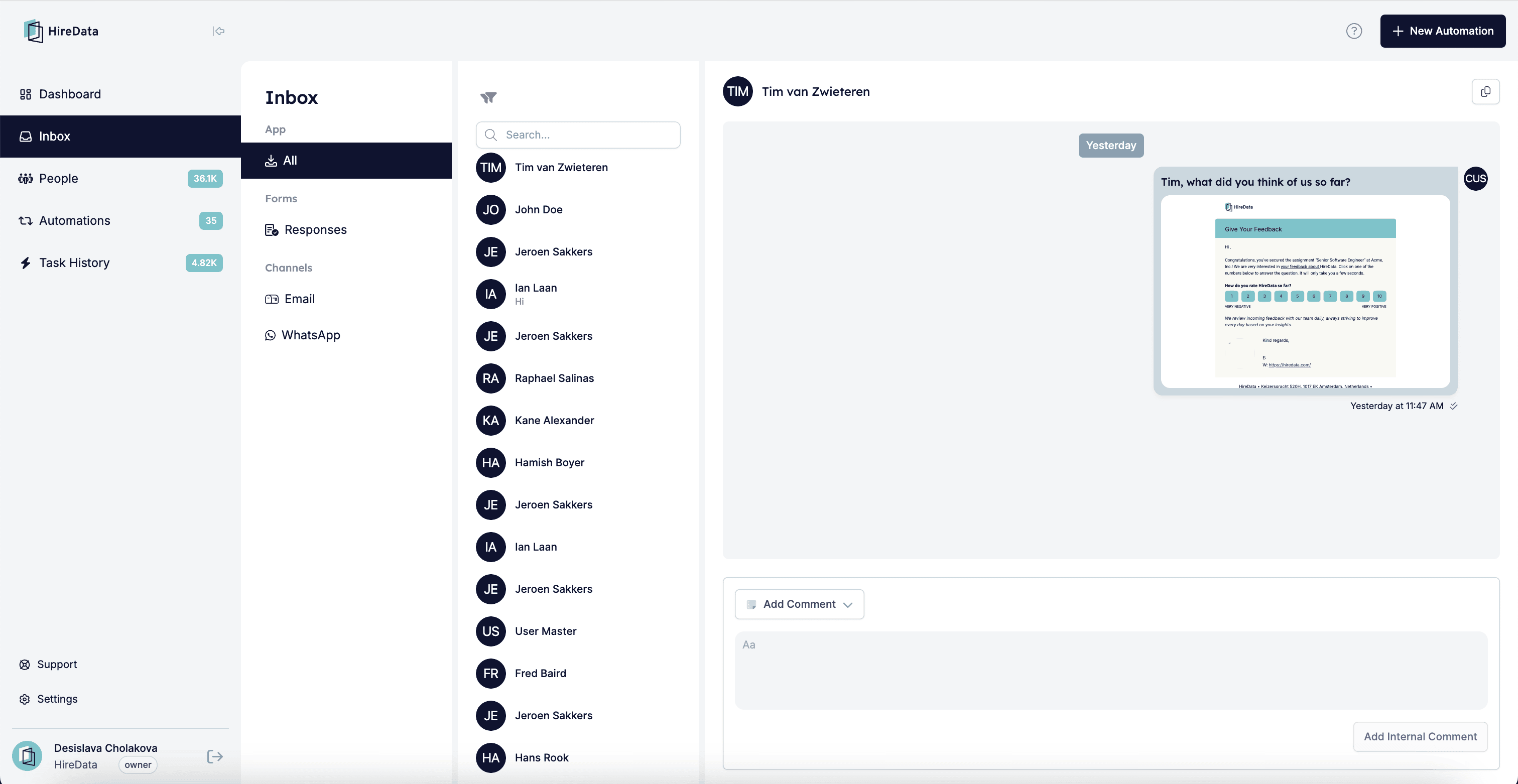
Handling incoming messages
- New WhatsApp messages appear in real-time in the HireData inbox.
- Conversations are clearly labelled and associated with the relevant contact, user, brand, or account.
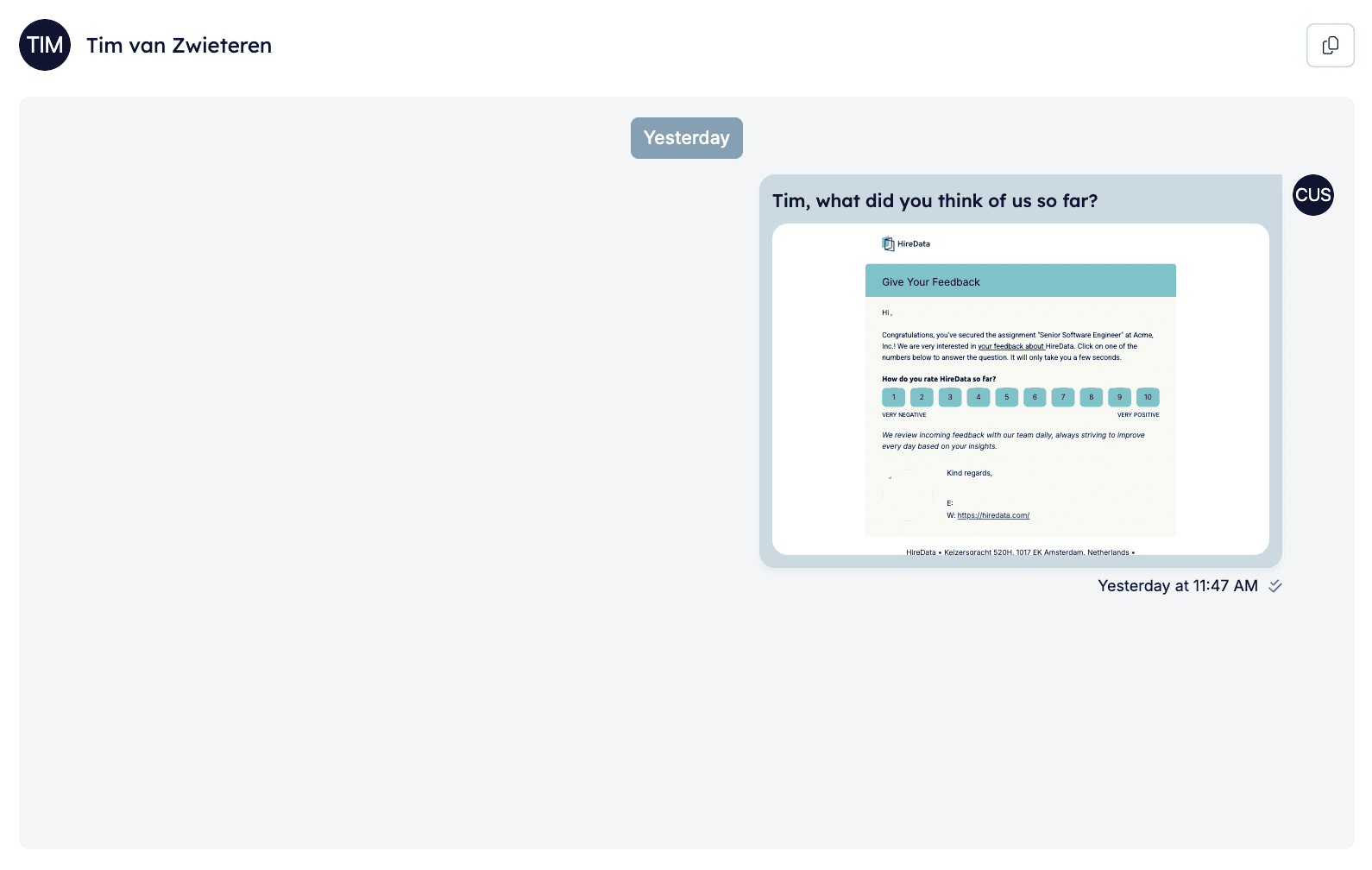
Sending messages
- You can manually reply to incoming messages directly from the inbox.
- Messages sent from the HireData inbox appear to recipients exactly as if sent directly from your connected WhatsApp Business number.
Automation and personalisation
- You can set up initial outreach messages and automated reminders to run automatically.
- You can seamlessly take over automated conversations anytime to ensure personalised communication.
Advantages of using the HireData inbox
- Personalised outreach: Messages sent via HireData reflect your connected WhatsApp Business number, maintaining personalised engagement.
- Centralised communication: Easily manage all conversations from a single interface.
- Automation control: Balance automated outreach with manual follow-up at your discretion.
Mobile accessibility
Currently, HireData’s inbox is accessible via desktop browsers. Mobile accessibility for manual message handling is under consideration for future development.Best practices
- Regularly check your HireData inbox for timely follow-ups.
- Customise your automated sequences while retaining the ability to step in manually at any time.
- Clearly communicate with your recipients that messages received originate from your connected WhatsApp Business number.