Step 1: Navigate to the Ratecard app
Open the app section in HireData. Here, you’ll find the Ratecard app. Selecting Ratecard is your first step towards integration.Step 2: Create a new connection
Once you’ve selected Ratecard, click + New Connection. This starts the process of linking your Ratecard account with HireData. Click + New Connection and start connecting your Ratecard
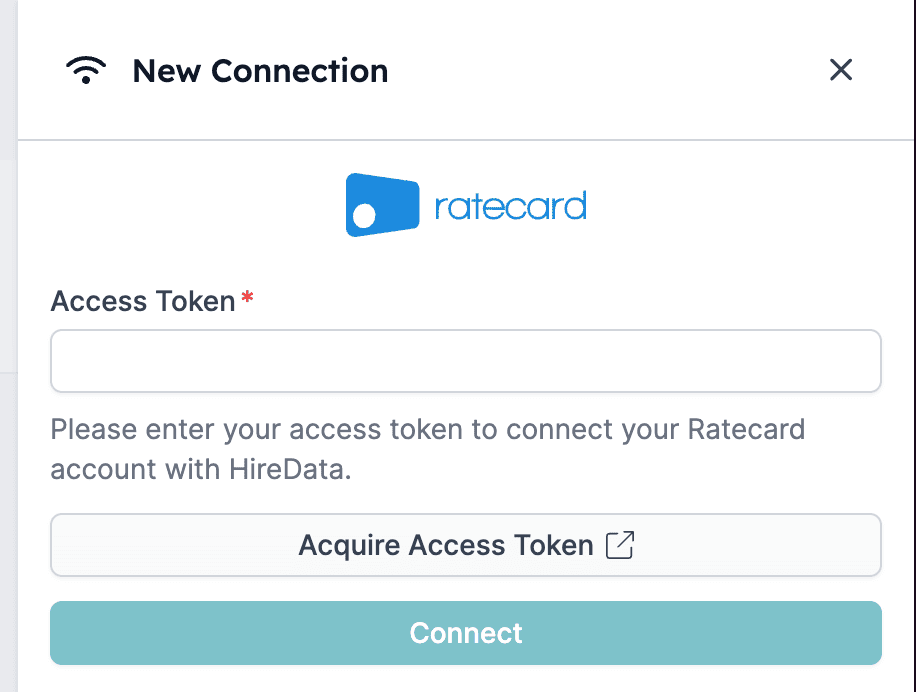
Step 3: Acquire the access token
To proceed, acquire an access token by clicking the link provided in HireData. This token is crucial for establishing a secure connection between your Ratecard and HireData accounts. Provide your access token to set up a new connection