

Before you start
- You need a Spott user who can create API keys and webhook endpoints in Spott.
- You need a HireData admin to add the app.
Step 1: Add your API key
- Go to Settings > Apps. Spott is listed at the top.
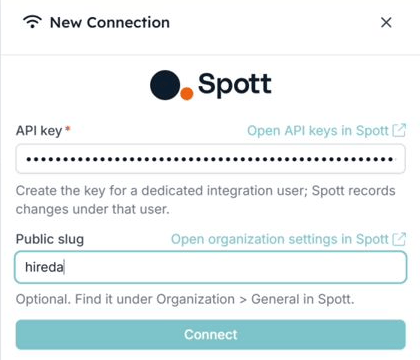
- Open Spott and click Connect to Spott.
- Click Open API keys in Spott, create a new key and copy it. Use a dedicated integration user: Spott records changes under that user.
- Paste the key under API key. The Public slug is optional; you find it under Organization > General in Spott.
- Click Connect. HireData checks the key with Spott before it saves the connection.
Step 2: Add the webhook in Spott
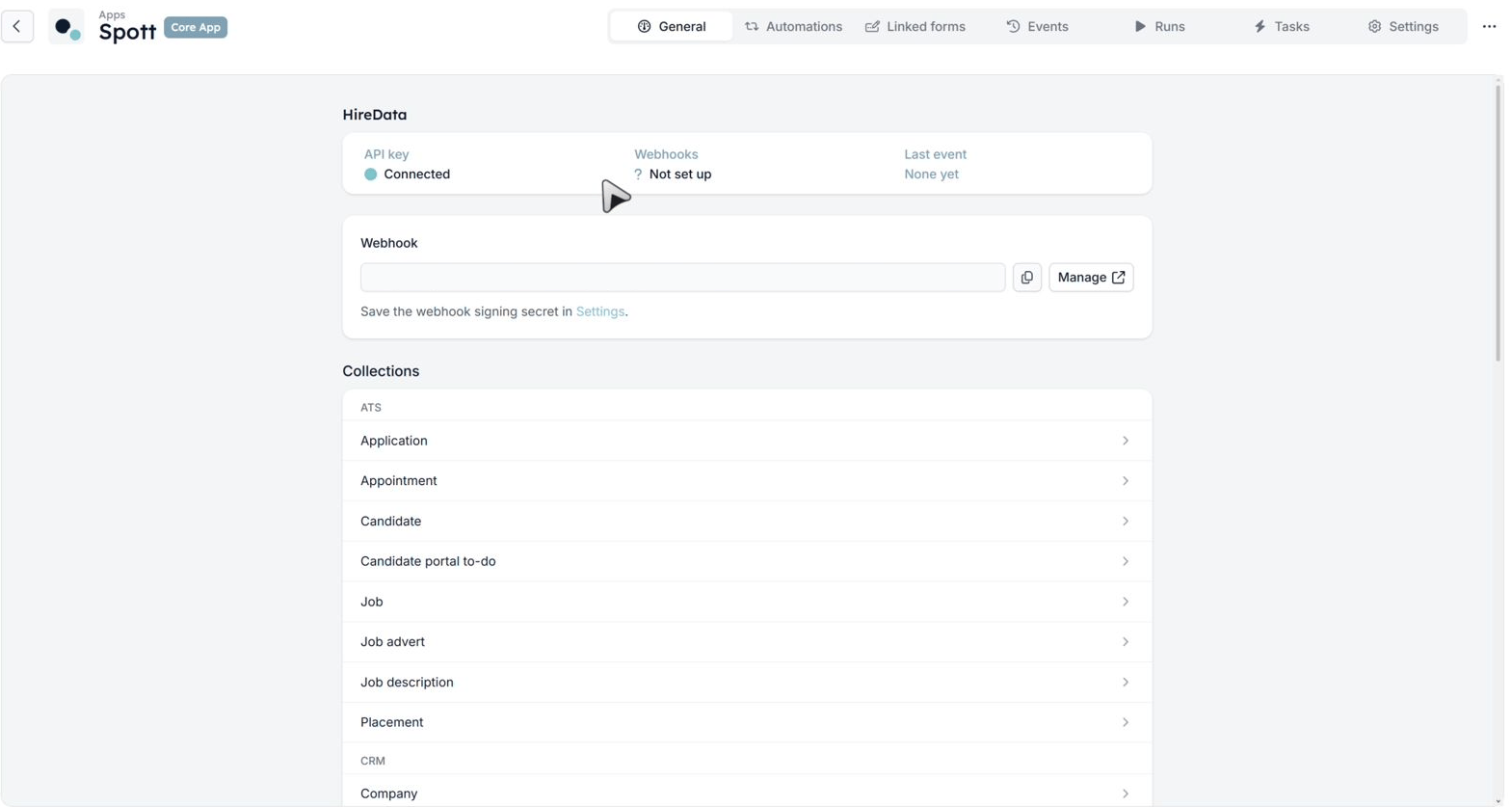
Spott tells HireData about changes through a webhook. You set it up once, in Spott.- On the General tab of the Spott connection, copy the address under Webhook. Manage opens the webhook settings in Spott.
- In Spott, add a new endpoint, paste the address and select all events.
- Copy the signing secret Spott shows you.
- In HireData, open the Settings tab of the Spott connection and paste it as the webhook signing secret. Save.
Step 3: Check that events arrive
Change a test candidate in Spott. The General tab then shows when the last event arrived, and the event is listed on the Events tab. You’re ready to create your first Spott automation.The first sync doesn’t import all your Spott records. Records come in when they change in Spott, when an automation looks them up, or when a scheduled automation runs.