Step 1: Navigate to the Salesforce app
Navigate to the app section within HireData. There you’ll find the option to connect with Salesforce. It’s a simple process that forms the foundation of this integration.Step 2: Fill out your login credentials
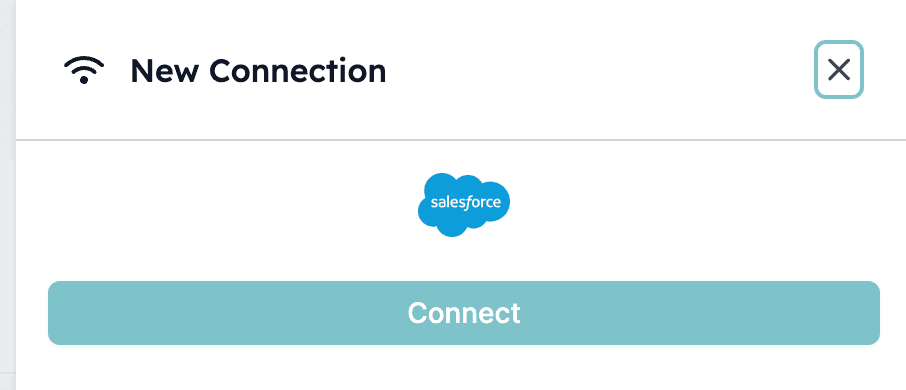
Next, click + New Connection and enter your Salesforce login credentials. HireData applies high security standards to protect your data. 2.1: Click + New Connection and start connecting your Salesforce

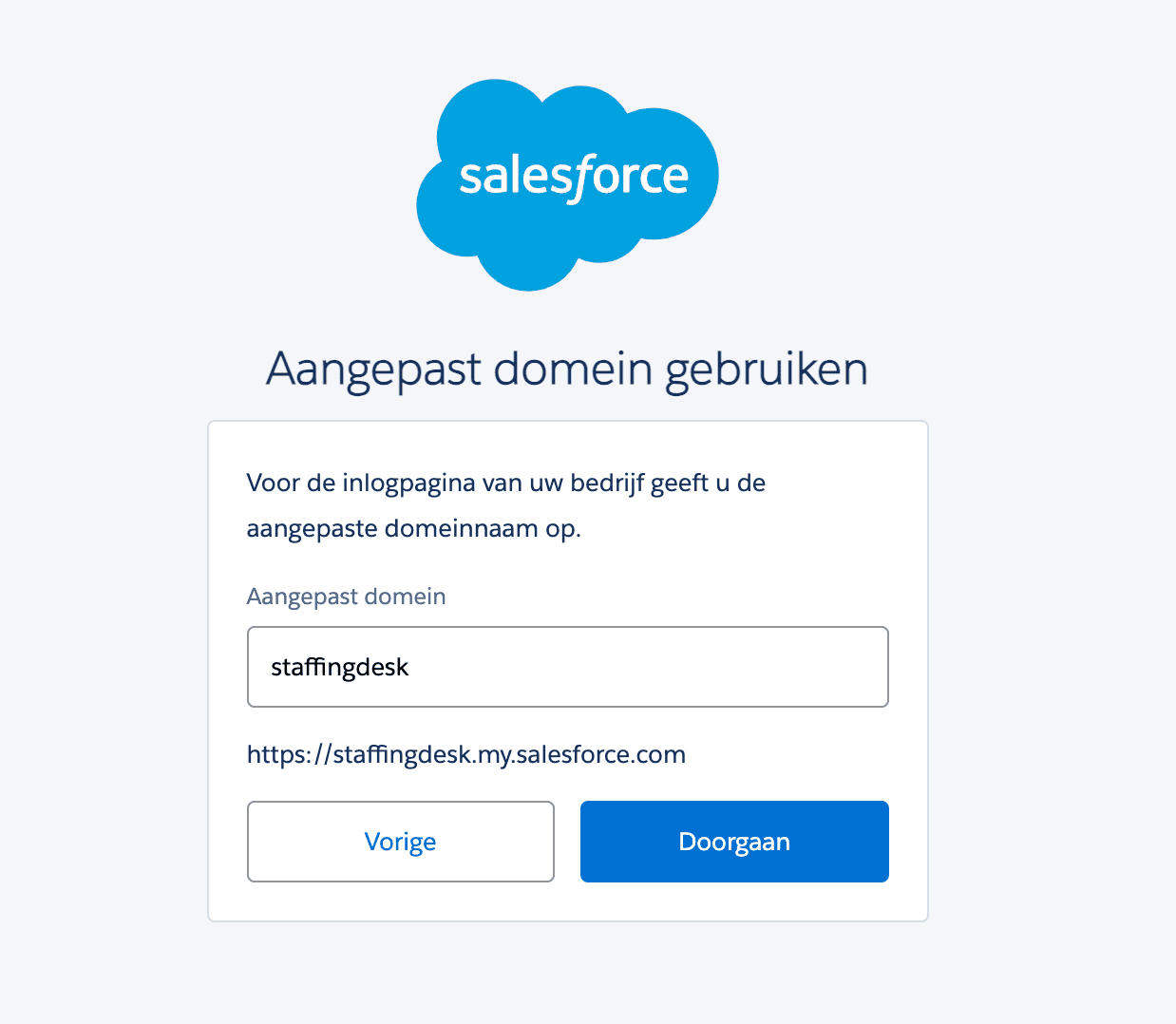
Step 3: Use a custom domain (if applicable)
If you’re using a custom domain in Salesforce, the video covers specific instructions at the 00:24 mark. This step is crucial for a seamless connection between the two platforms. Click Use custom domain and make sure your custom domain is filled in: