Step 1: Navigate to the OTYS app
Navigate to the app section within HireData. Here, you’ll find the option to integrate with OTYS.Step 2: Create a new connection
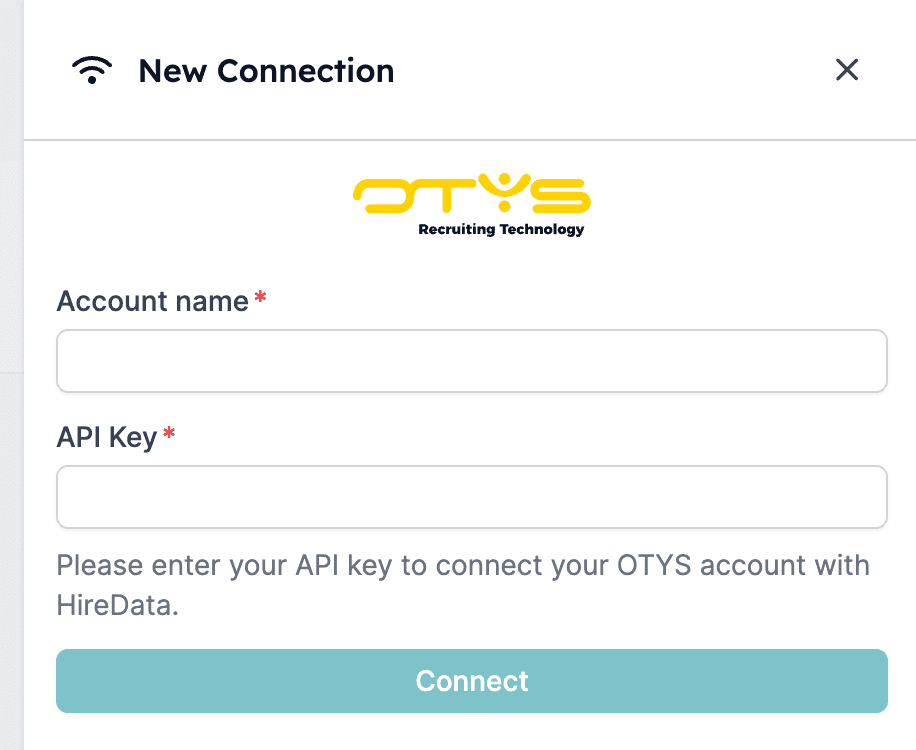
Next, within HireData, select the OTYS app and click + New Connection. Click + New Connection and start connecting your OTYS
Step 3: Add your OTYS account name and API key
For a successful integration, you need two critical pieces of information: your OTYS account name and the API key. If you’re unsure about these details, reach out to your OTYS representative for assistance. Provide your account name and API key to set up a new connection