Step 1: Navigate to the Settings page
Log in to your HireData account and click Settings above your name to open the Settings page.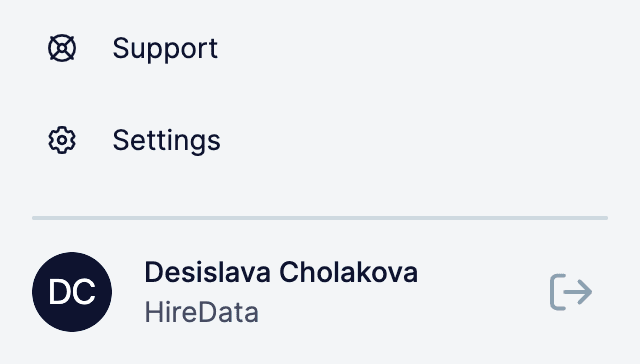
Step 2: Open the Apps menu
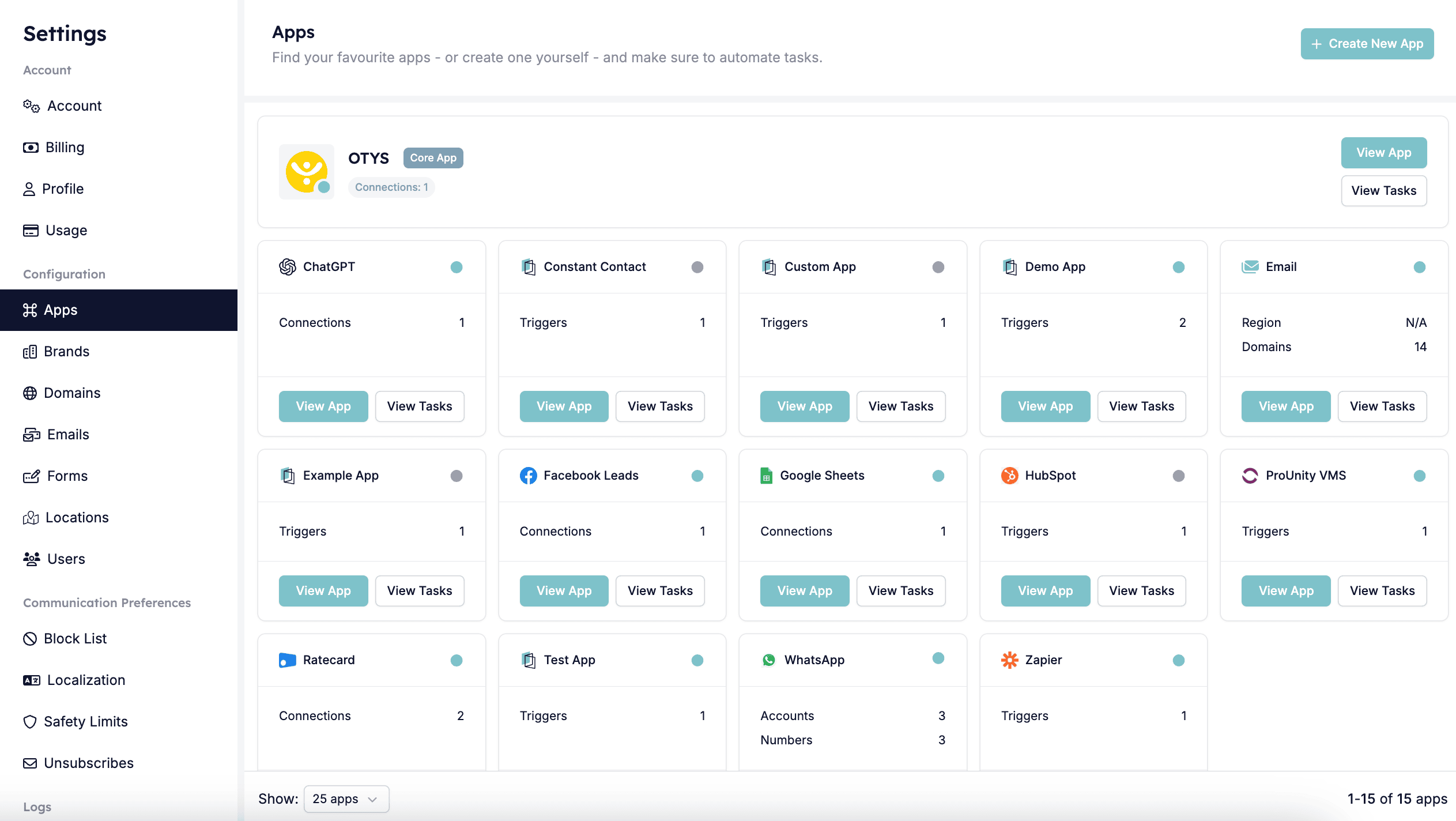
Step 3: Select the OTYS app
You can open the OTYS app either by clicking the name or View app.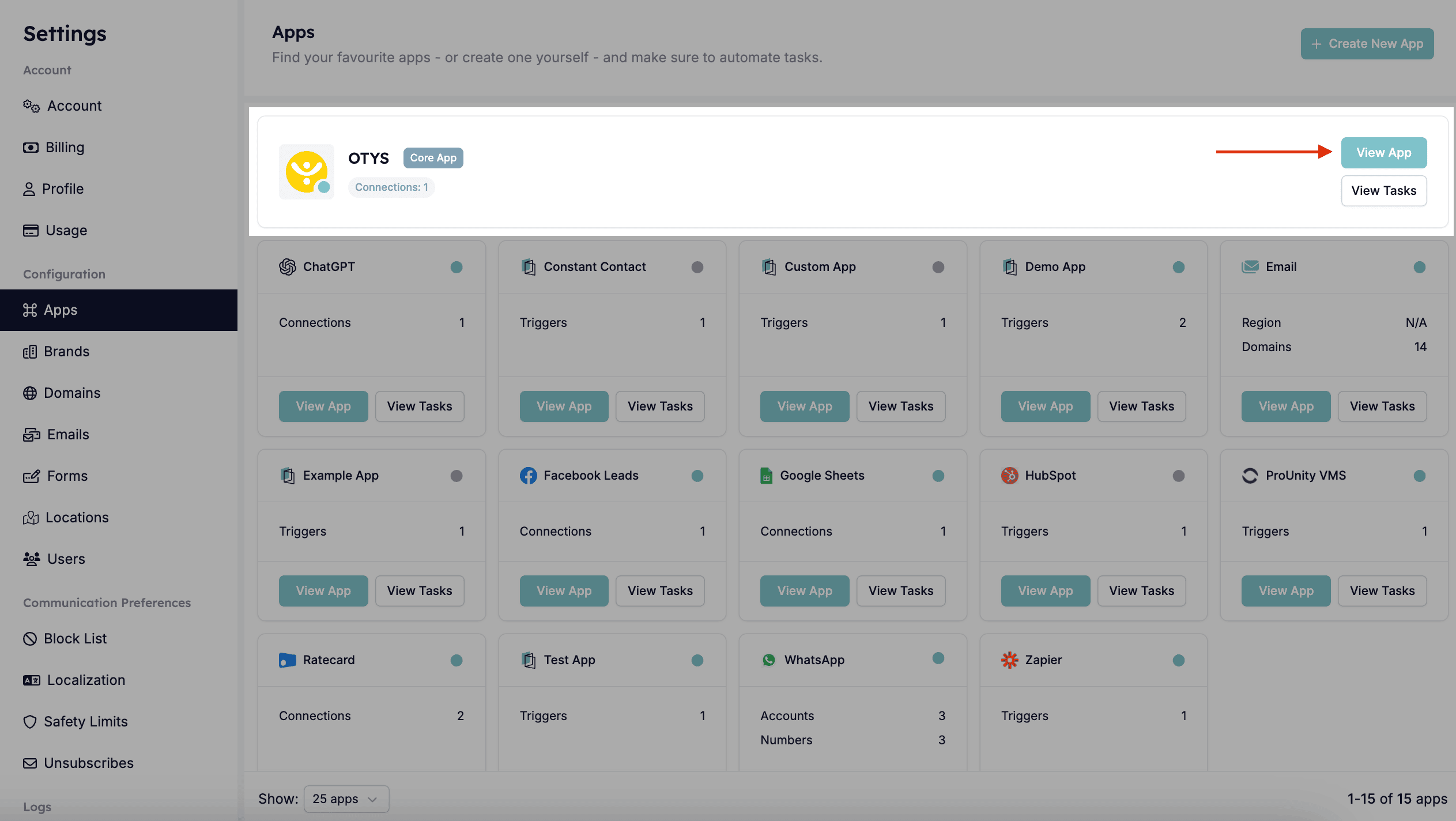
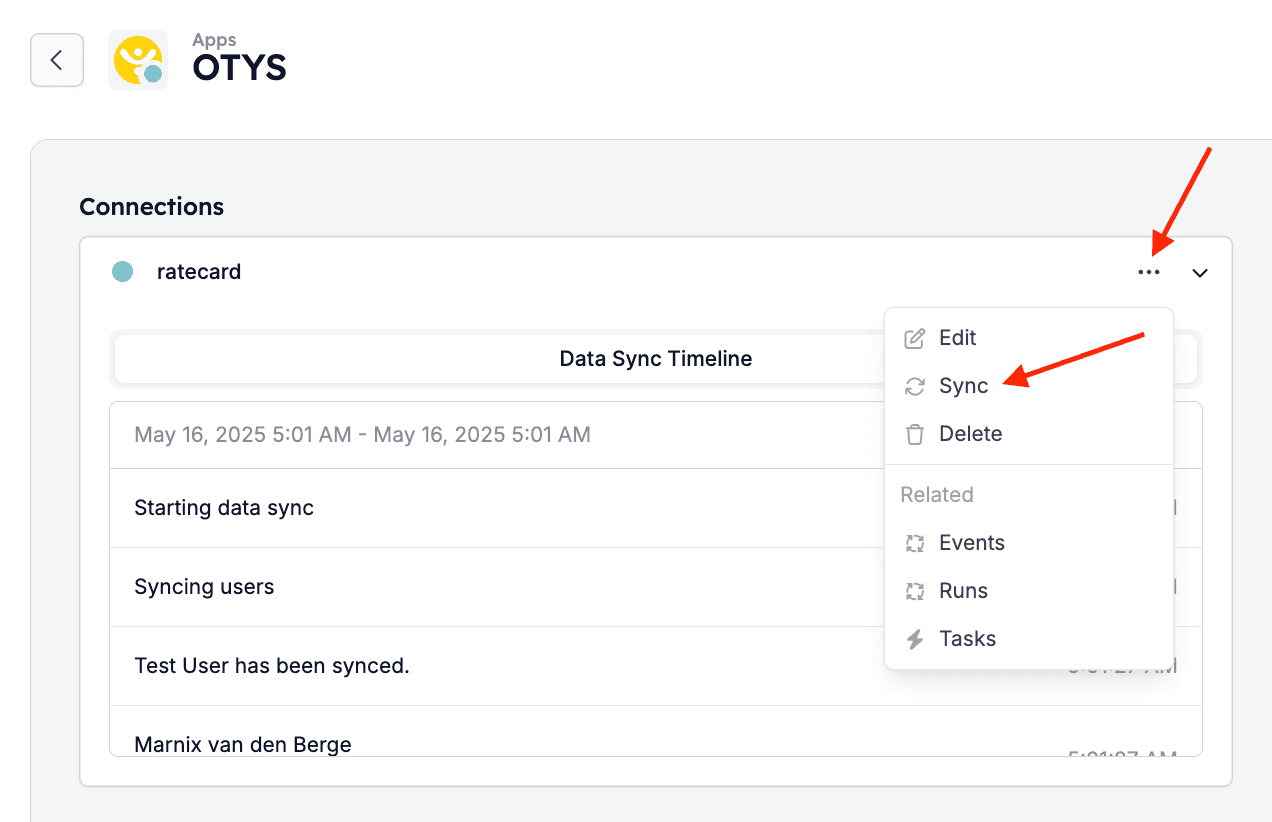
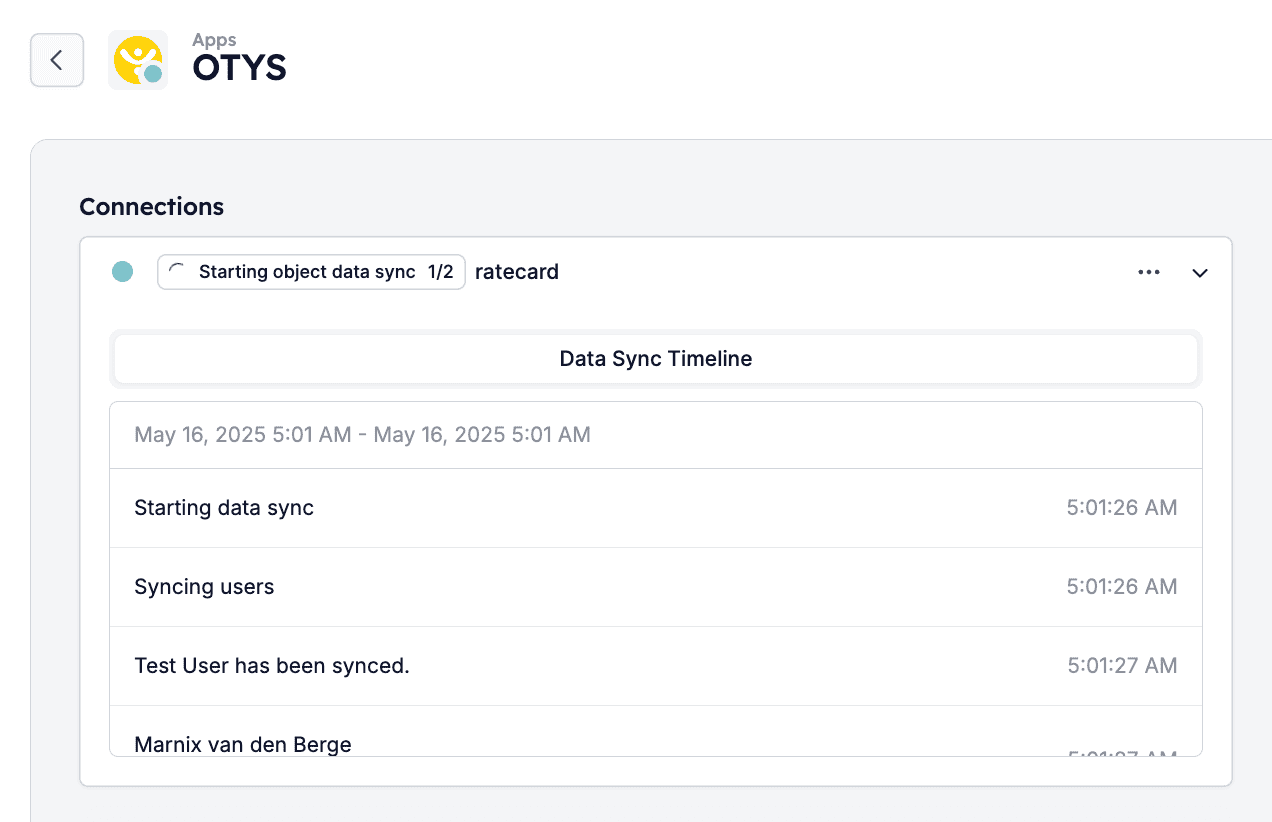
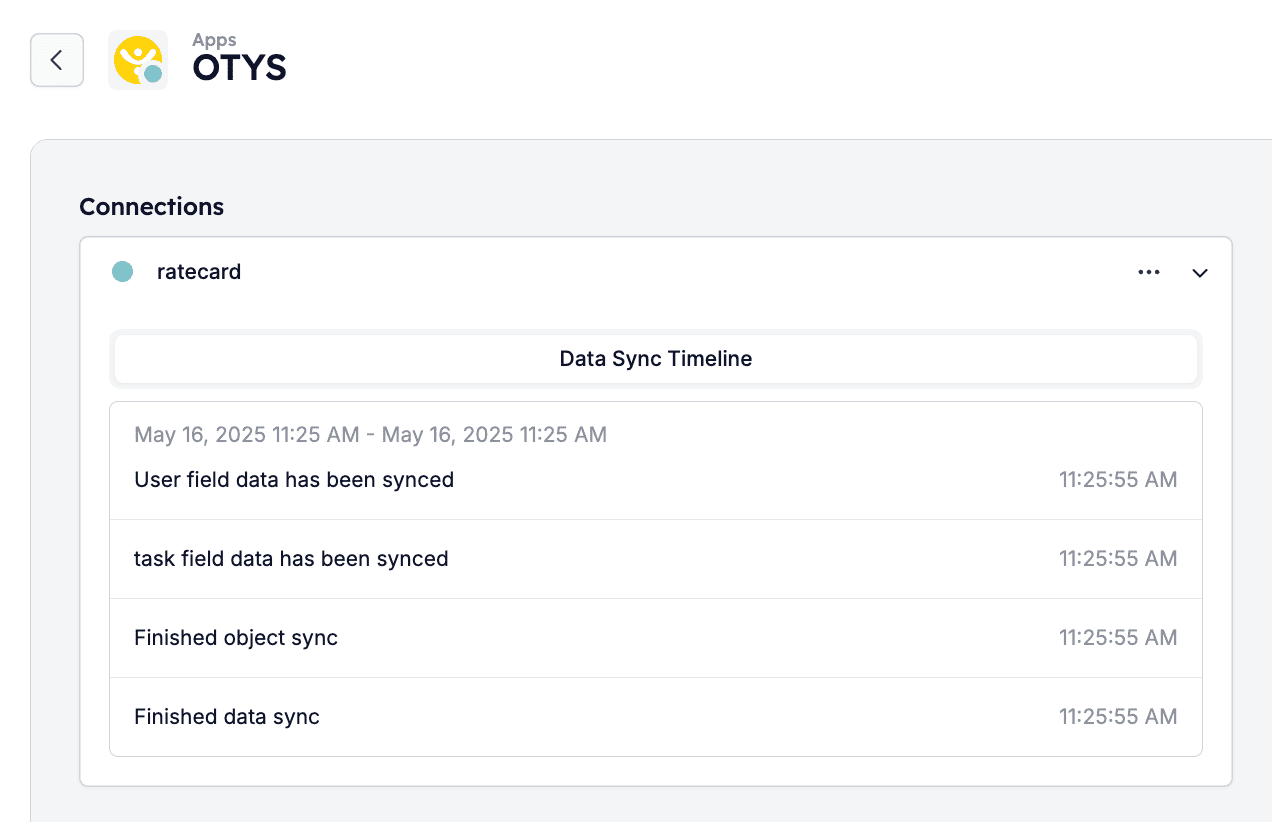
Step 4: Sync the data
Click Sync in the dropdown menu of the company’s connection.