Step 1: Add a task to your automation
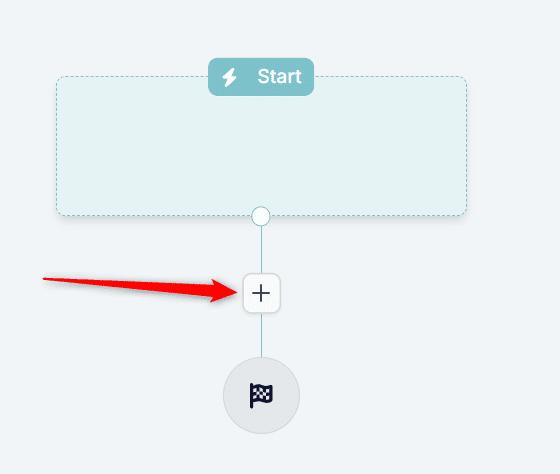
1.1. In your automation, click + to open the building block panel
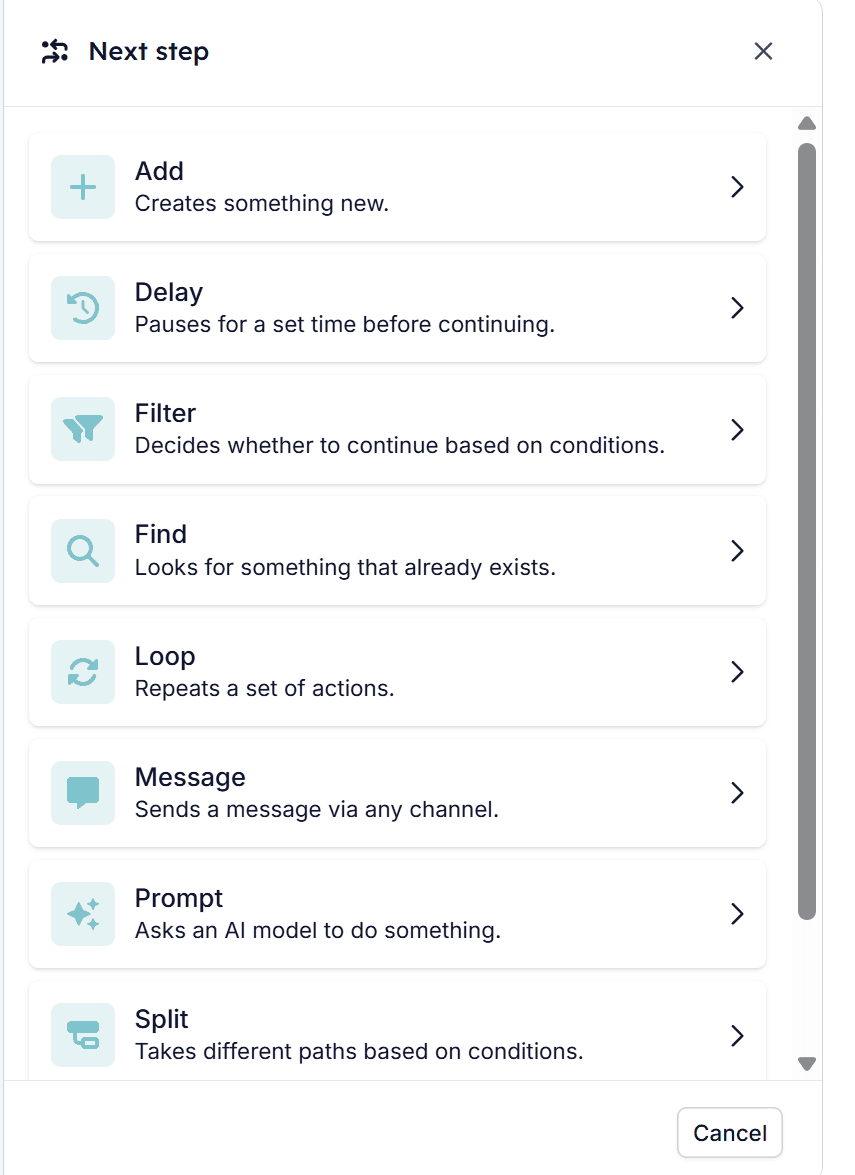
1.2. Click Add in the building block panel
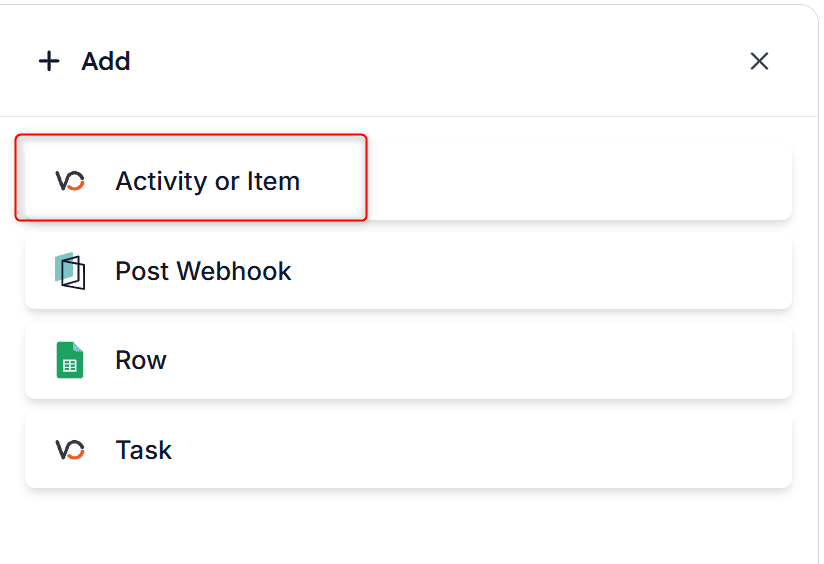
1.3. Select activity or item task
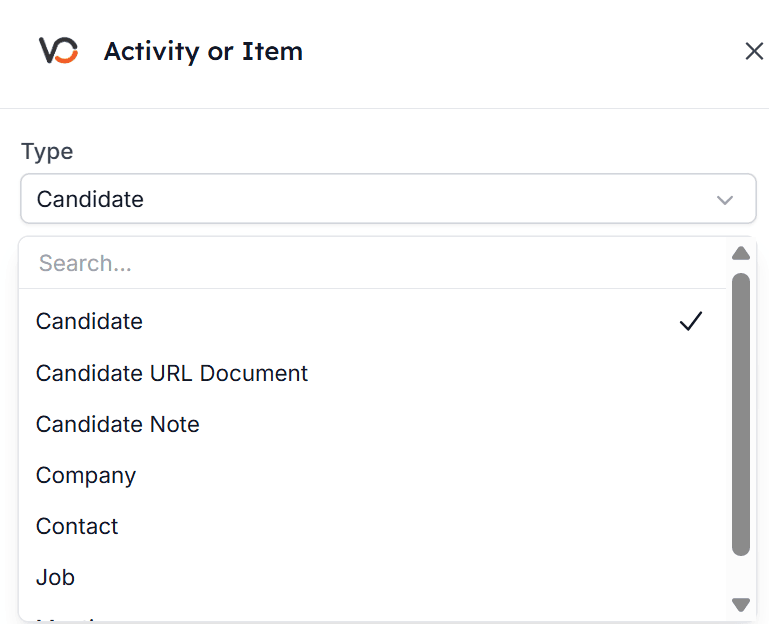
Step 2: Select the activity or item type
These are the currently supported types that you can select from:- Candidate
- Candidate URL Document
- Candidate Note
- Company
- Contact
- Job
- Meeting
Step 3: Fill in the item’s fields
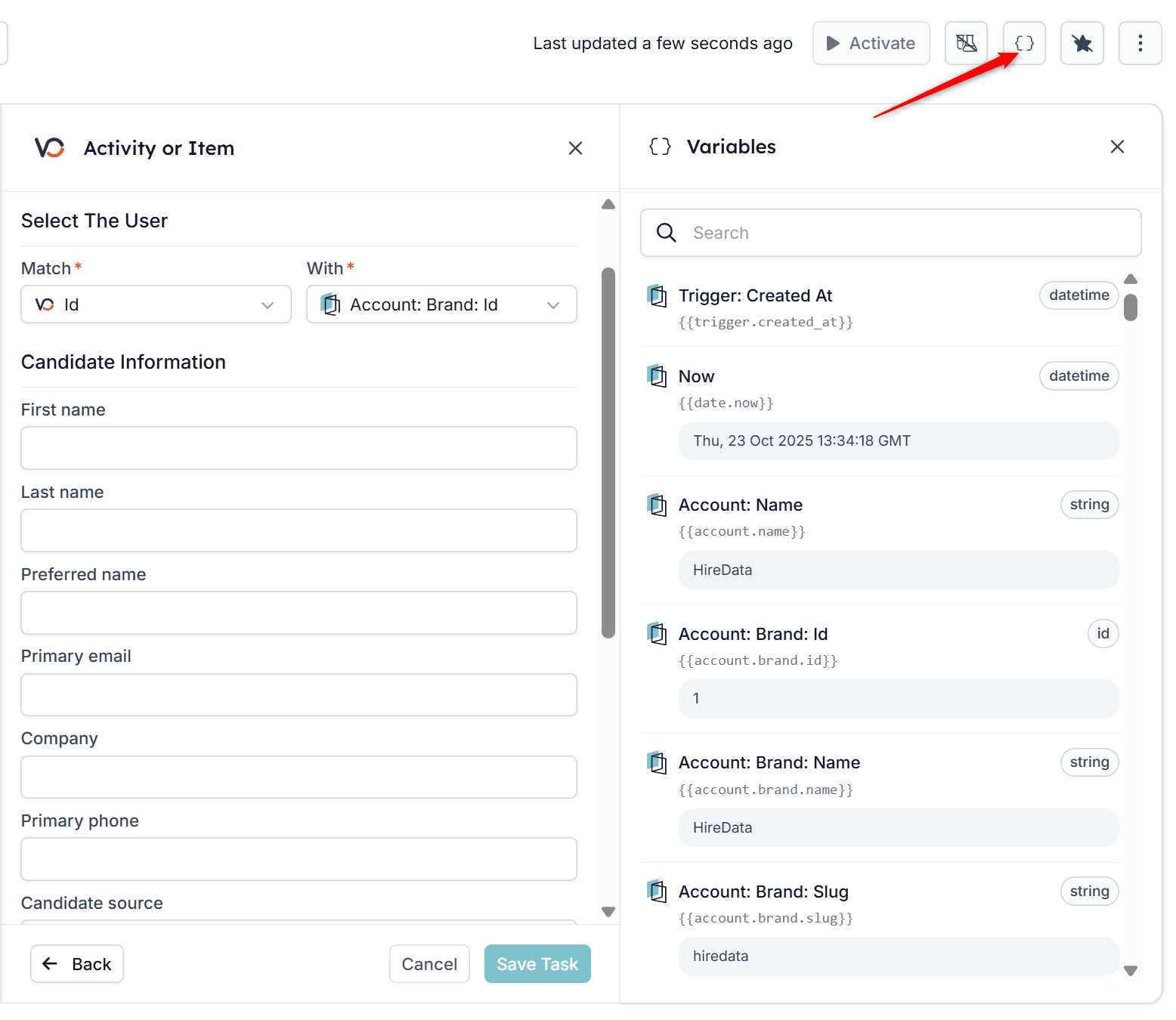
Now, complete the activity’s or item’s fields. To add variables, click the icon in the top-right corner. You can use both static and dynamic data to populate the task. Remember to click Save Task when finished. Click the curly brackets for the Variables menu: