Step 1: Open the building blocks menu
First, log in to your HireData account and open the automation you want to edit. Then click the plus icon (+) at the end of the automation to open the Building Blocks menu on the right side of the screen. After you have opened the menu, select Update.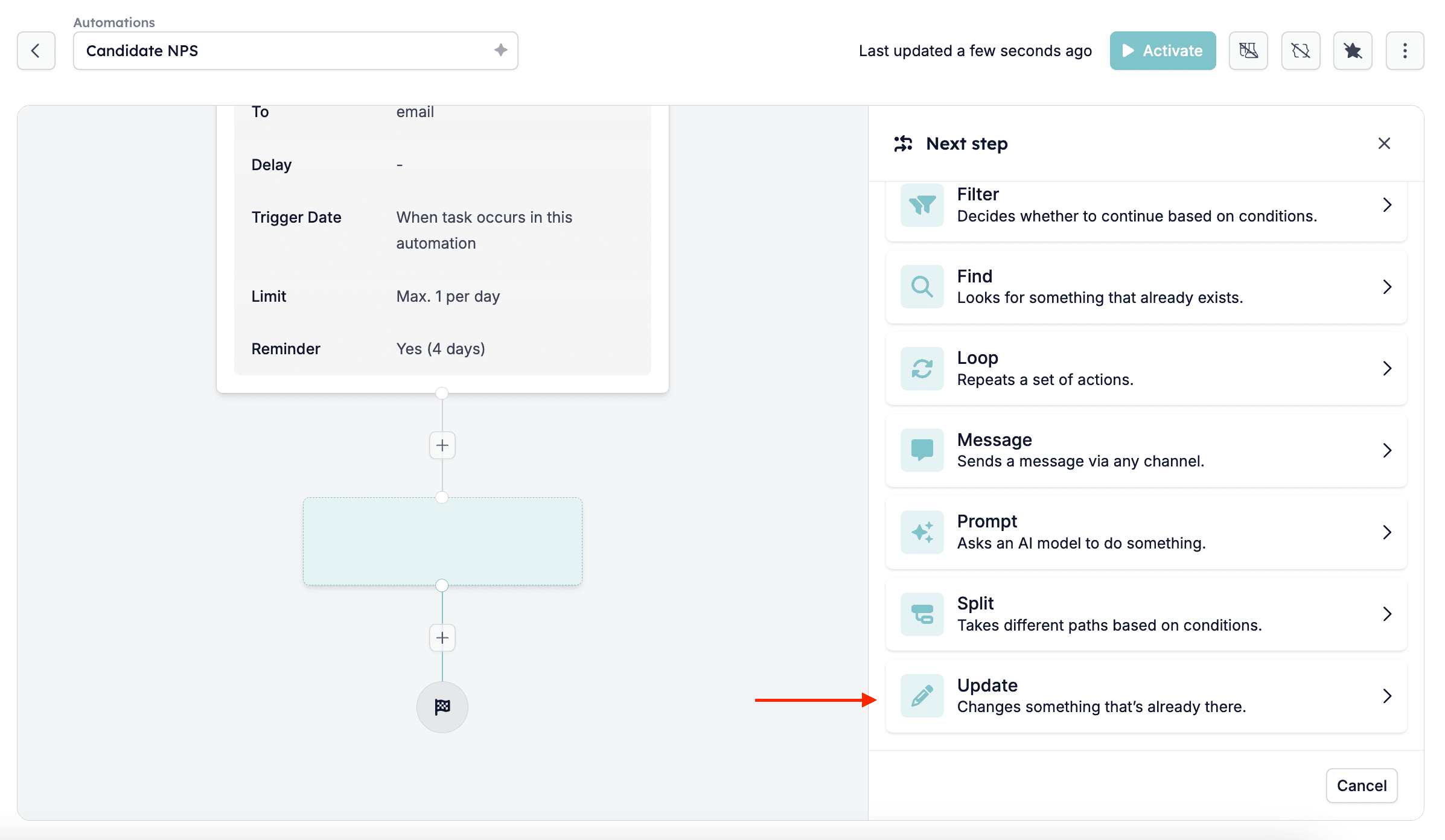
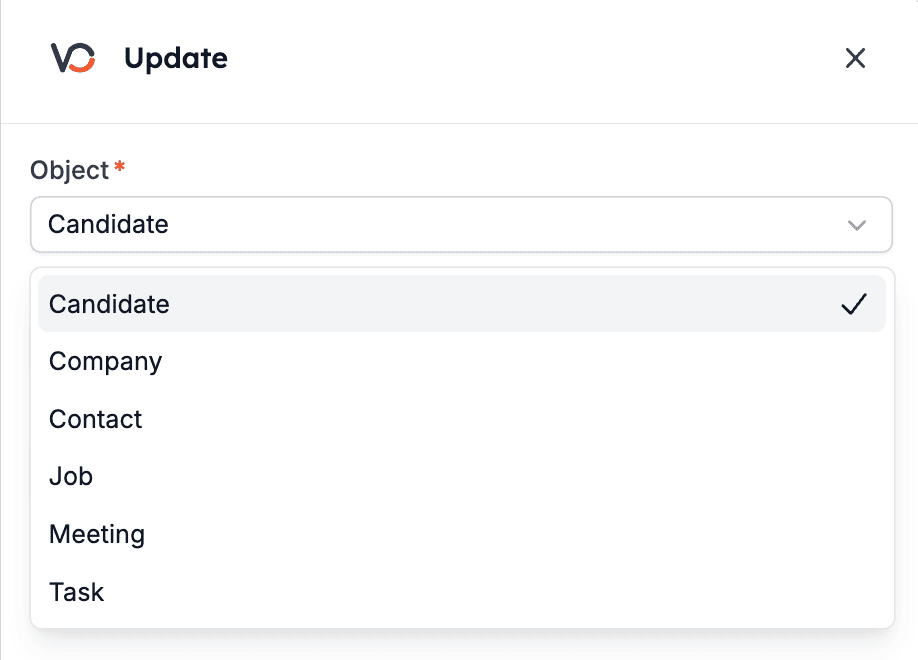
Step 2: Select the object you want to edit
Select the object you want to edit, which currently can be one of these:- Candidate
- Company
- Contact
- Job
- Meeting
- Task
Step 3: Select an identifier
Now you have to select an identifier, which HireData uses to find the object that you want to update.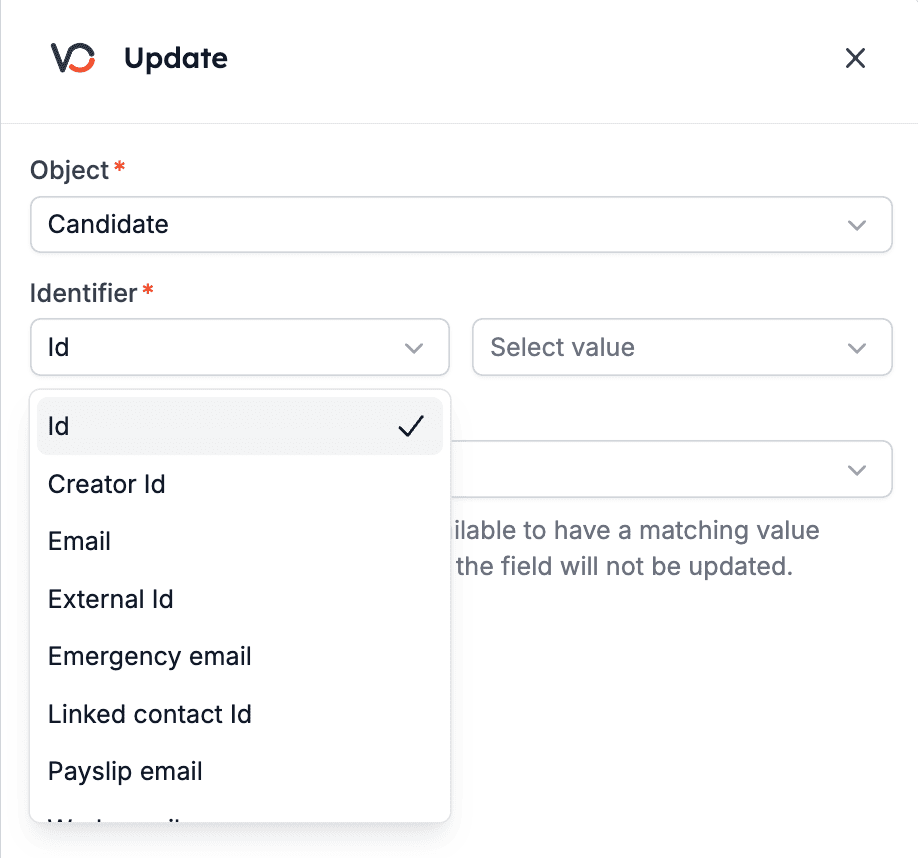
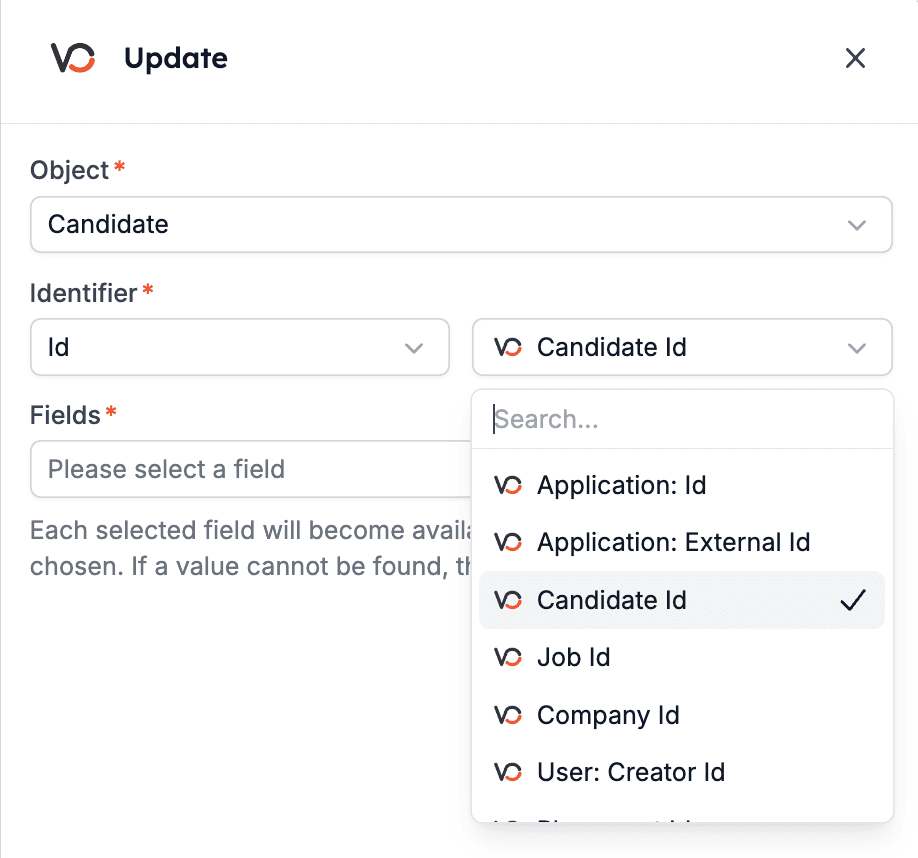
Step 4: Update the fields
Now, you can select all the fields you want to update. You can select as many as you want; use the search bar to find them.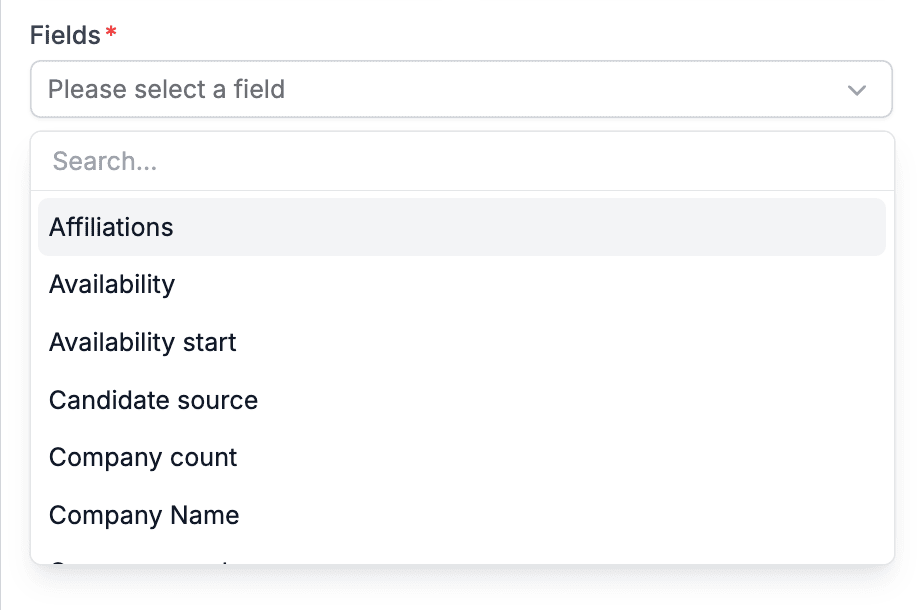
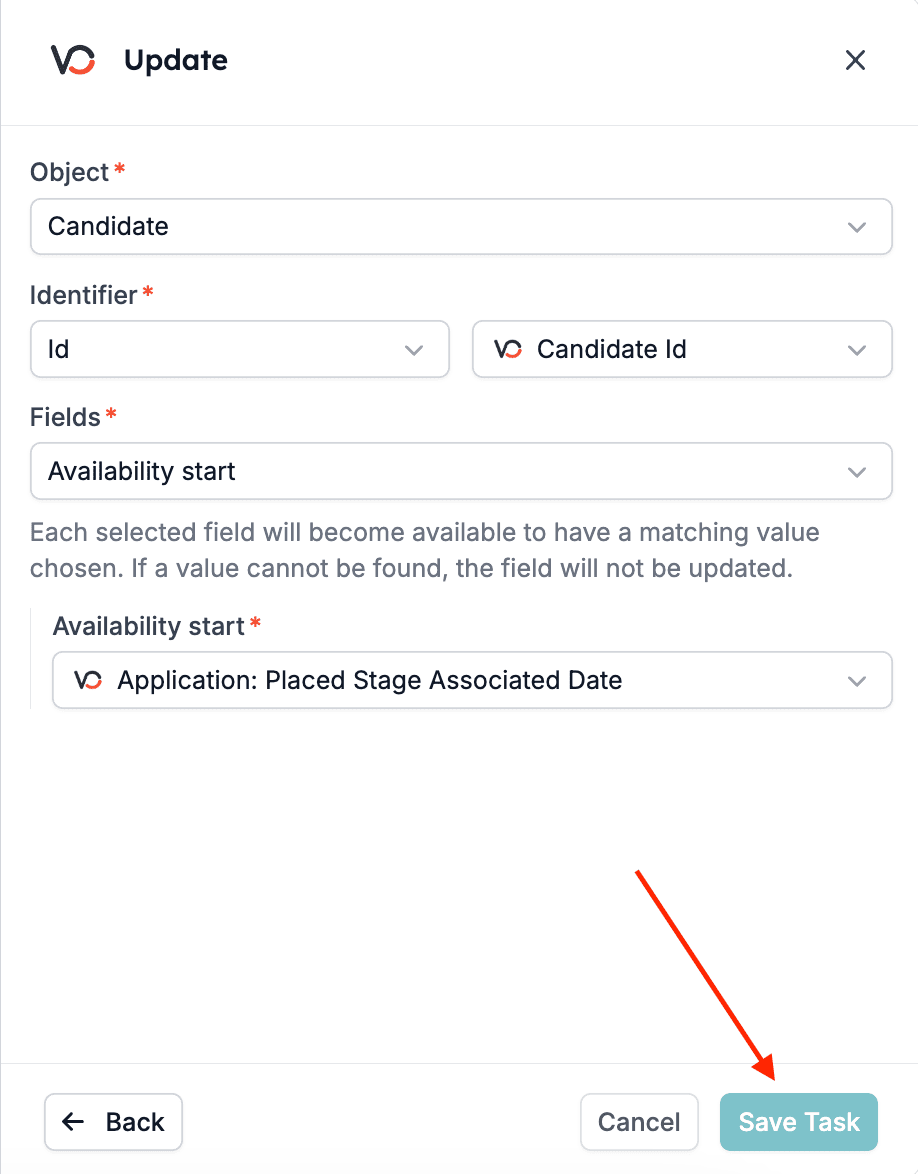
Step 5: Review
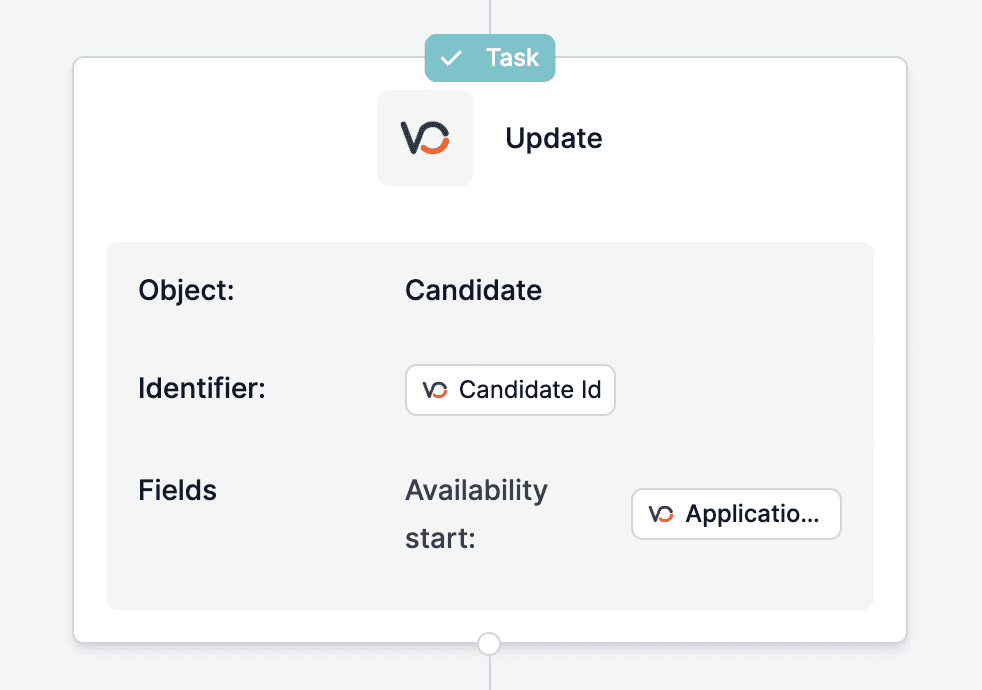
Last but not least, review the task pop-up, which will appear at the end of the automation, to ensure everything runs smoothly.