Step 1: Navigate to the Vincere app
Navigate to the app section within HireData. Here, you’ll find the option to integrate with Vincere.Step 2: Create a new connection
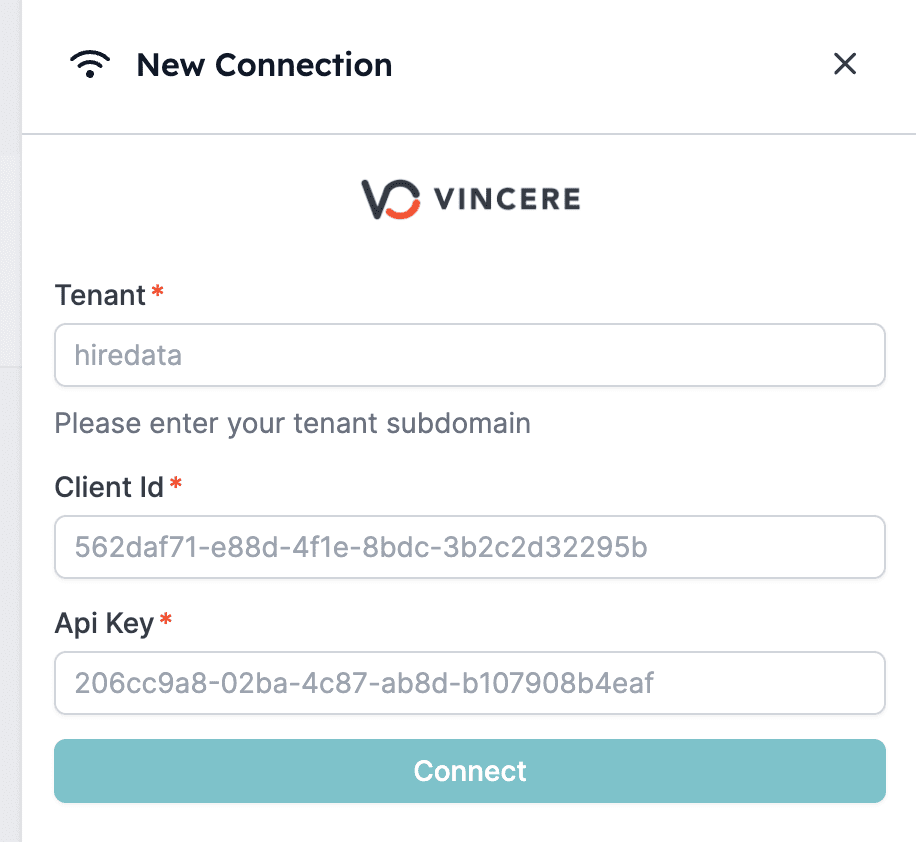
Click + New Connection and enter the required Vincere details: your tenant, client ID, and API key. If you don’t have a client ID and API key yet, get in touch with your account manager at Vincere. HireData protects your credentials throughout the integration process. 2.1: Click + New Connection and start connecting your Vincere
Step 3: Log in to Vincere
After you’ve configured your connection, you’re asked to log in to Vincere. Make sure you’re logging in with a user that has admin rights assigned to it. Log in to Vincere using a user with admin rights: