Editing your Carerix connection
Begin by navigating to the app section within HireData and open Carerix.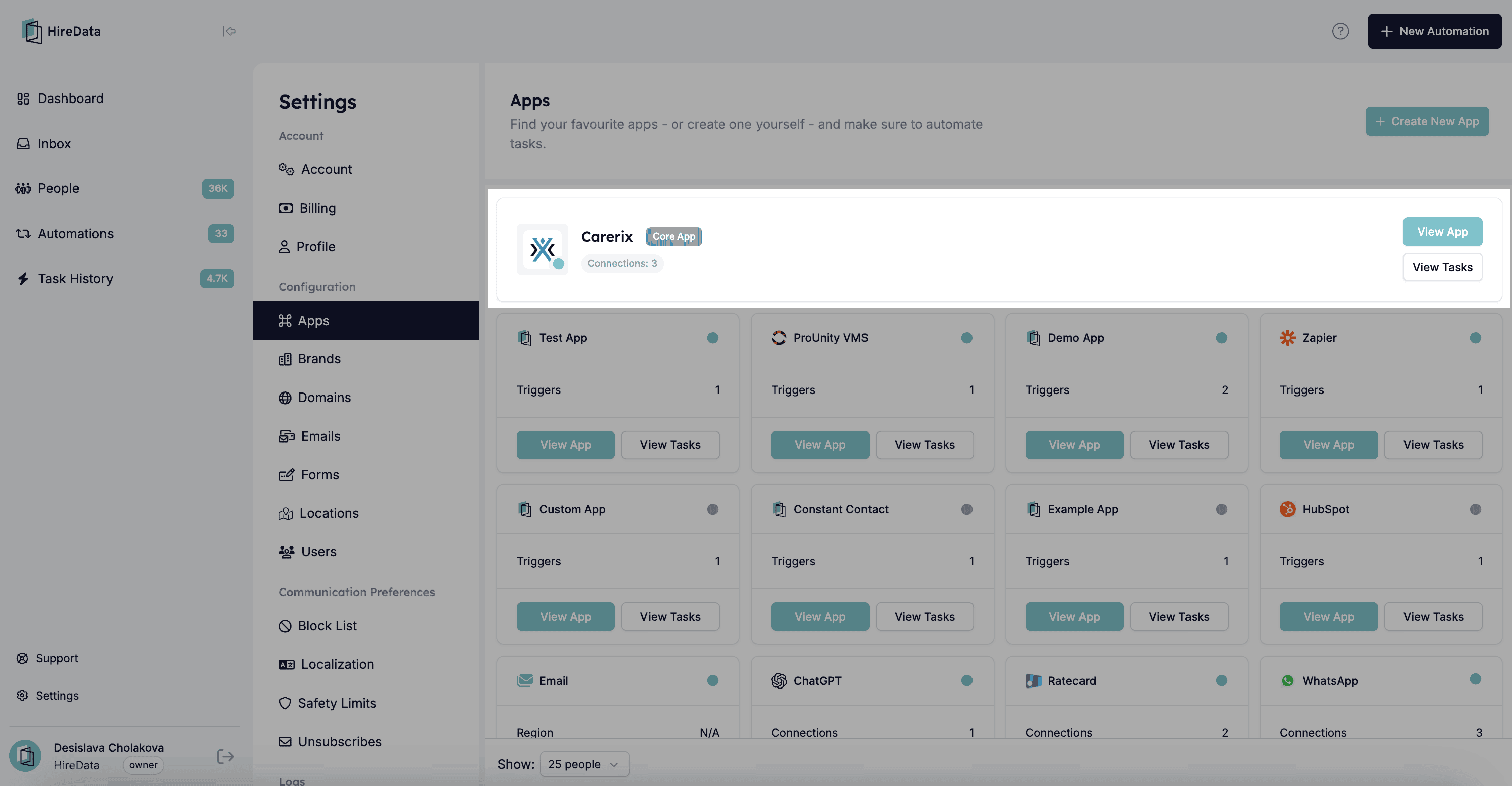
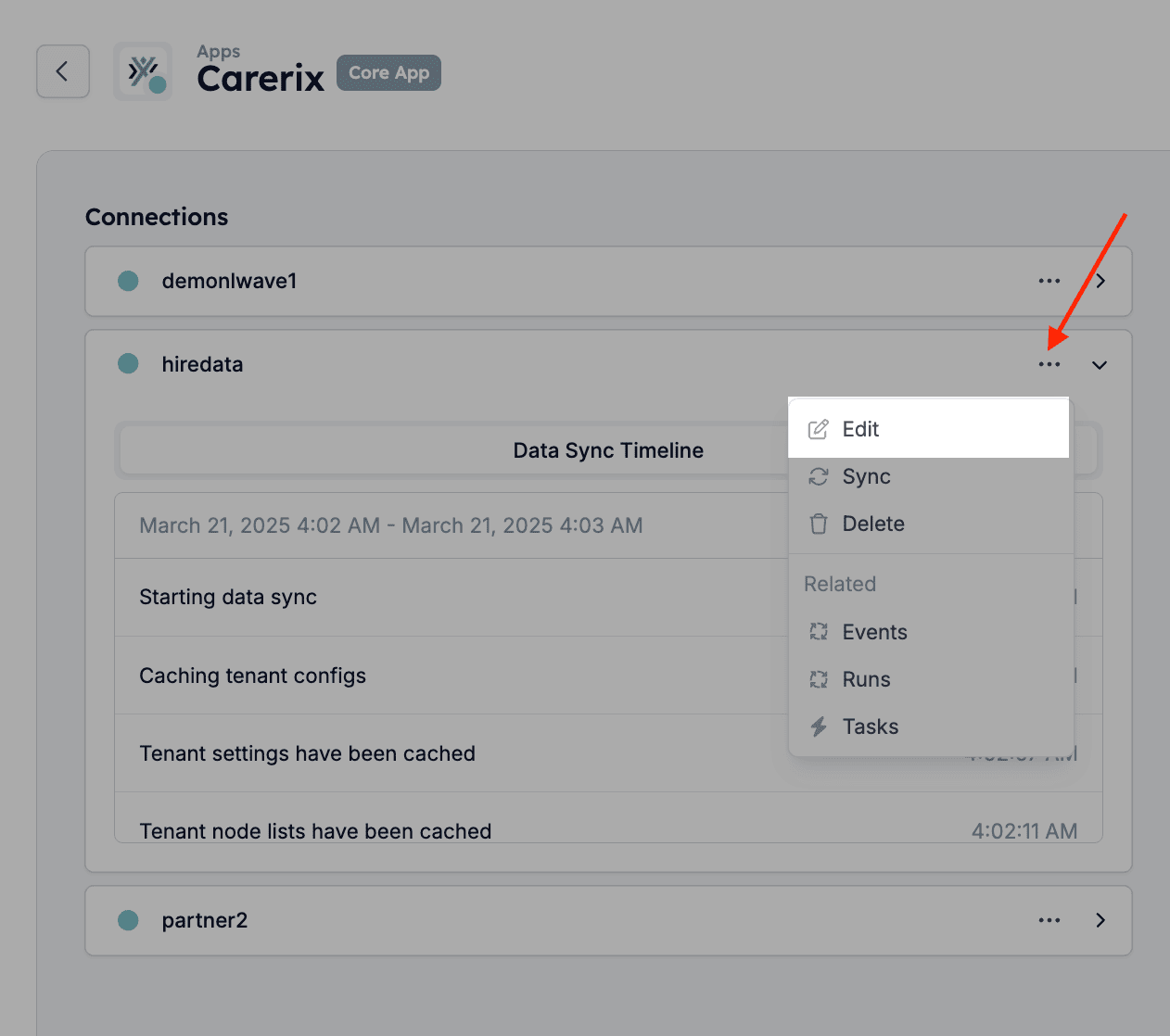
Configuring objects
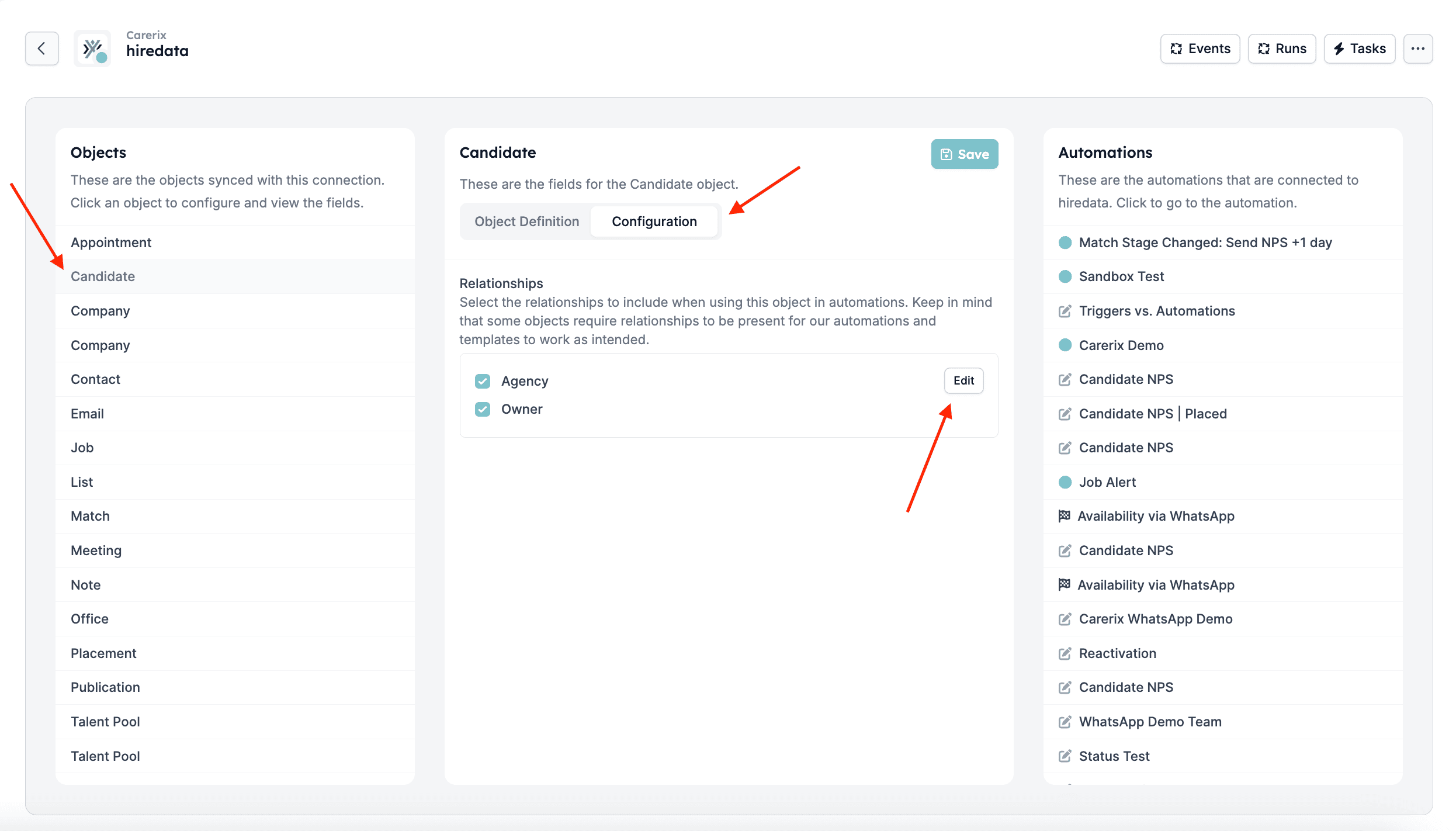
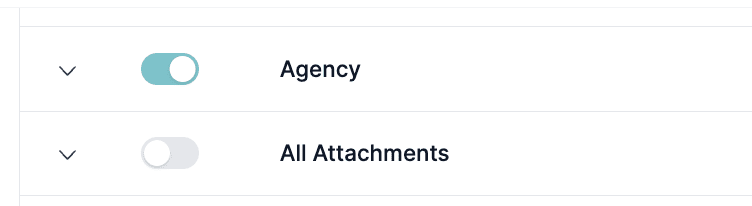
On the next screen, you will see a list of objects that are synced with your connection.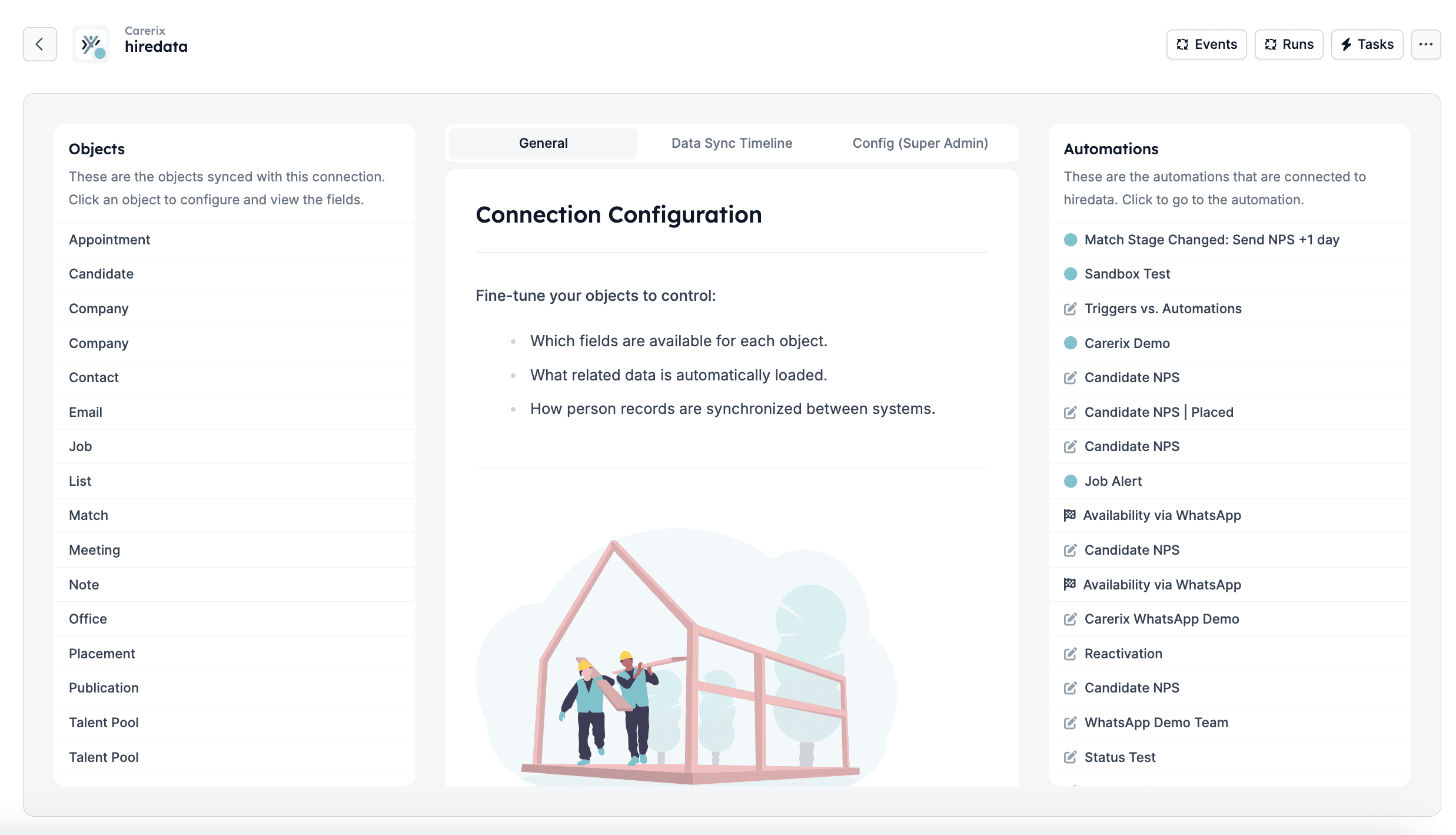
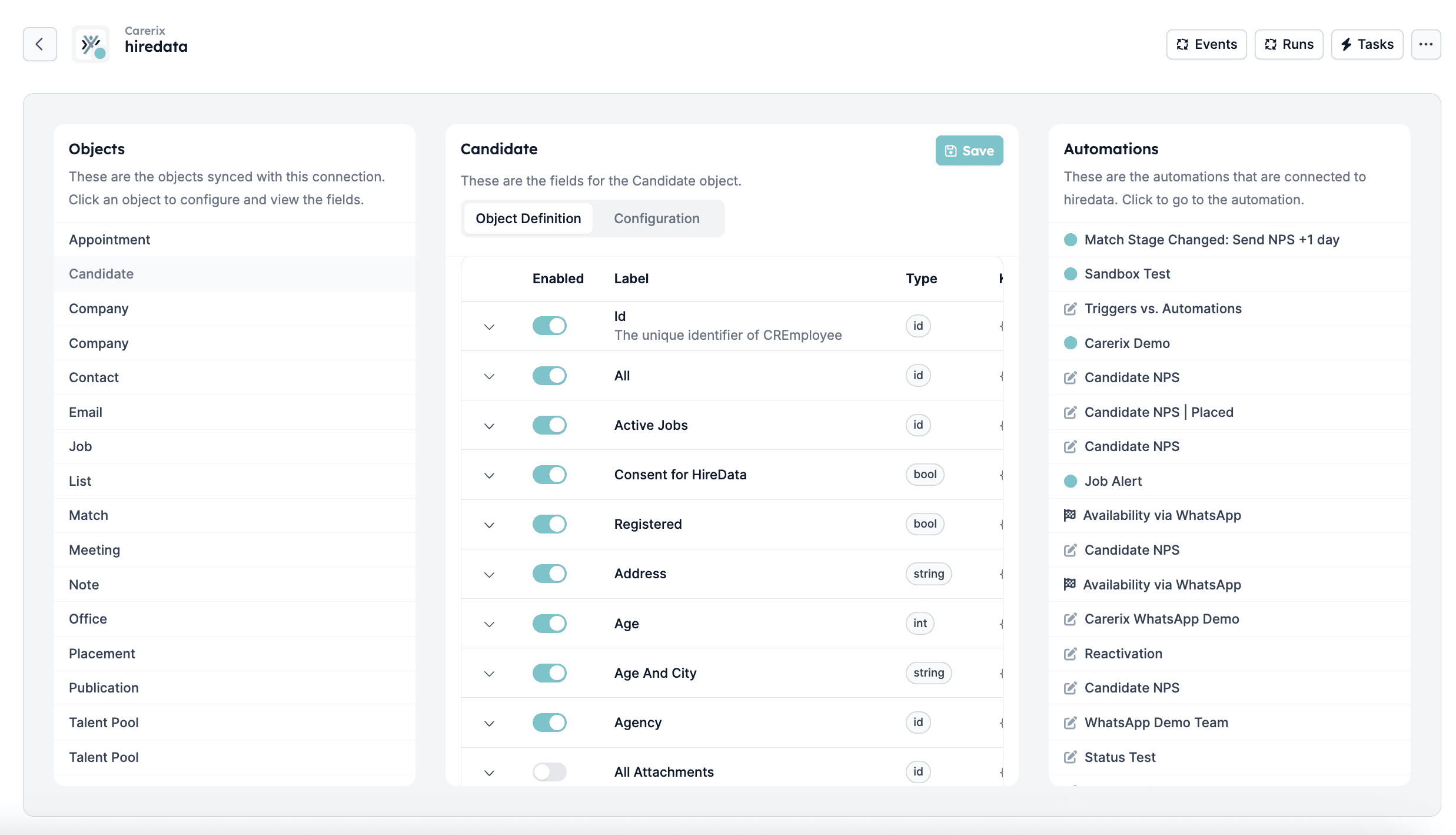
Configuring relationships
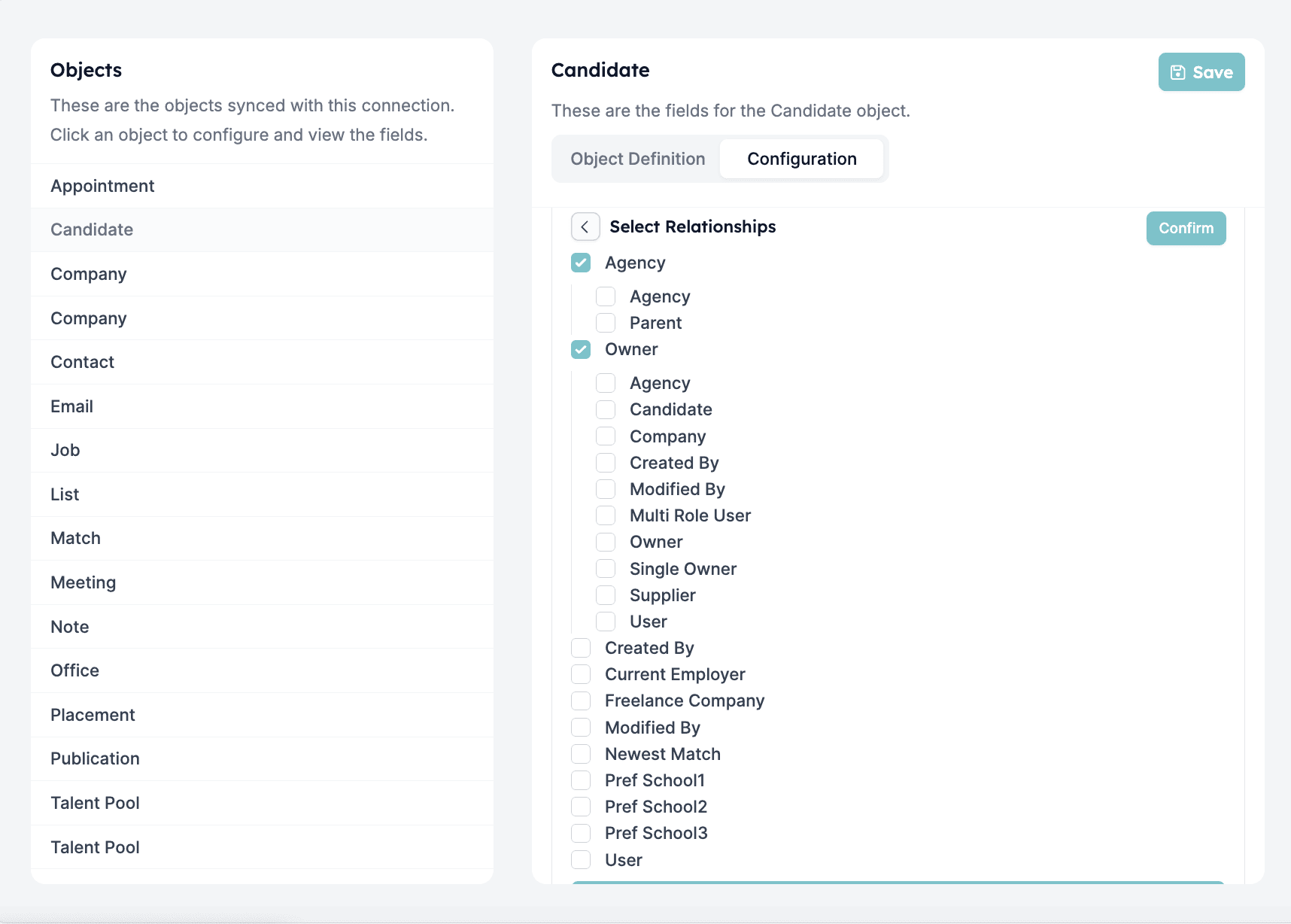
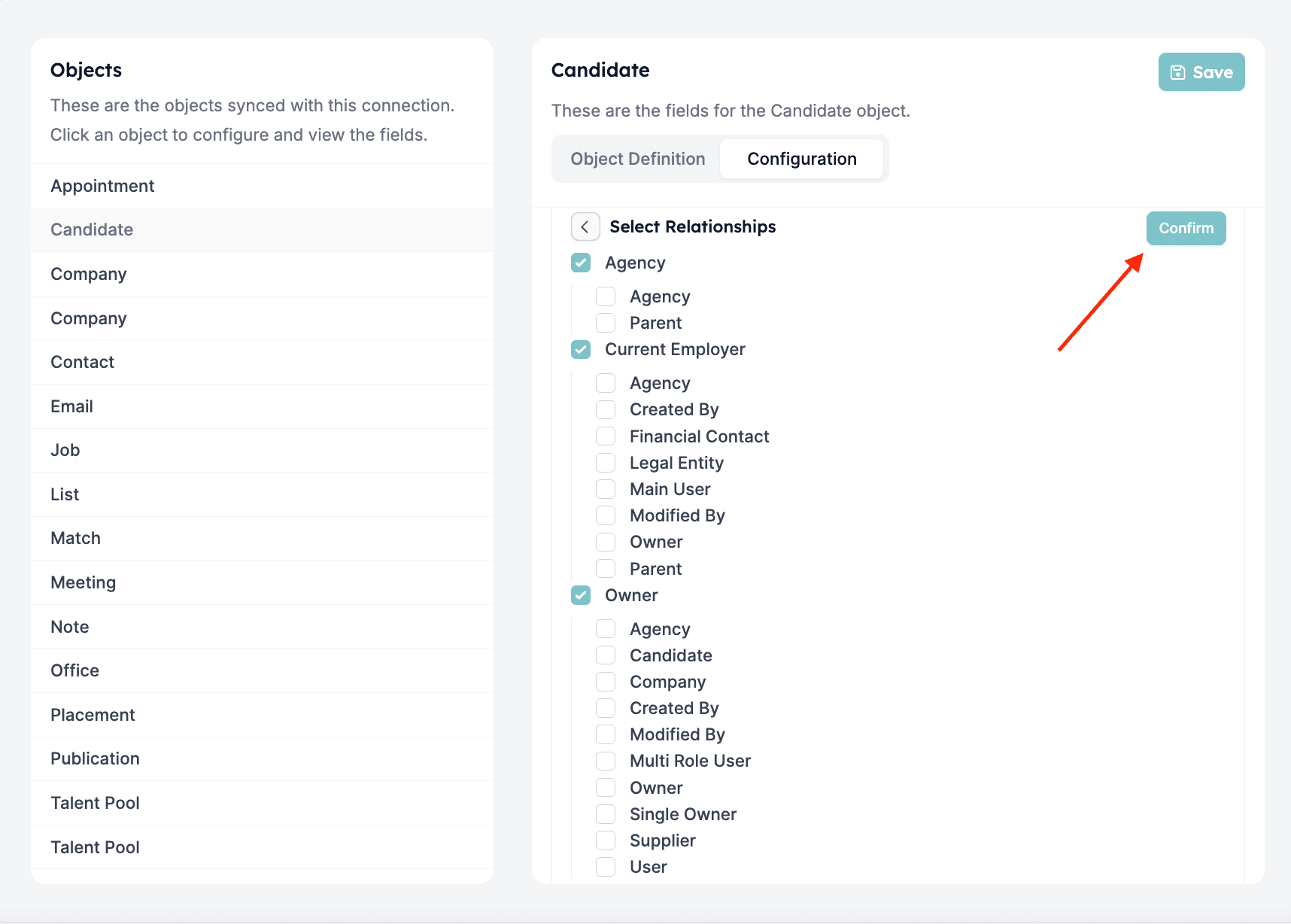
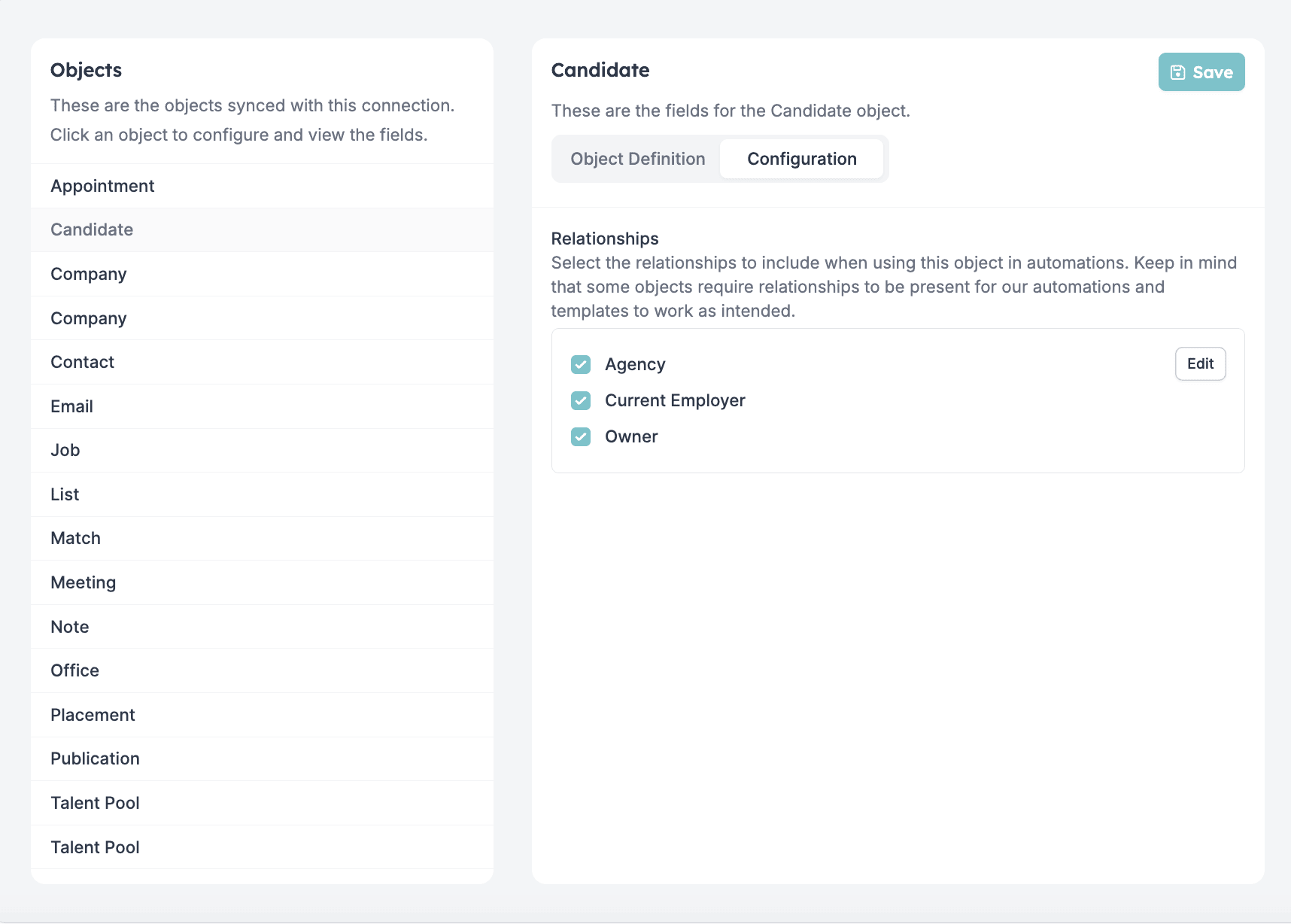
Here you can also define the relationships for your objects that your automations use. In the Objects panel on the left, select the object you would like to update and click the Configuration tab, where you will see the current relationships. Click Edit to update them.