Step 1: Create a task
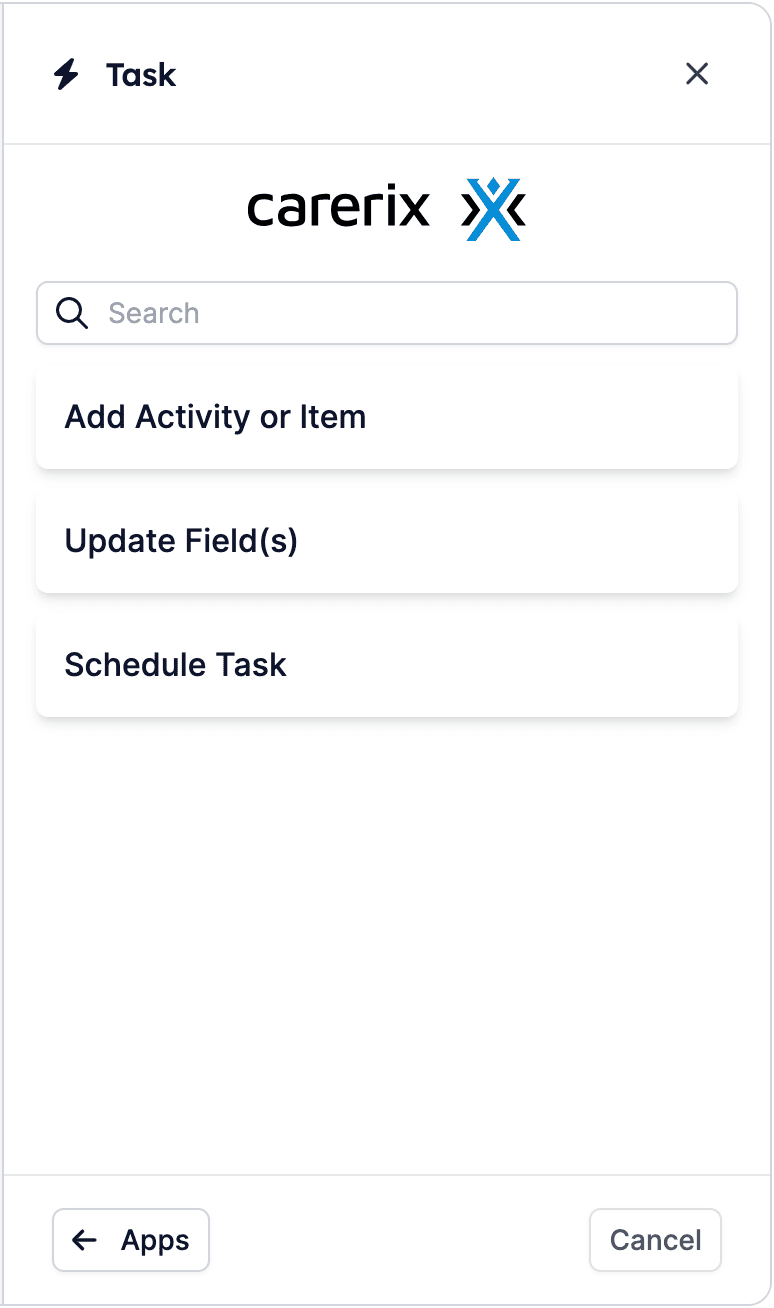
Click the + to open the Building Blocks menu, then select Task and the Carerix app. You will see all of the automated tasks that HireData currently supports through Carerix:- Add Activity or Item
- Update Field(s)
- Schedule task
Step 2: Set it up
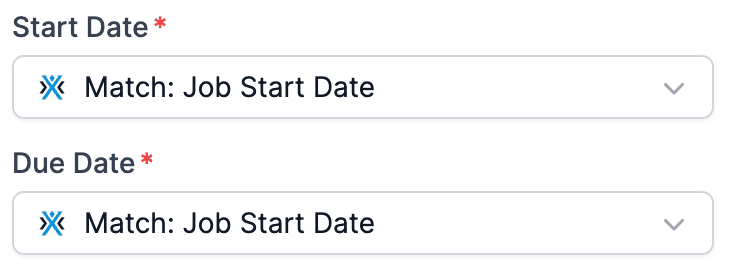
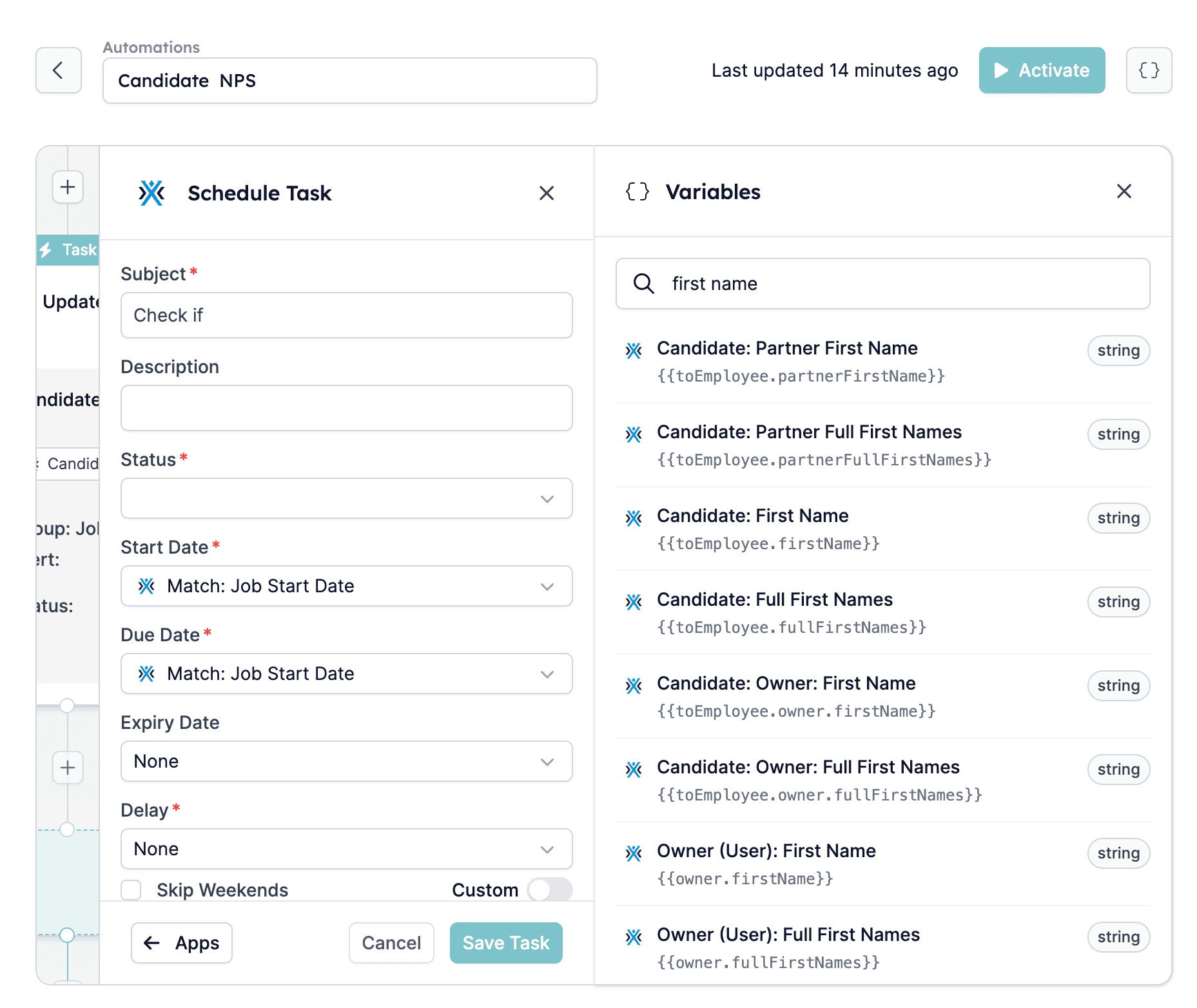
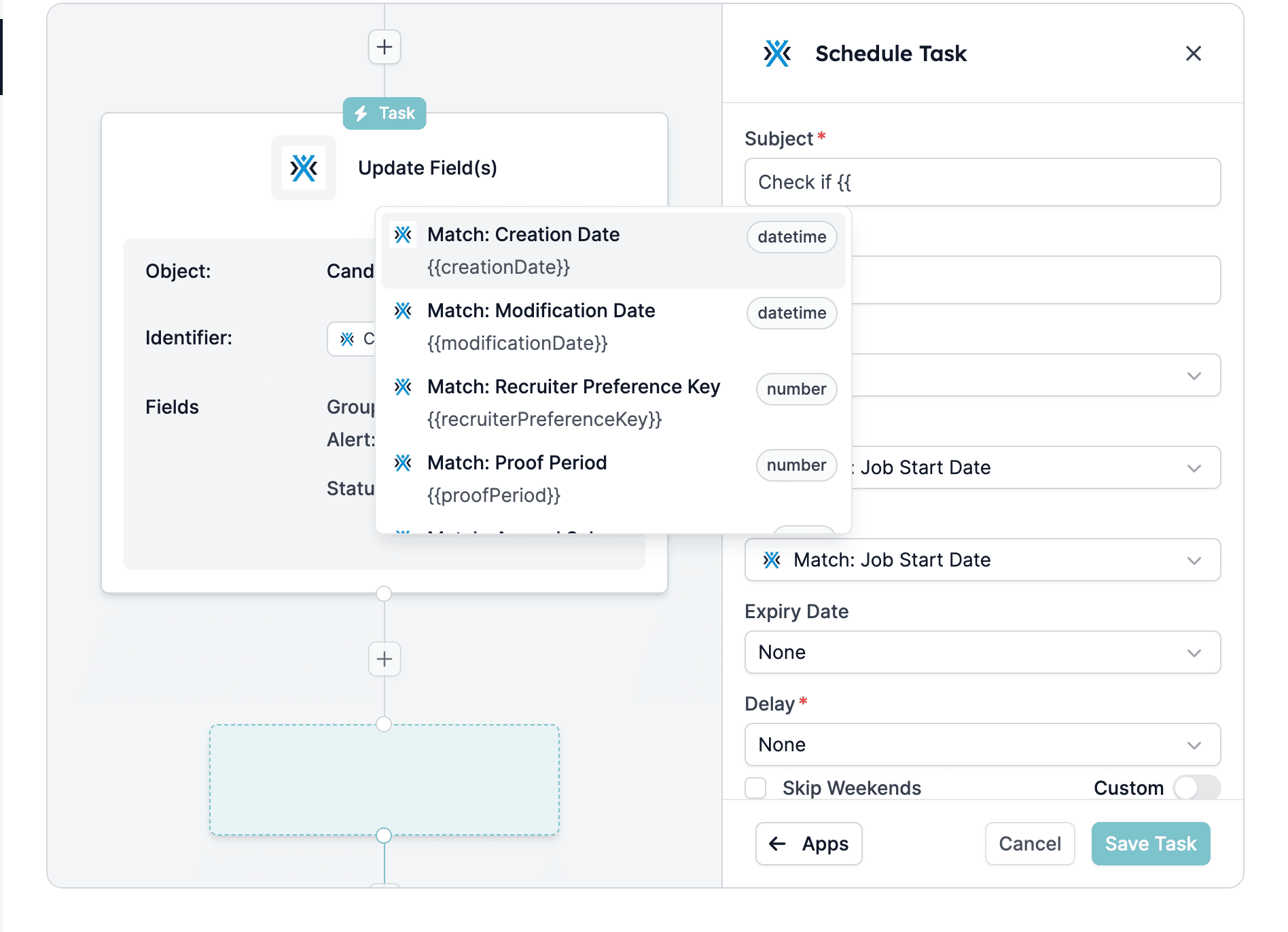
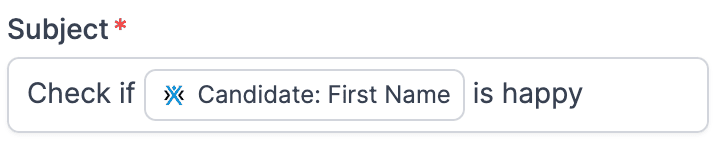
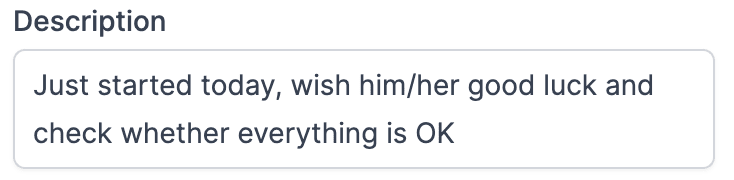
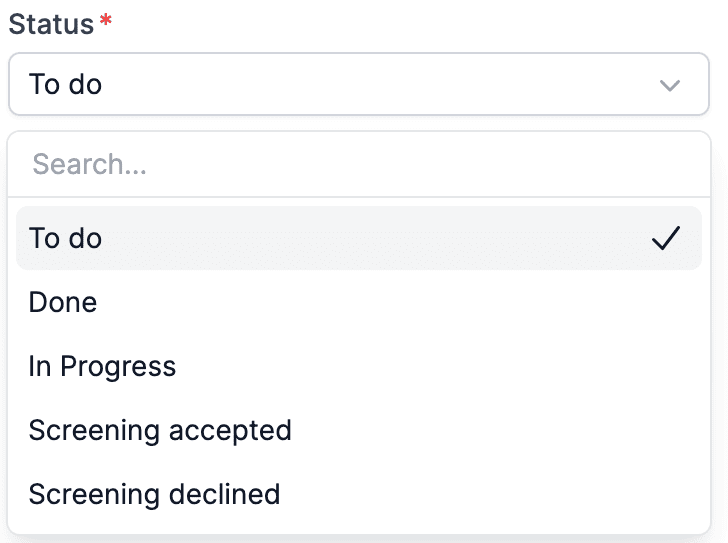
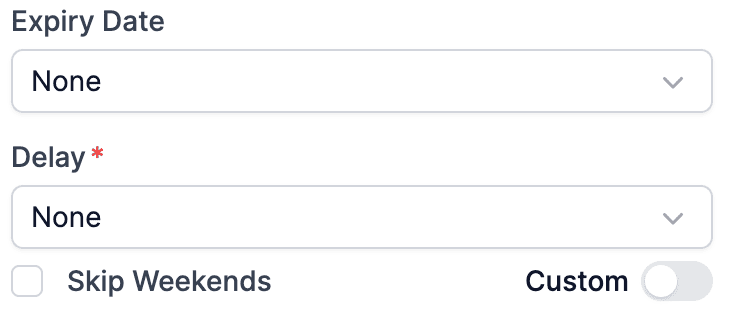
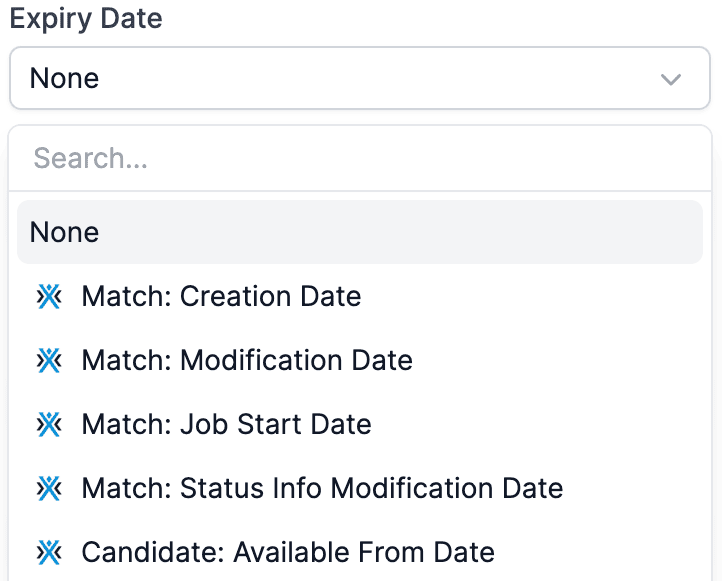
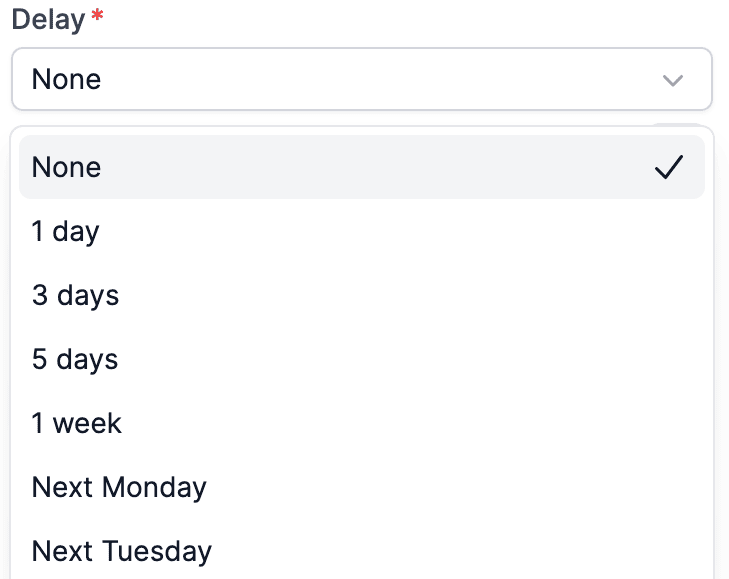
This guide focuses on creating a “Schedule task”. After you click the Schedule Task button, you need to fill in a few fields.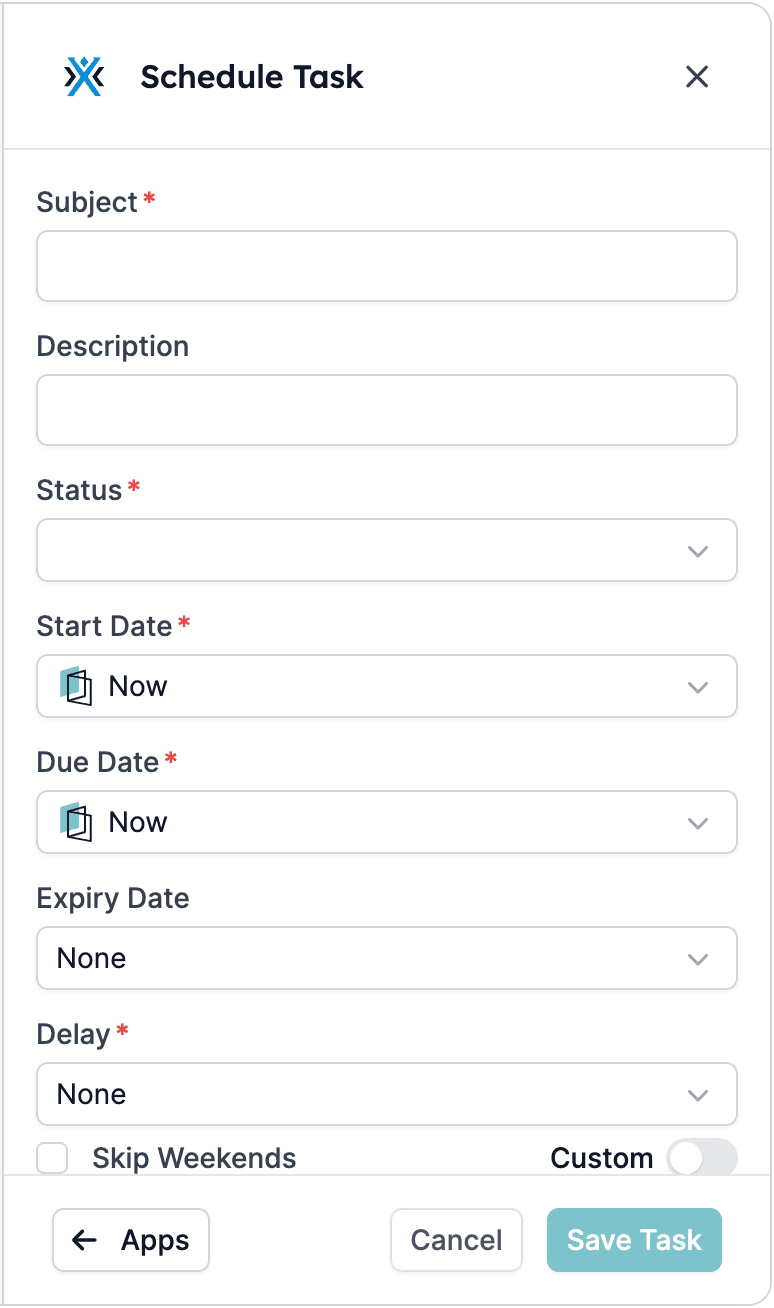

- To do
- In progress
- Done
- Screening accepted
- Screening declined


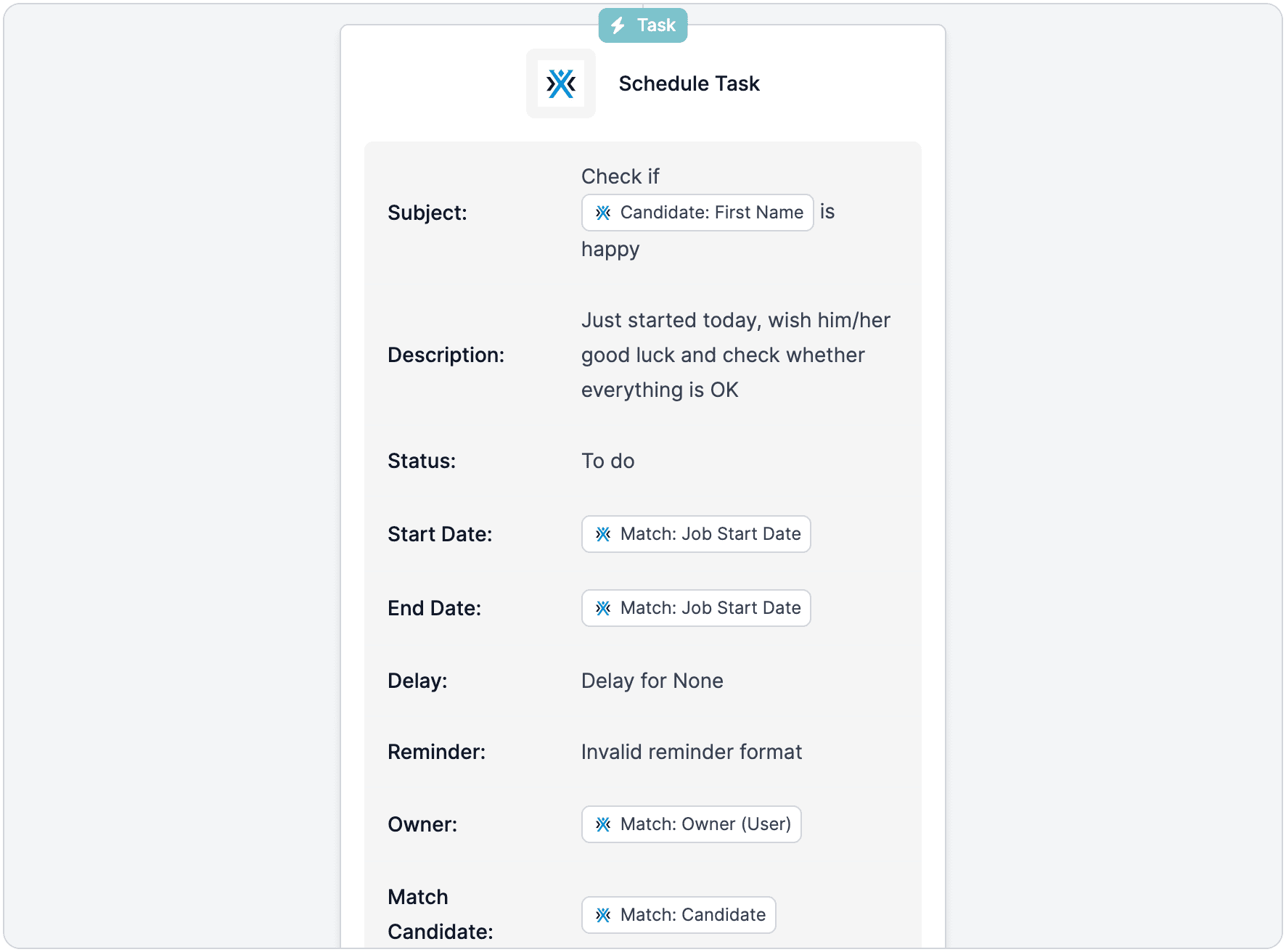
Step 3: Review the task
Review the summary of the task in the automation.