

Where to find it
- Candidate: open the candidate and click the WhatsApp tab, at the end of the row of tabs.
- Match: open the match and click the WhatsApp tab, next to General, Attachments and Activities. It shows the chat with the candidate of that match.
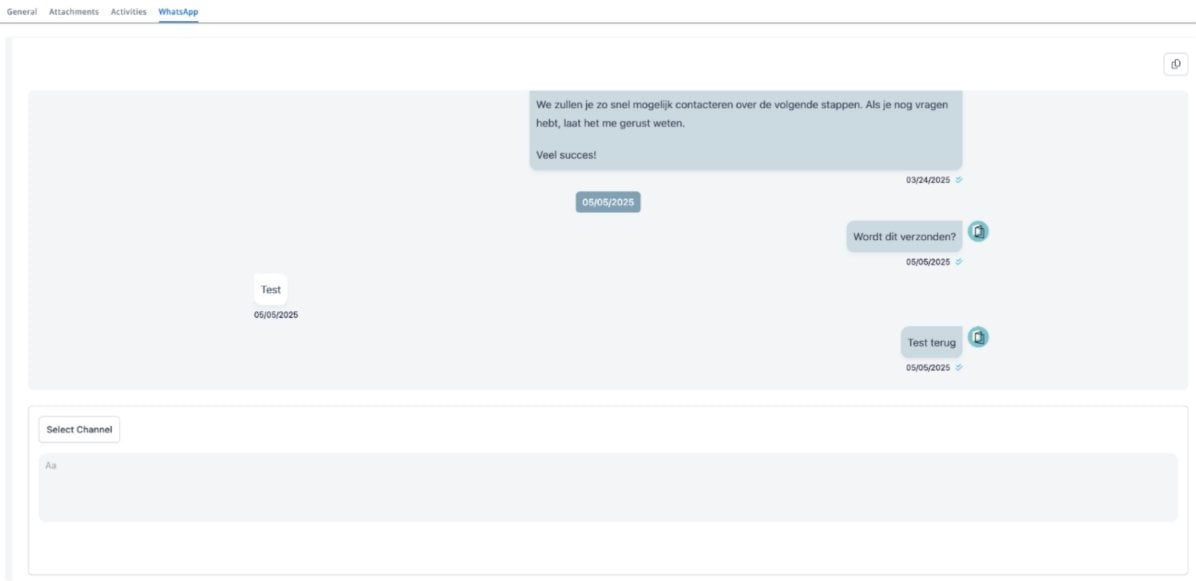
What the tab shows
- Every message in the conversation, sent and received, each with its date.
- Files the candidate sent you, such as a CV.
- A message box at the bottom. Pick a channel under Select Channel, type your message and send it.