

How it renders
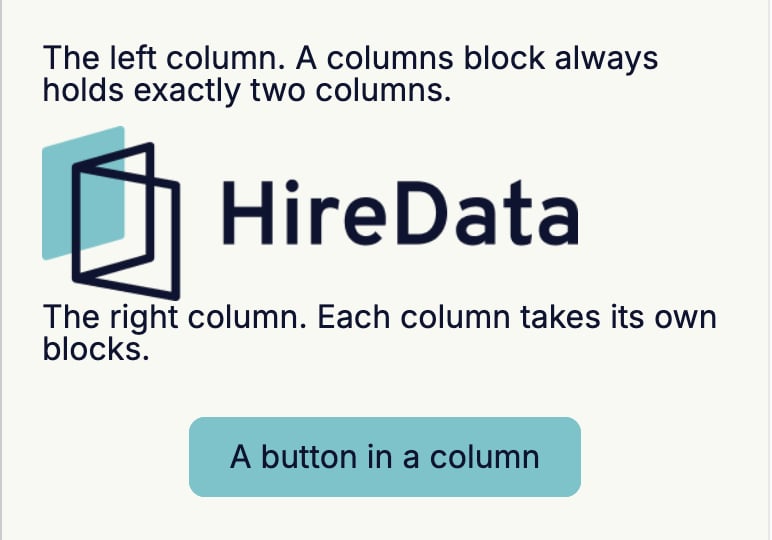
The two columns divide the width of the section between them, minus the padding and the gap, in the proportion Layout sets.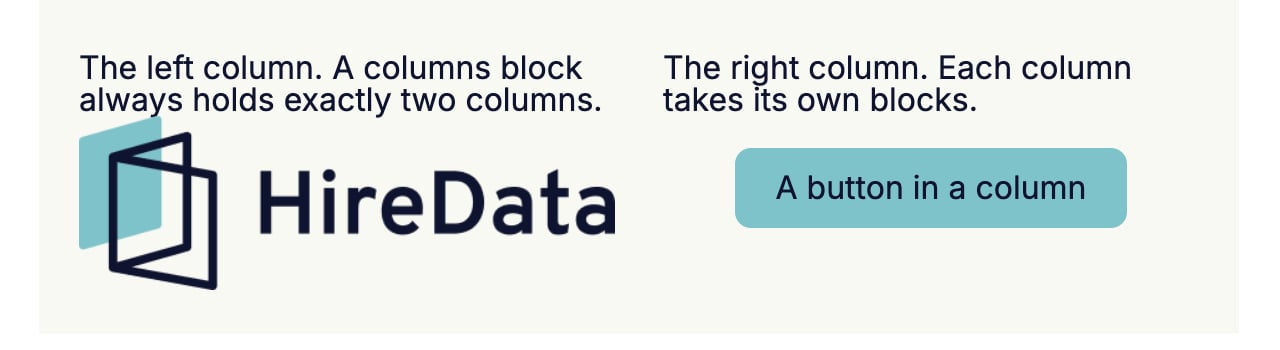
Settings
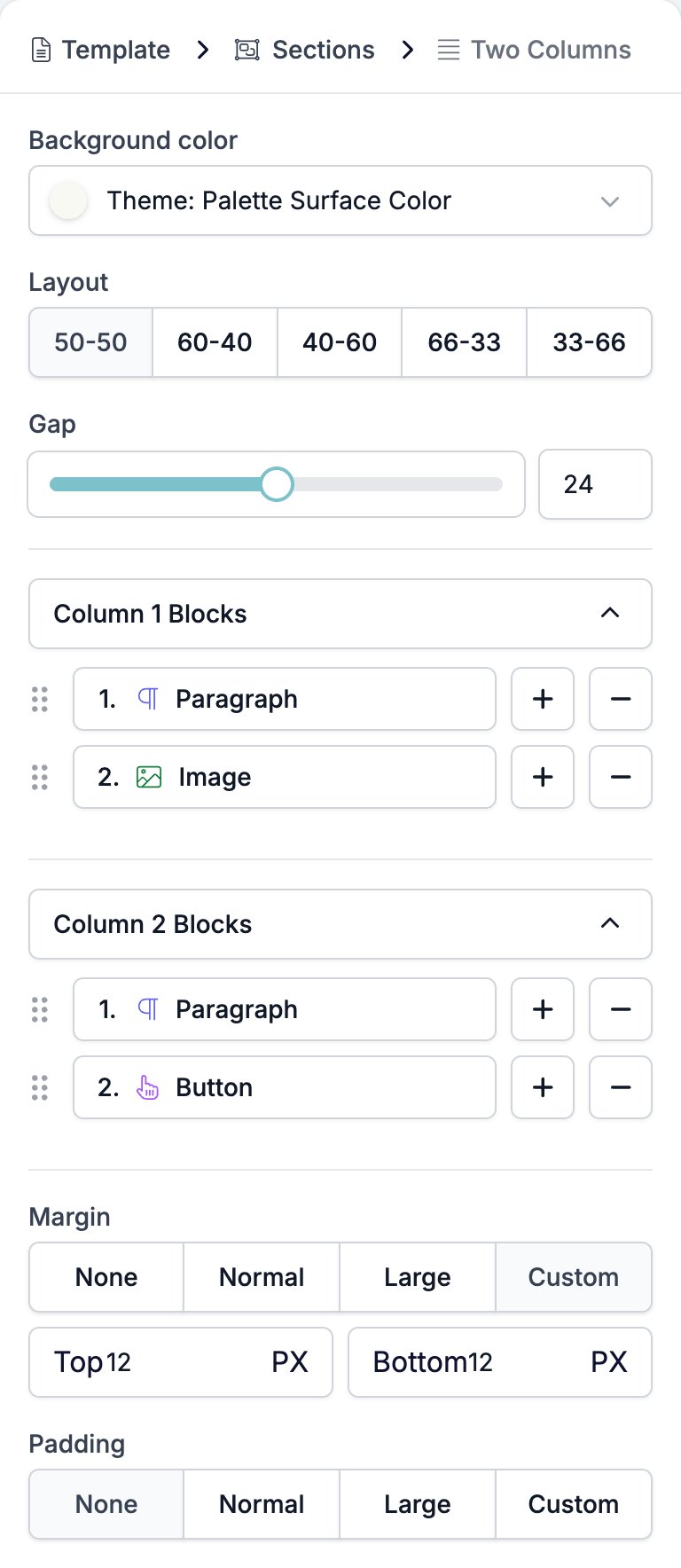
- Background color fills both columns.
- Layout sets the split: 50-50, 60-40, 40-60, 66-33, or 33-66. The first number is the left column.
- Gap is the space between the two columns, a slider and a box from 0 to 48 pixels.
- Column 1 Blocks and Column 2 Blocks are two separate lists, one per column, each with the usual +, −, and drag handle.
- Margin is the gap above and below the pair.
- Padding is the gap inside each column, around its blocks.
Limits
A Two Columns block always holds exactly two columns. Nothing adds a third and nothing removes one, the Blocks lists on either column only add blocks inside that column, and the breadcrumb skips the column level entirely. Three columns side by side is not a layout the email builder can make. A column takes fewer kinds of block than a section does. Its menu offers Paragraph, Heading, Image, Socials, Button, and HTML. It has no Two Columns, no Form, and no Signature, so columns never nest. Outside the builder the rule is enforced on the way in. An email template sent to the HireData API with a columns block that does not hold exactly two columns is rejected with “A columns block must contain exactly two column blocks.”Related
- Email Builder: Overview covers the builder, the toolbar, the theme, and every block type.
- Section is the only block a Two Columns can go in.
- Template explains where the column level sits and why you never see it.
- Image behaves differently in a column, where it takes the column’s width.