

How it renders
The signature is a fixed two-column layout. The picture goes in a 125 pixel column on the left, cropped to a circle at 100 by 100 pixels, and the text fills the column beside it.
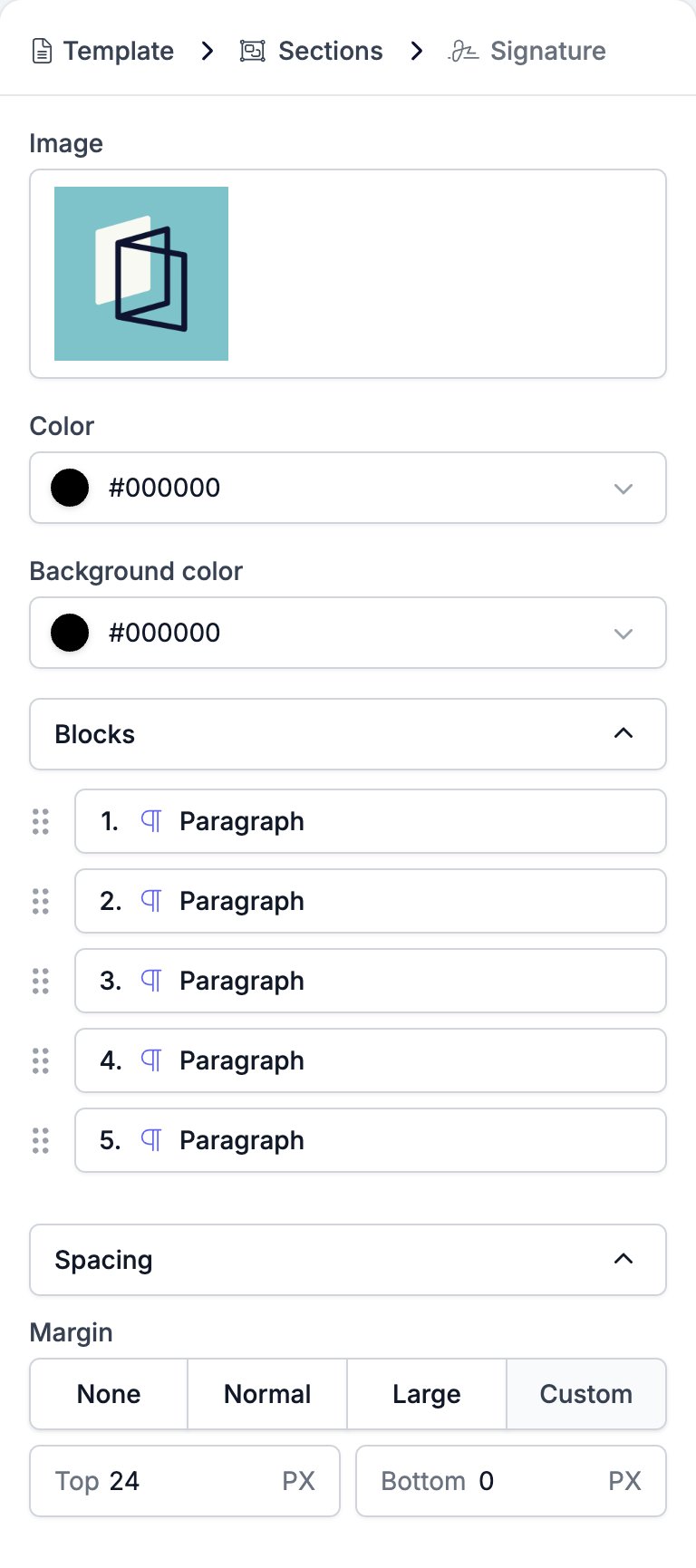
Template > Sections > Signature > Paragraph.
Settings
- Image opens the media library. Select an uploaded picture, or a variable such as the sender’s avatar or the brand logo, which then changes with whoever sends the email.
- Color sets the text colour for the whole signature.
- Background color sets the colour behind it.
- Blocks lists the lines of the signature, one row per paragraph. The rows drag to reorder and nothing else. There is no + and no −.
- Spacing holds Margin, the space above and below the block. It has no padding and no width.
Limits
The layout is the one thing you cannot touch. There is no setting for the column widths, for putting the picture on the right, for squaring off the circle, or for a second picture. If you need a different shape, build it out of a Two Columns block instead. The Blocks list holds paragraphs and nothing else. A signature cannot contain a button, an image, or a heading.A signature image set to the sender’s avatar resolves per sender, so the same template sends a different photograph for every colleague who uses it. Point it at the brand logo instead when the email should not carry a face.
Related
- Email Builder: Overview covers the builder, the toolbar, the theme, and every block type.
- Paragraph is the block every signature line is made of.
- Image is the block for a picture you want to size yourself.
- Two Columns is the way to build a sign-off the signature block cannot.
- Variables covers the sender and brand tokens a signature usually carries.