

How it renders
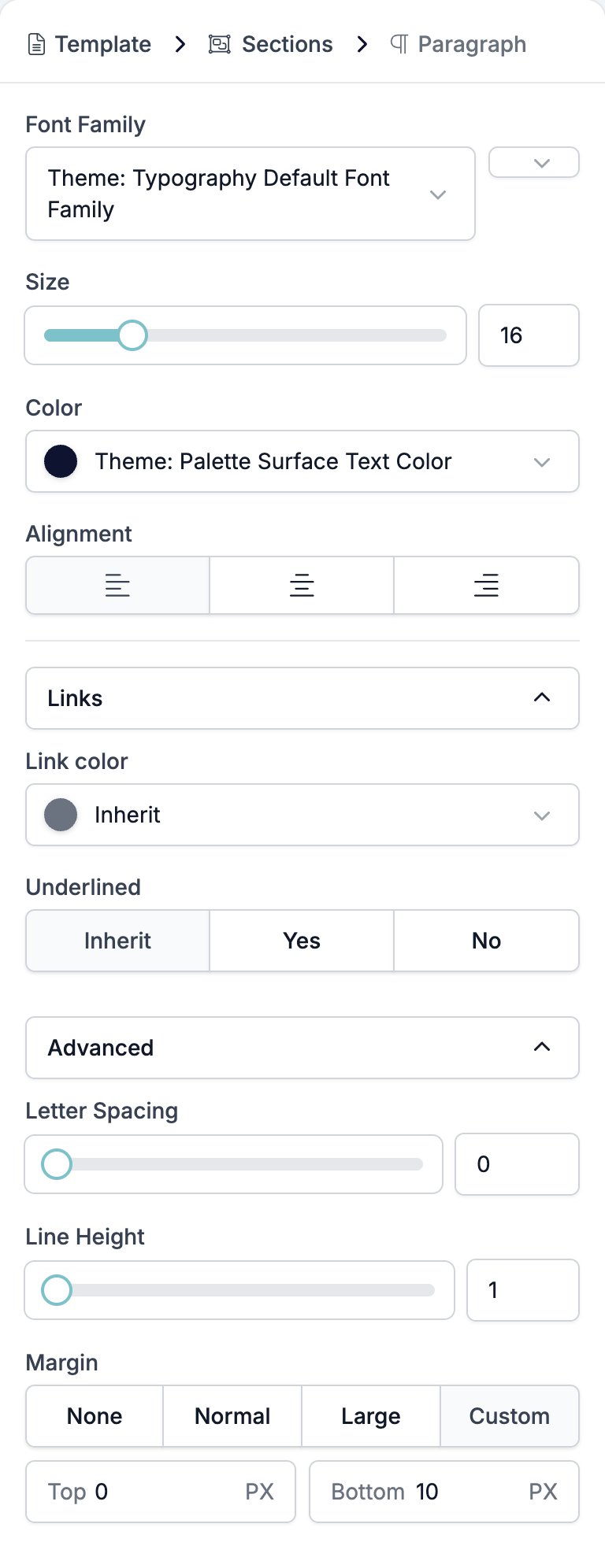
The paragraph becomes a block of text the full width of whatever holds it, wrapping at that width. Select words in the email and a small menu appears over them. It holds bold, underline, italic, strikethrough, a text colour, and a link. The three dots at the end hold subscript and superscript. A link you add from that menu can be a web address, an email address, or a phone number. HireData acceptshttp, https, mailto, and tel.
Settings
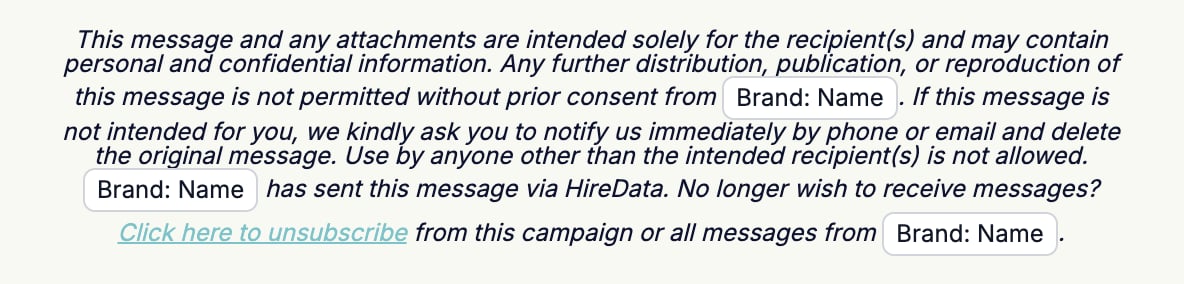
- Font Family picks the typeface, with a weight selector beside it running from Ultra Light to Heavy. The brand’s own fonts sit at the top of the list, above the rest.
- Size is a slider and a box, 8 to 48 pixels. New paragraphs start at 16.
- Color sets the text colour and starts on the brand’s surface text colour.
- Alignment is left, centre, or right.
- Links holds two controls for the links in this paragraph only. Both offer Inherit, which hands the decision back to the template, and that is what a new paragraph uses.
- Link color.
- Underlined, Inherit, Yes, or No.
- Advanced holds three controls.
- Letter Spacing, 0 to 10.
- Line Height, 1 to 2.
- Margin, the gap above and below the paragraph.
{{ anywhere in a paragraph to drop in a variable.
Related
- Email Builder: Overview covers the builder, the toolbar, the theme, and every block type.
- Heading is the same text controls at a heading level.
- Template sets the link colour a paragraph inherits.
- Variables covers the picker, the fallbacks, and what a missing value looks like.
- Button is the block to use when the link is the point.