

How it renders
A heading comes out of the email builder as a styled line of text. It is not wrapped in an HTML heading tag, so the level you pick does not mark the line as a heading for a screen reader. Treat the level as a size preset, and pick it for the size you want rather than for the outline it implies.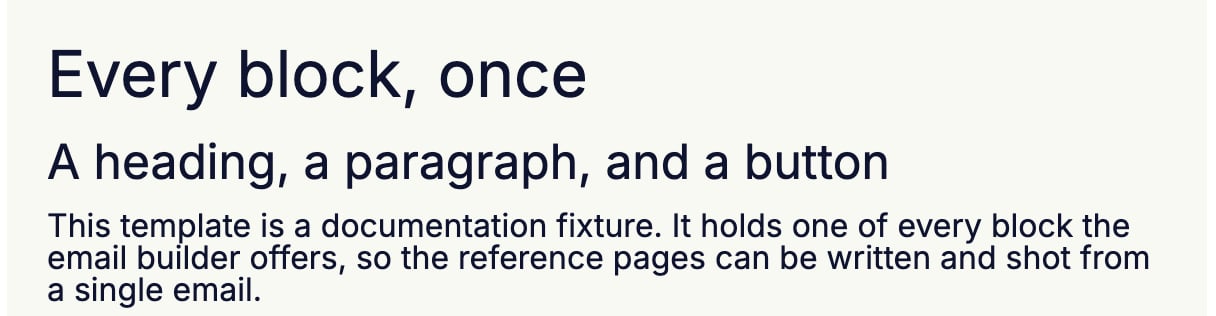
Settings
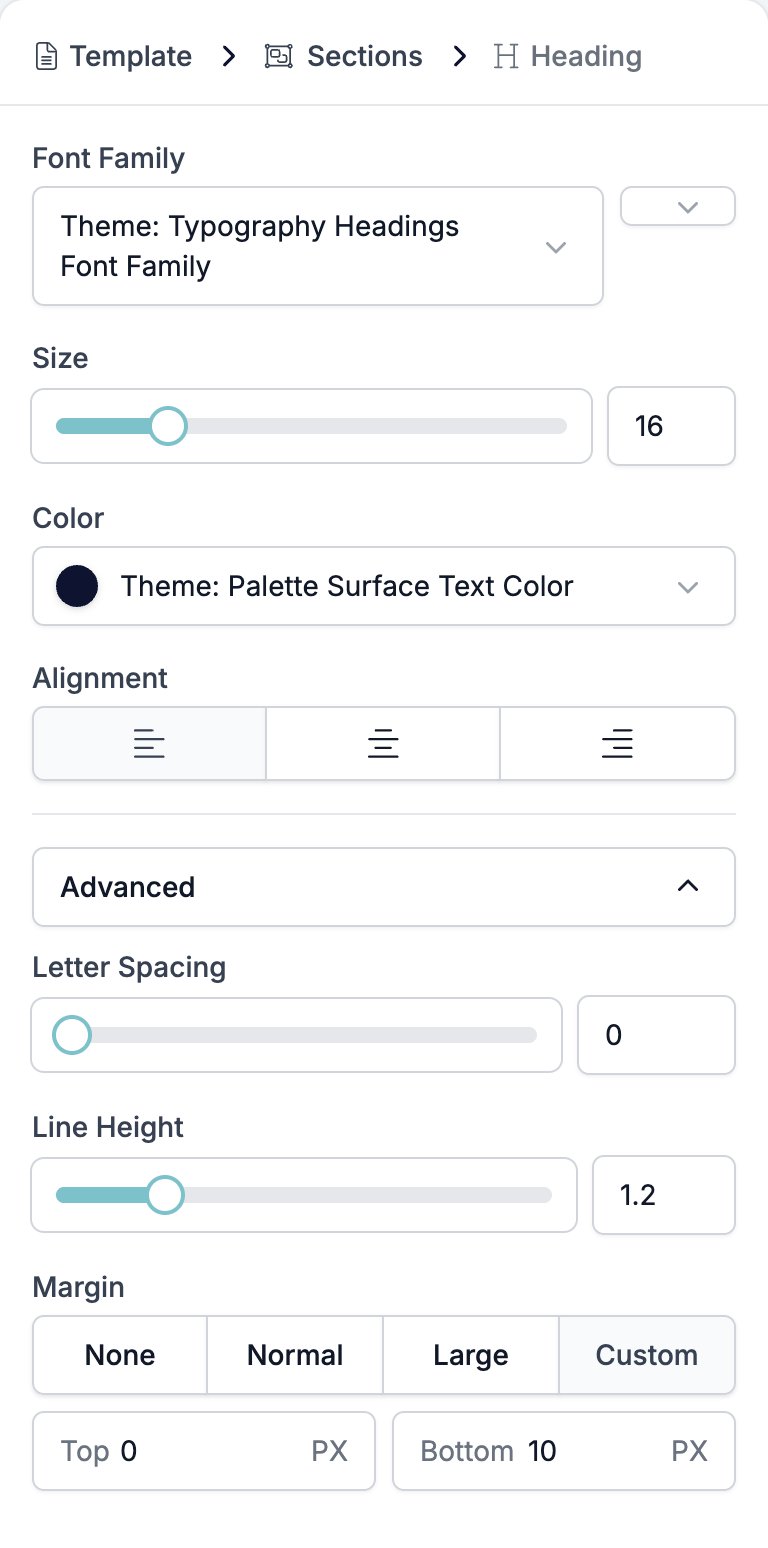
- Font Family picks the typeface, with a weight selector beside it. It starts on the brand’s heading font, which is a separate setting from the brand’s body font.
- Size is a slider and a box, 8 to 48 pixels.
- Color sets the text colour.
- Alignment is left, centre, or right.
- Advanced holds three controls.
- Letter Spacing, 0 to 10.
- Line Height, 1 to 2.
- Margin, the gap above and below the heading.
Type
{{ in a heading to drop in a variable.
Related
- Email Builder: Overview covers the builder, the toolbar, the theme, and every block type.
- Paragraph shares the same text controls and adds a link colour.
- Section is the band a heading sits in.
- Variables covers the picker, the fallbacks, and what a missing value looks like.