Scan works with Carerix today.
What the report shows
The report has four tabs: Overview, Database, Team and Recommendations.
Overview
The size of your database at a glance, what HireData has already delivered for you, such as runs, emails sent and chats, and links to the other tabs.Database
How complete and reachable your data is, with separate views for Candidates, Clients and Contacts:- Reachability: how many candidates you can reach by email, mobile, WhatsApp and LinkedIn, and how many have given consent.
- Dormant pool: how many candidates you last worked with 0–90 days ago, 90–180 days ago, 180–365 days ago or more than a year ago.
- Profile completeness: how many profiles have a CV, skills, work history, education and a preferred channel.
Team
The same figures per recruiter and per office, on the Recruiters and Offices tabs. A group with too few records to compare is marked small sample.Recommendations
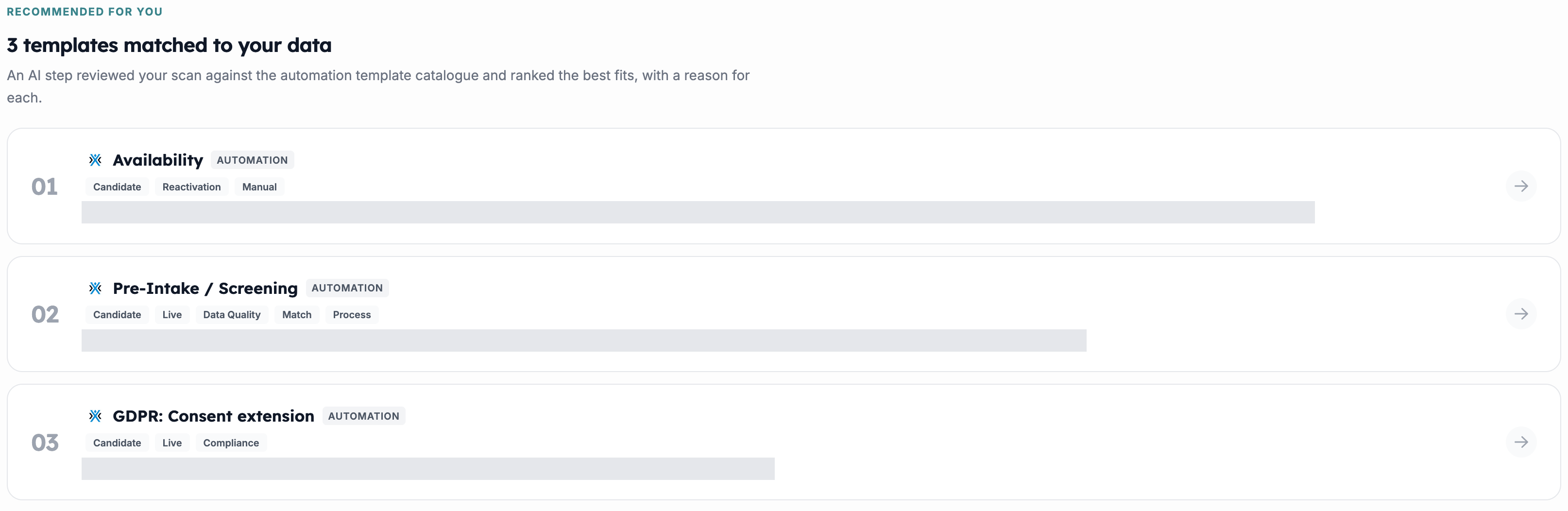
A ranked shortlist of automation templates that target the gaps the scan found, each with the reason it was picked. Open one to preview and test it, and activate it to create a draft automation you can review before it goes live.