Changing your password while logged in
Navigate to the Settings menu and open your Profile page. Then, enter your new password, confirm it, and click Change Password.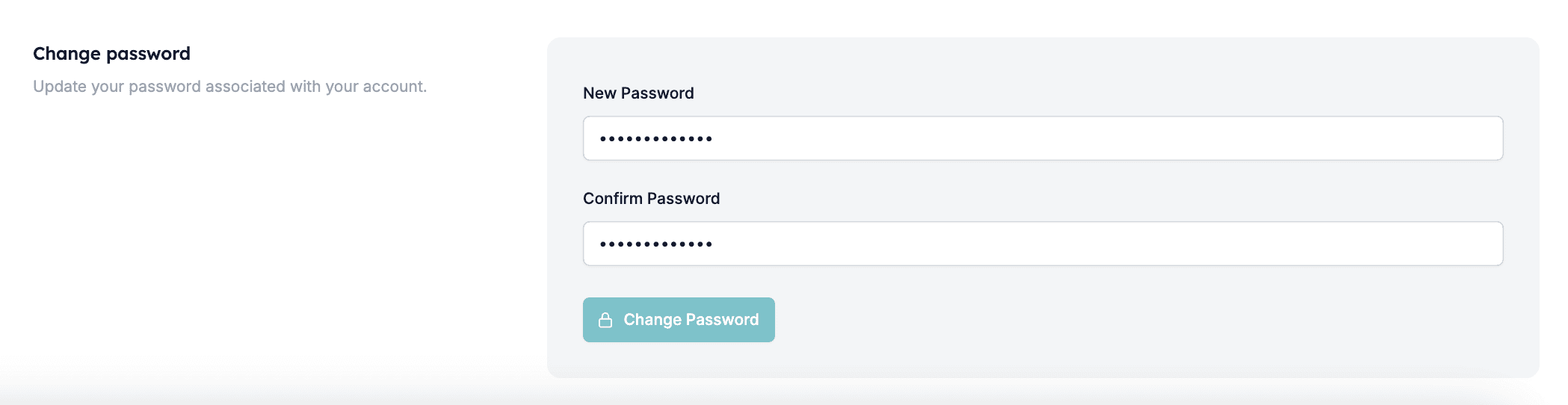
Resetting your password
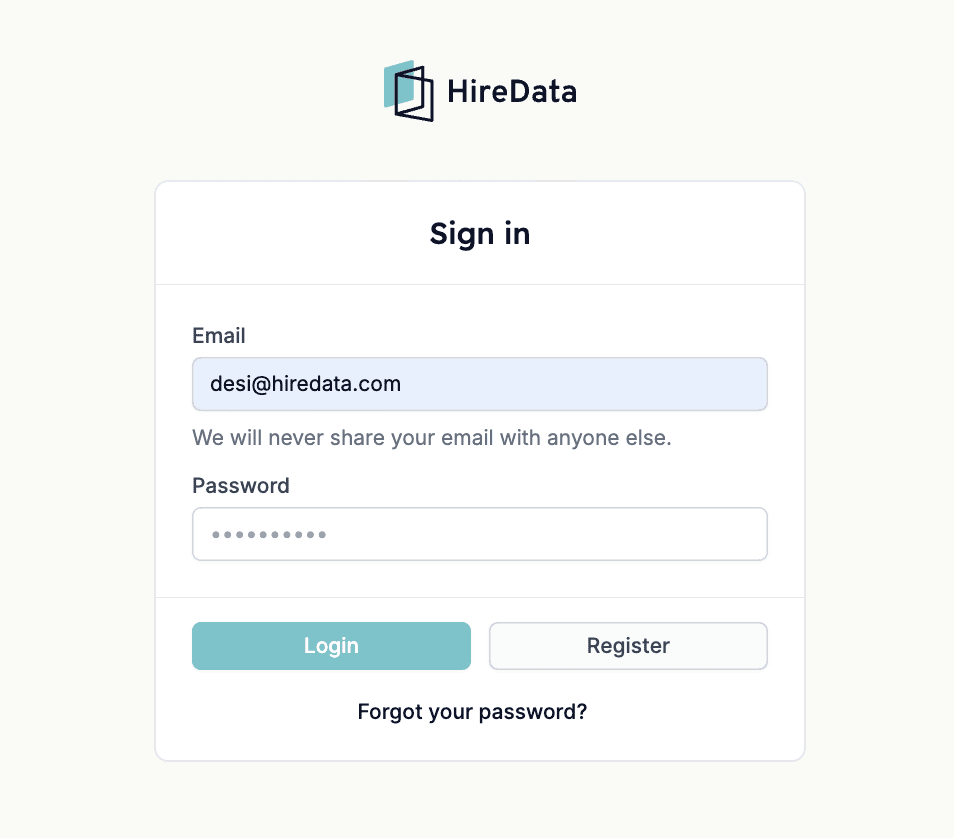
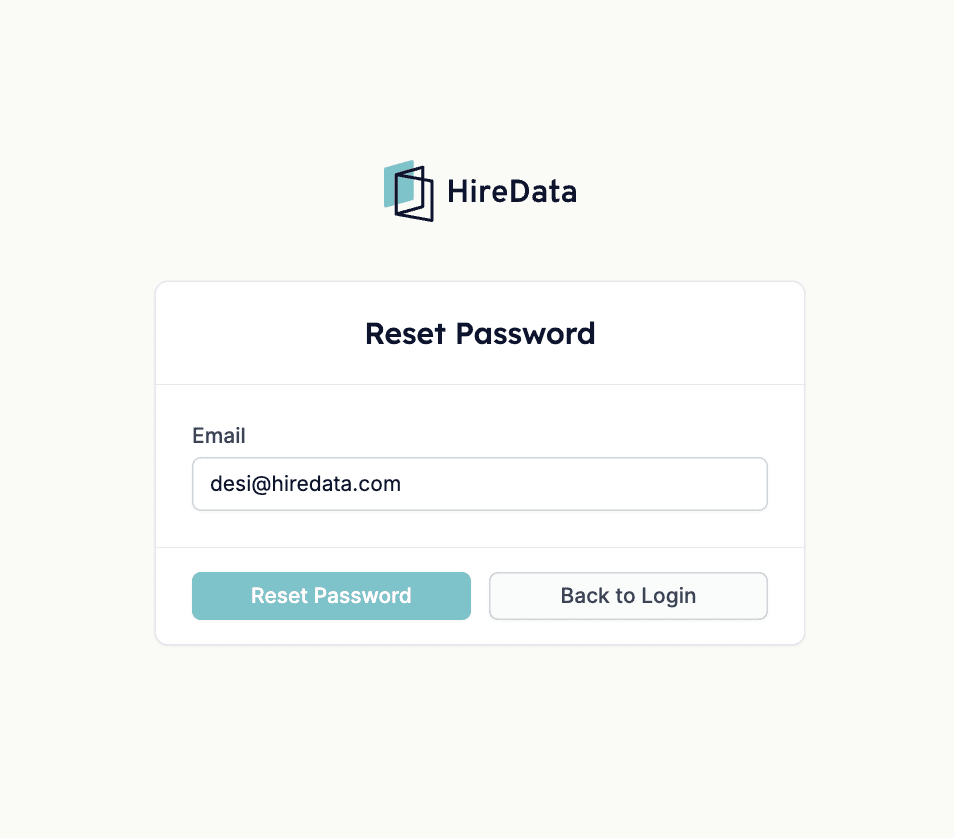
Head to the HireData log-in page and click the Forgot your Password? redirect link.