

This is part of the HireData beta and works in the new automation builder. See How the Beta Works to join.
Complete the candidate profile automatically
In a new automation, click +, choose Update under Records, then Carerix and Candidate. Select the candidate and fill in the section you need.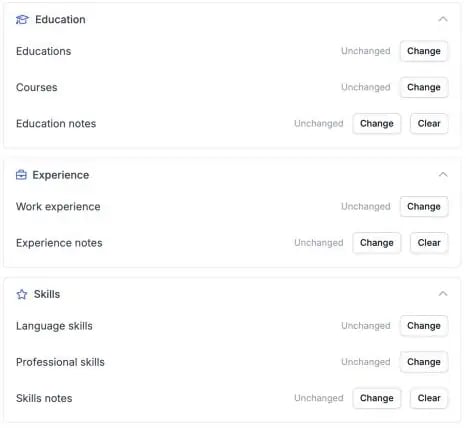
Education, Experience and Skills each have their own section in the Update Candidate step.
1. Education
Set the name of the education, the institute, the diploma, the level or direction, the dates and whether the certificate was obtained.2. Professional skills
Add a skill and its specialisation.3. Language skills
Add a language with separate levels for speaking, writing and reading. You can also add or update courses and work history.Before you use it
- Add or change one entry at a time. To change an existing education or skill, pick that entry in the step.
- Test with a test candidate first, and check in Carerix that the candidate’s other entries stayed as they were.