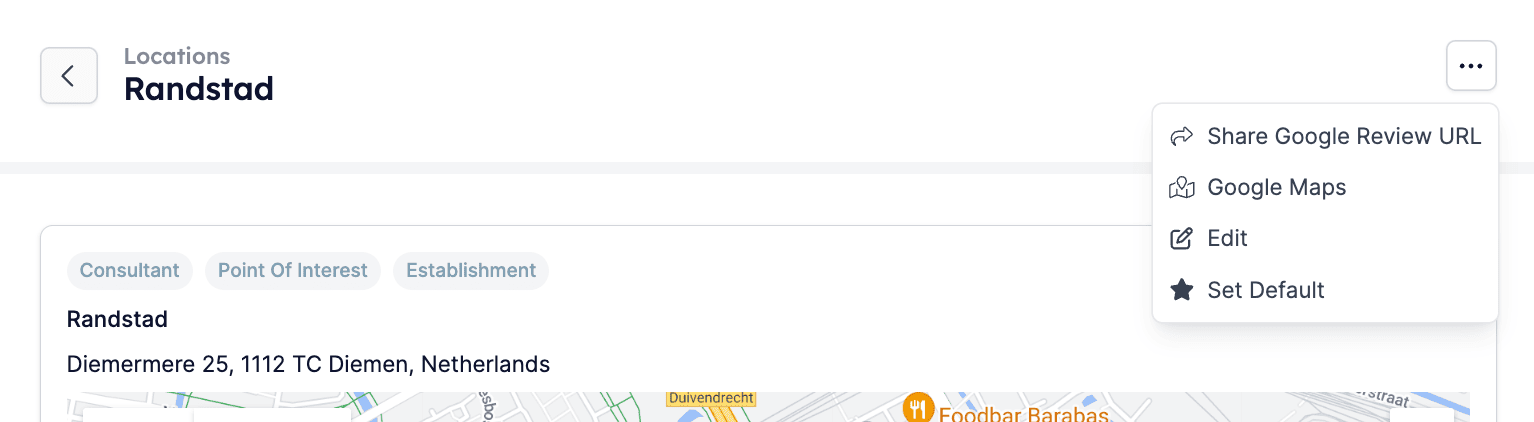
Step 1: Navigate to the Locations menu
Log in to your HireData profile, go to the Settings menu located above your name and open the Locations tab.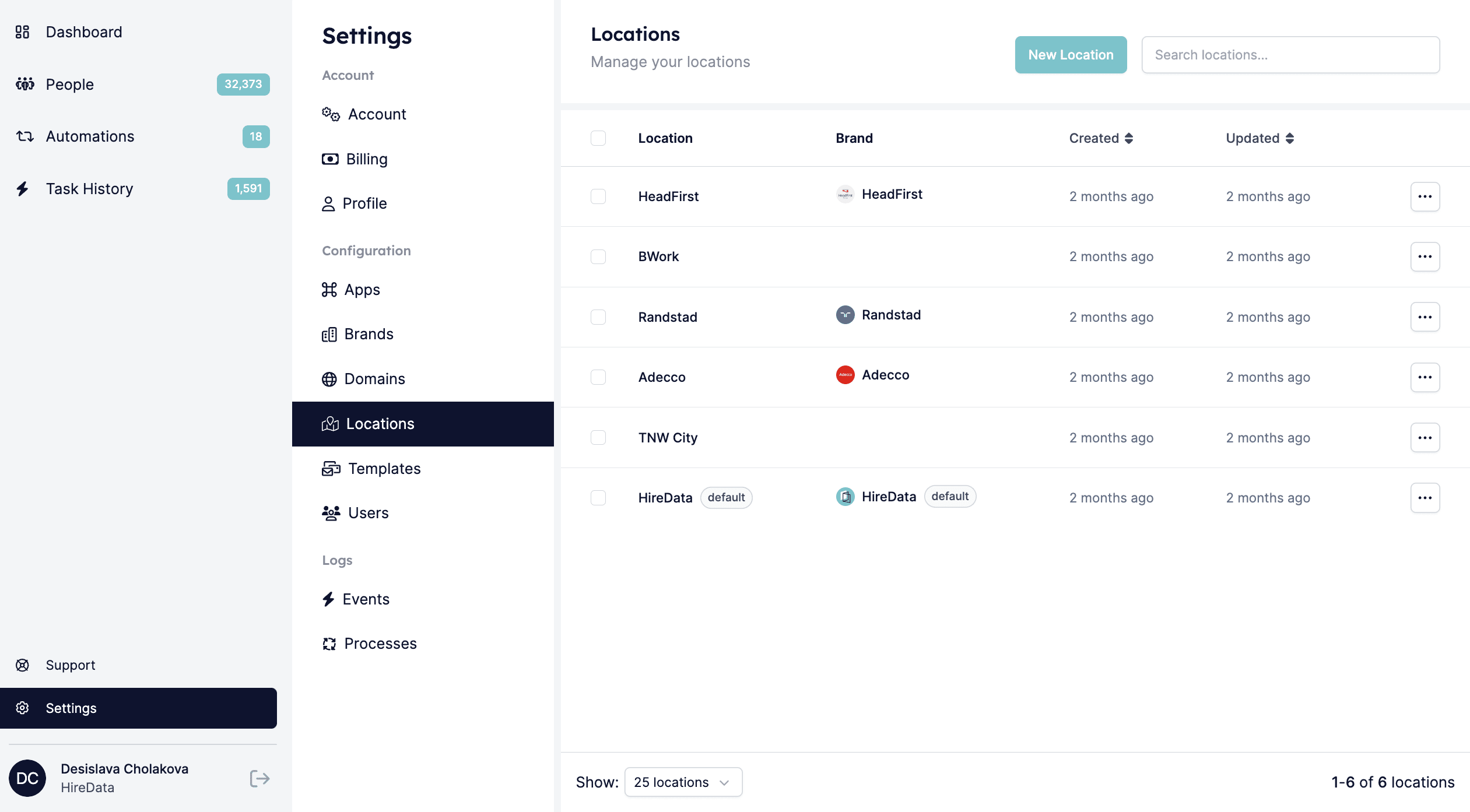
Step 2: Add a new location
2.1. Click the New Location button:

Pro tip
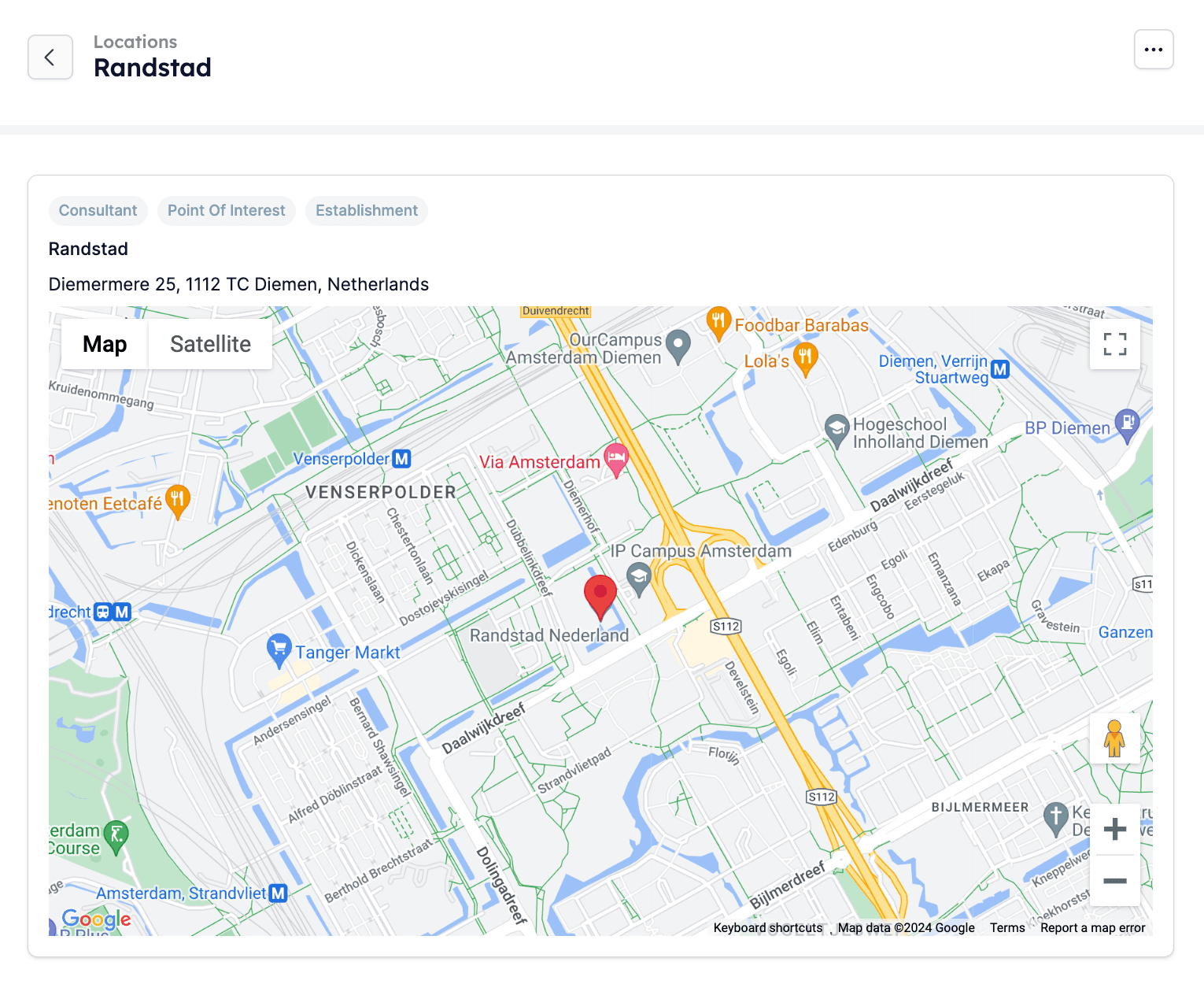
Once you add your location to your HireData account, you automatically get a Share Google Review URL, which you can send to others to collect native Google reviews. These types of reviews always perform better as a result of Google’s algorithm.