How to filter tasks
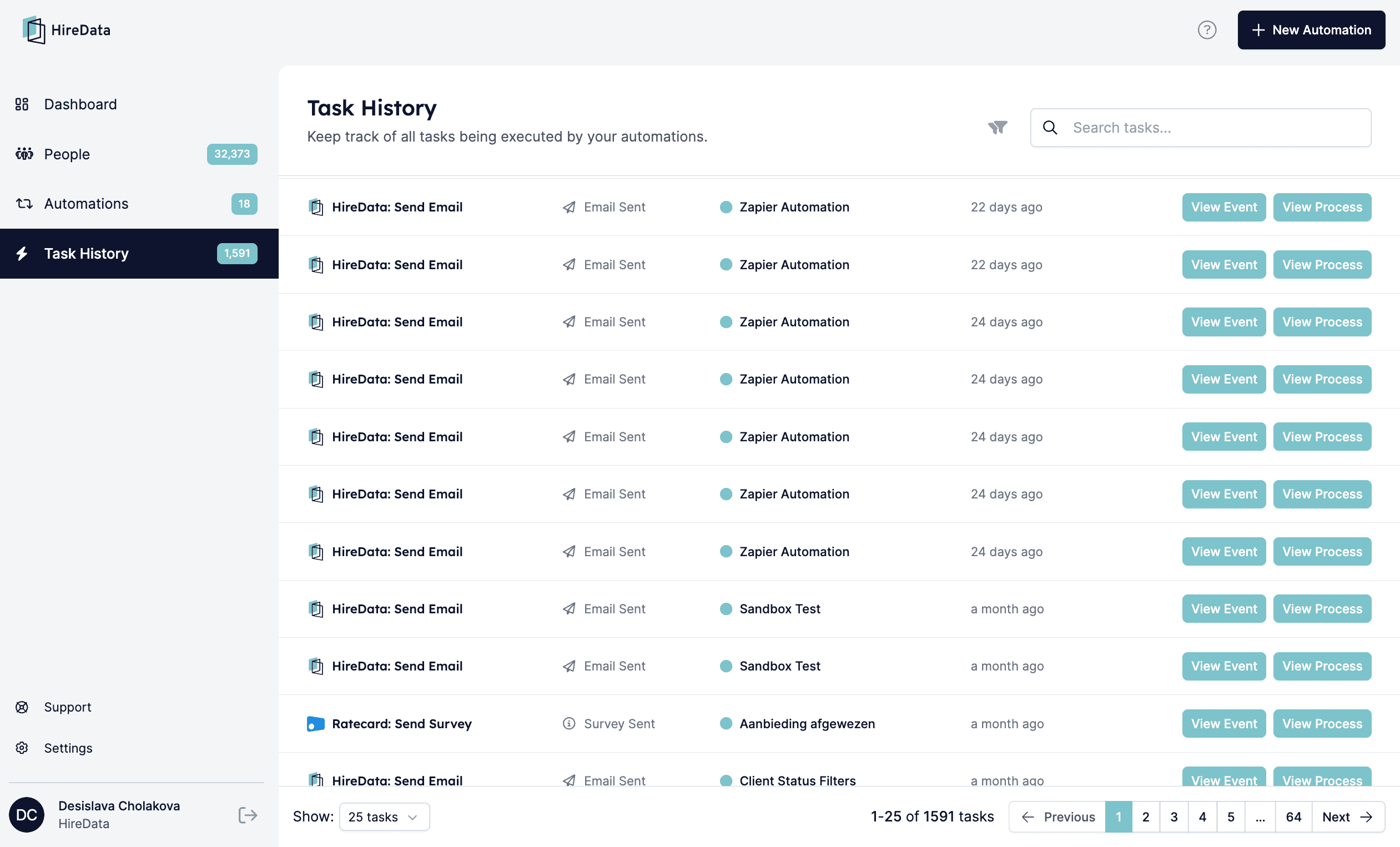
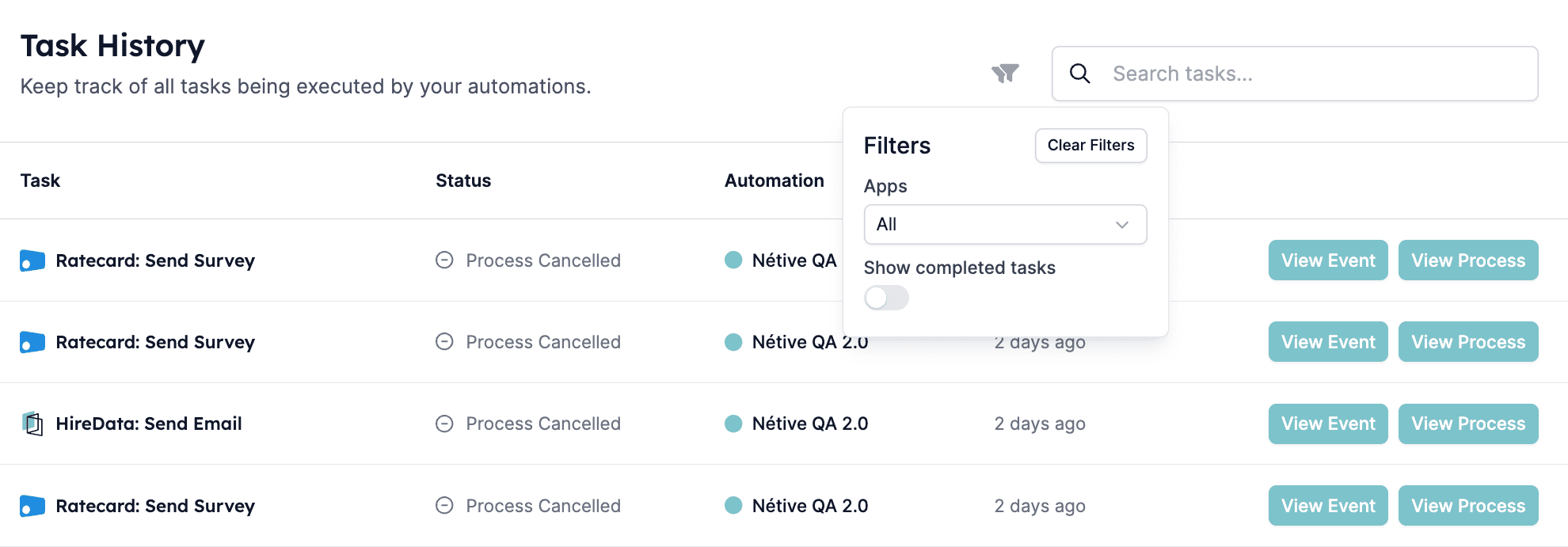
Use the Filters on this tab to show completed or cancelled tasks. Completed tasks view: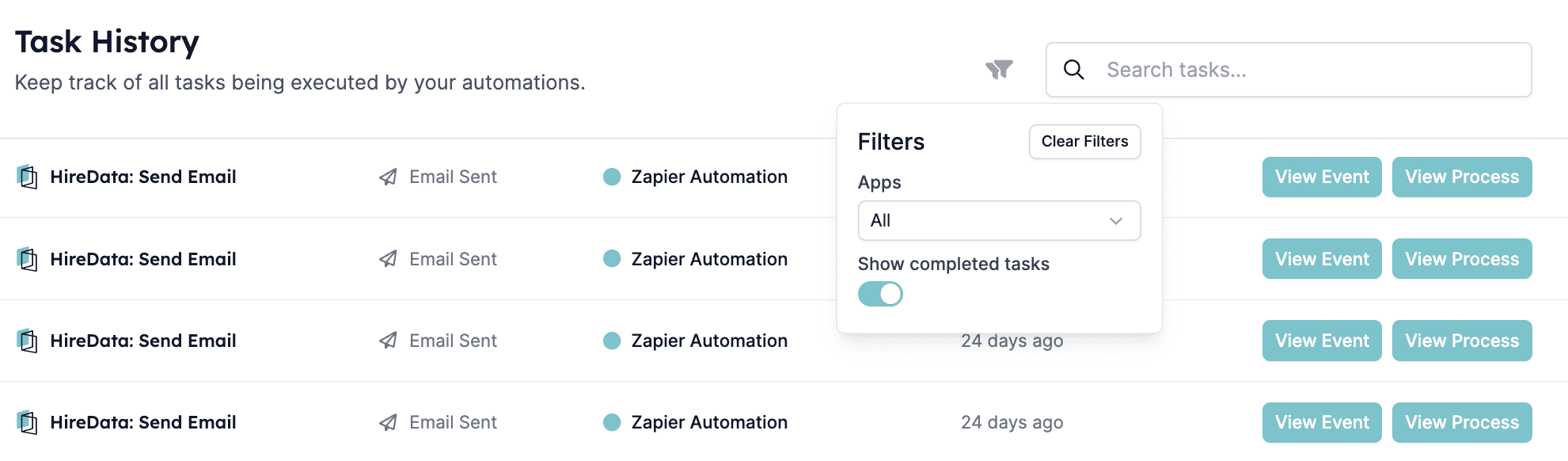
Understanding events
If you want to check why a task was cancelled, you can look at the event history. Click View Event next to the task you want to investigate to see its details.
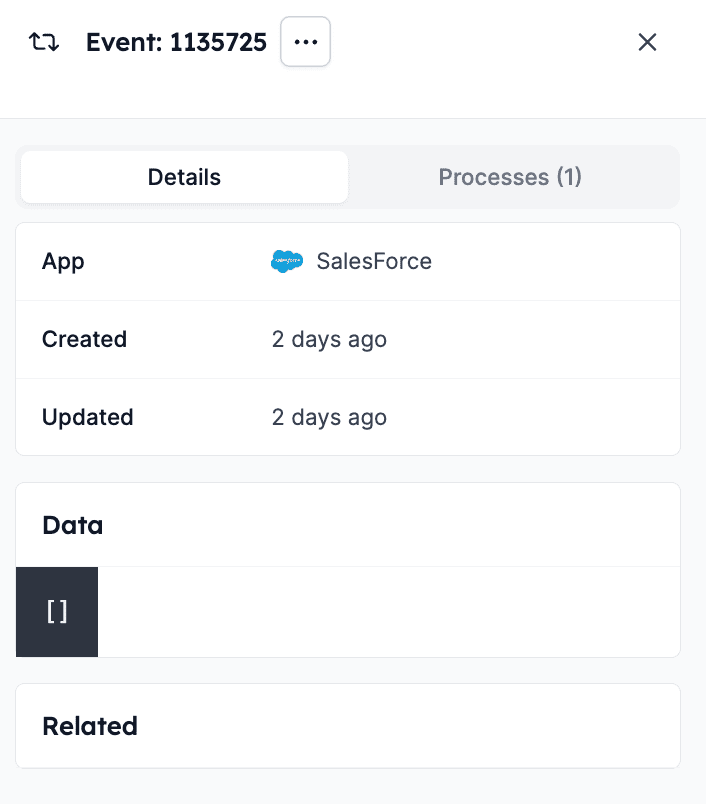
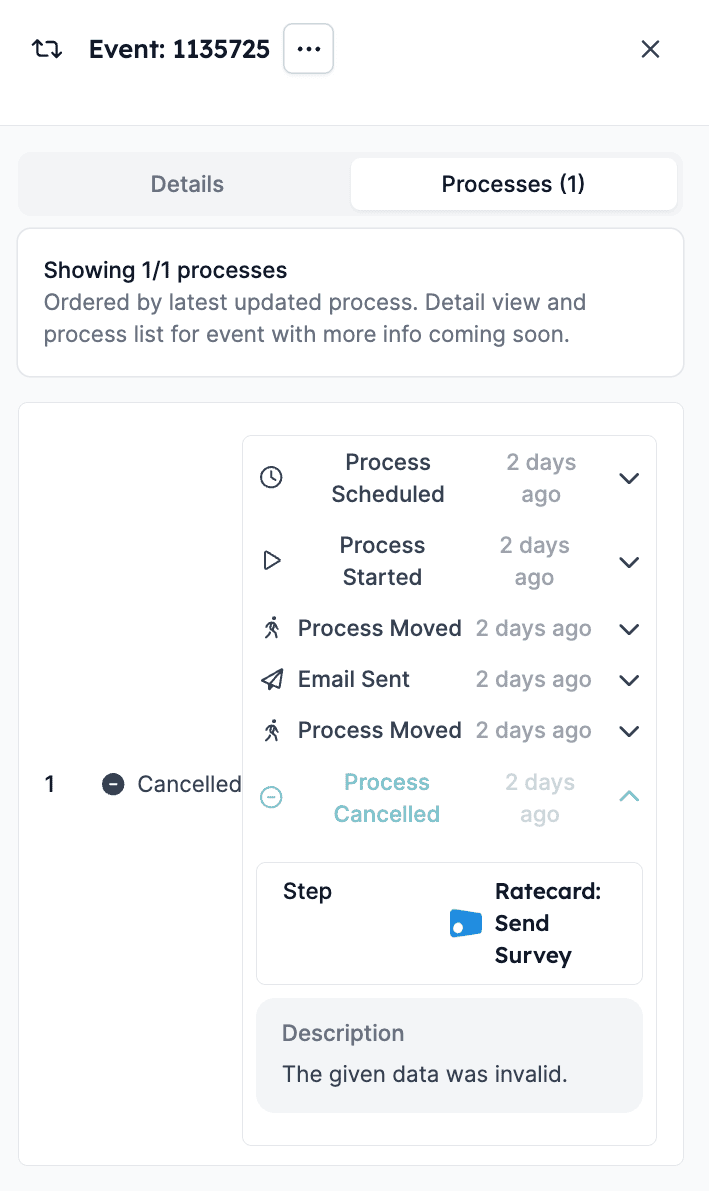
How to replay an event
If you edit a task and you want to see if it will be completed, you can replay the event by clicking the Replay button in the dropdown menu. For example, suppose in the Runs tab of the event you see that the delay you set up in the automation is not working. You can remove it and then replay the event to see what will happen.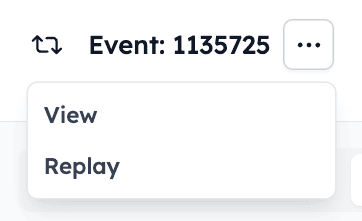
Pro tip
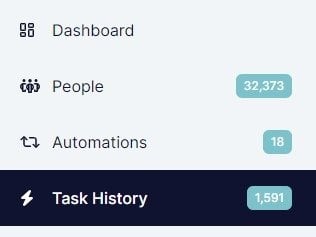
The numbers next to the Task History tab update as you switch between completed and cancelled tasks, displaying the total number of tasks.