

Step 1: Open the Localization page
Navigate to the Settings menu within HireData and open the Localization page. There, you can select a default language for your templates and an AI tone of voice for your WhatsApp conversations.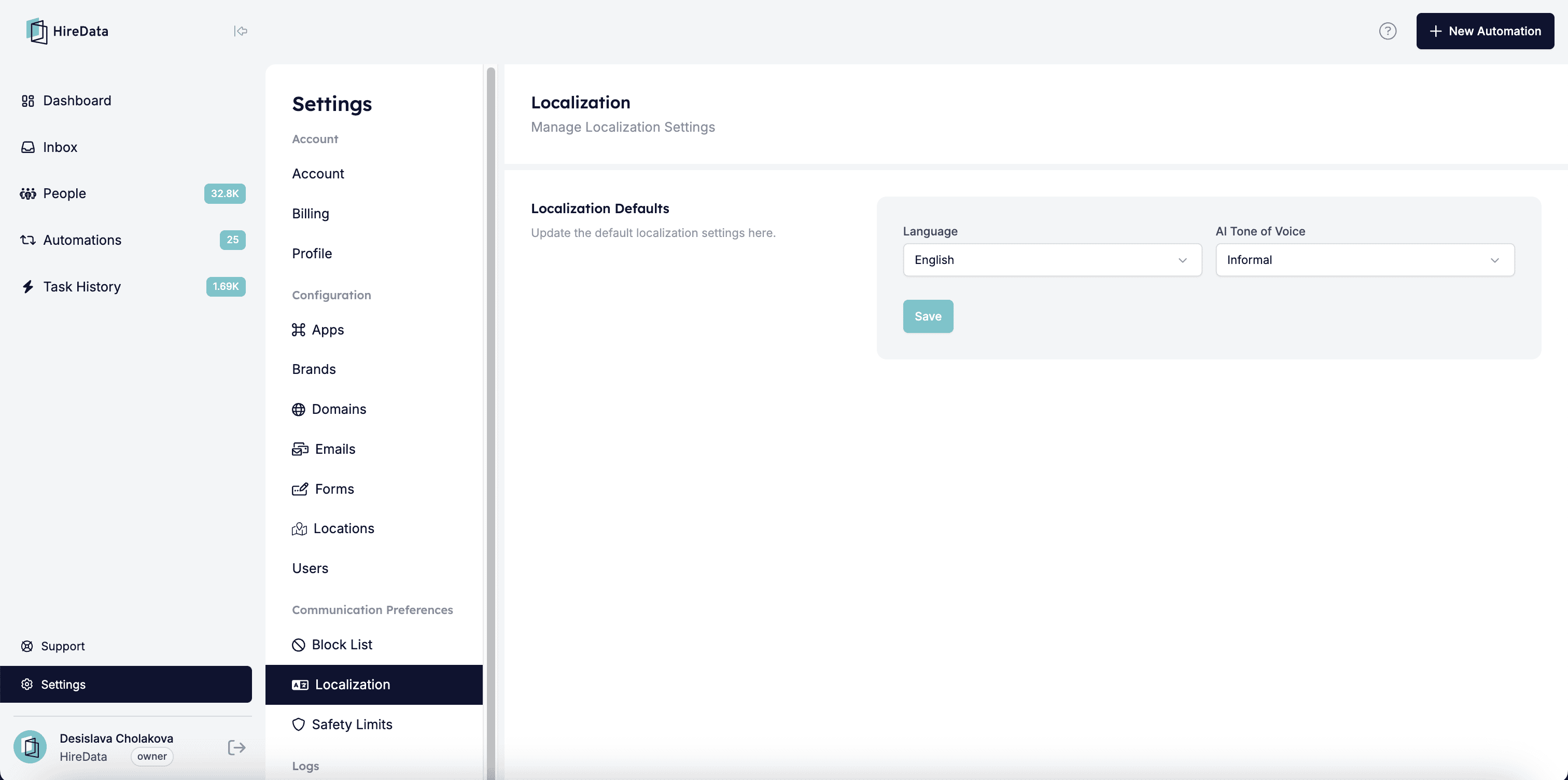
Step 2: Update the default localization settings
2.1. Set a default language
Click the Language box to open a broad list of the available languages.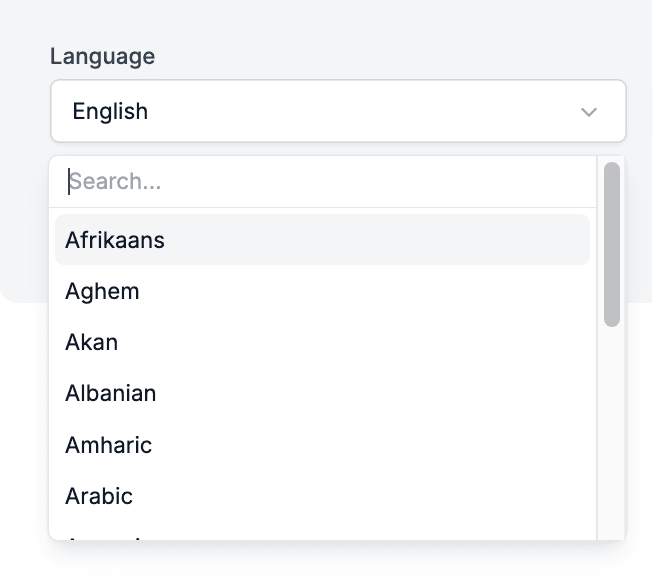
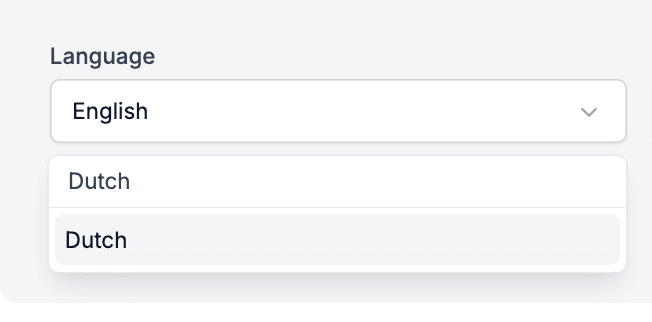
2.2. Set a tone of voice
Click the Tone of Voice box to view the available options and select the tone that best matches your branding and communication needs.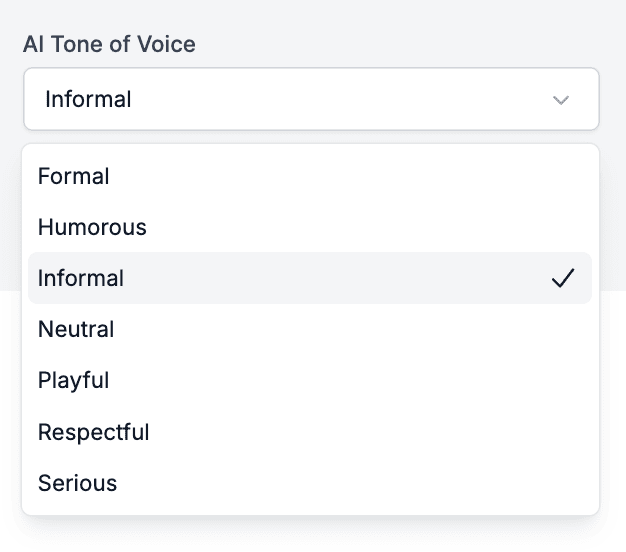
Step 3: Review and save
Double-check your selected language and tone of voice settings. Click the Save button to apply the changes.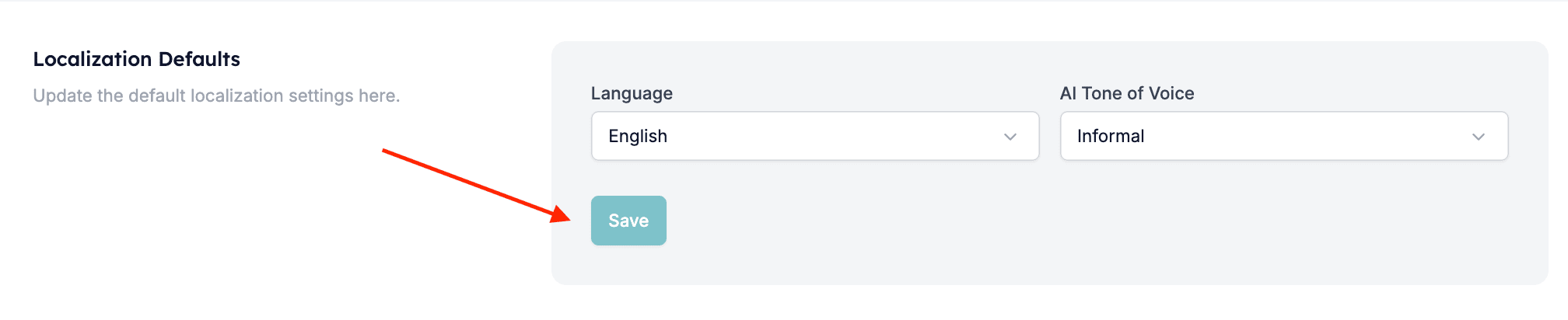
Set your own app language
The Localization page sets the language for the whole account. Each user picks the language of their own HireData interface separately. Open Settings, then Profile, and go to App language. Select a language and click Save language.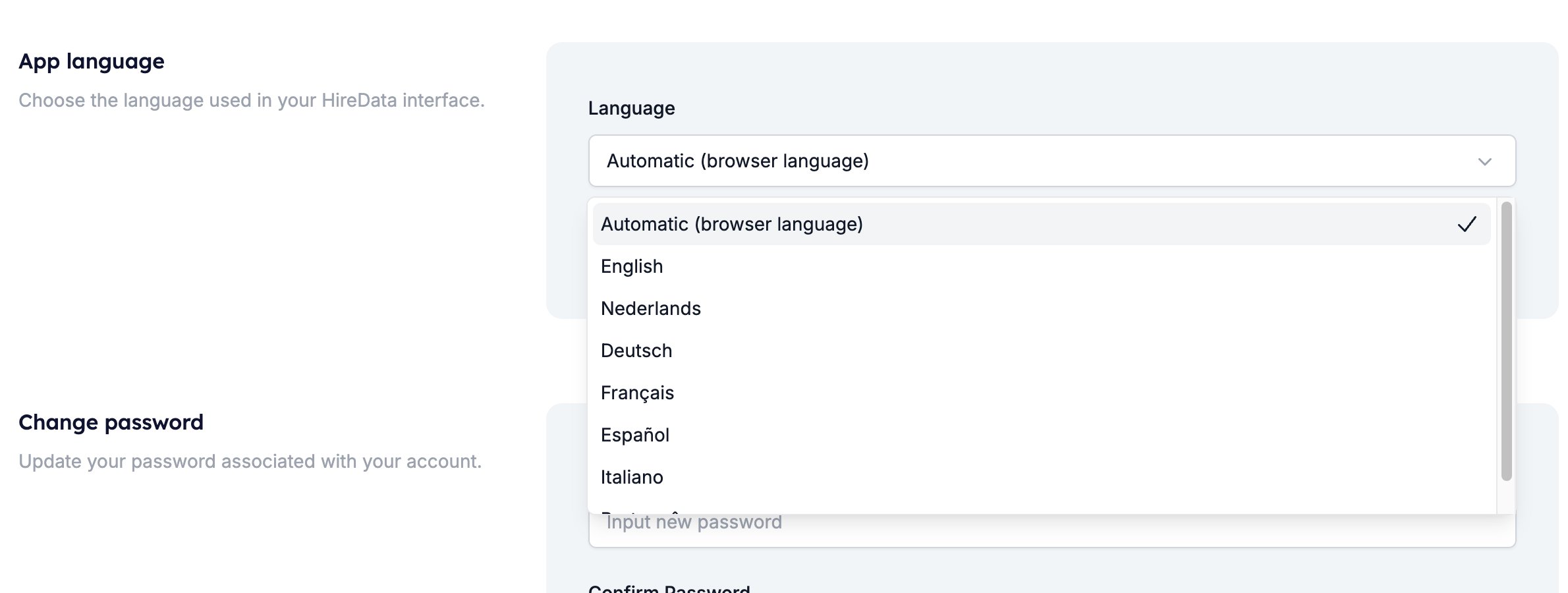
This setting changes the HireData interface only. The language of the emails, messages, and content you send stays with the account default and the template you use. Translation of the interface is still in progress, so parts of the app remain in English.