

Settings
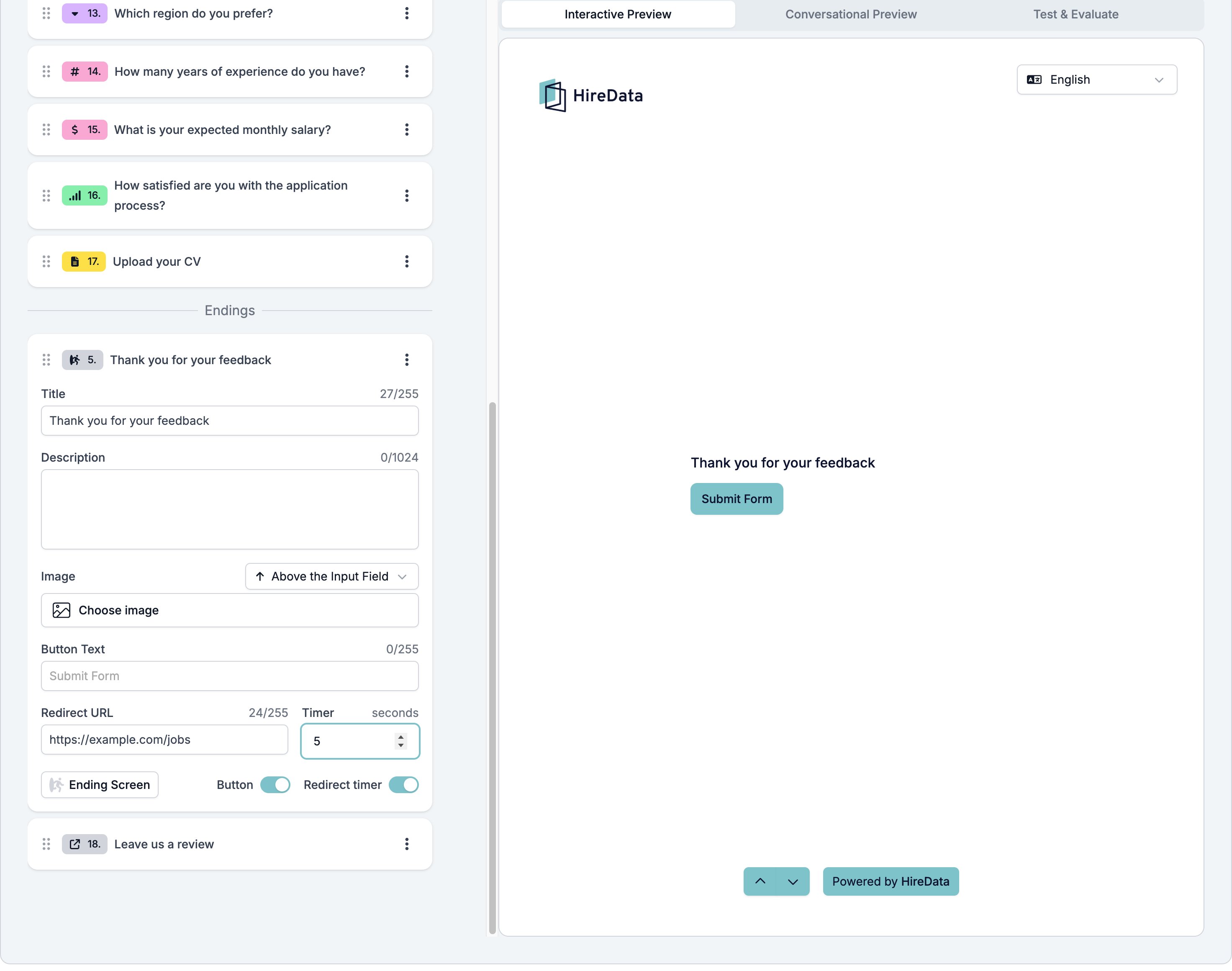
An ending has fewer settings than a question, because nobody answers it.- Title, up to 255 characters. This is what other field types call Question.
- Description, up to 1024 characters.
- Image, with the same placement selector every field has.
- Button, a switch in the footer.
- Button Text, the label on the button. The box shows “Submit Form” as its placeholder.
- Redirect URL, the address the button opens.
- Redirect timer, a switch that adds a Timer in seconds, so the browser sends the respondent to the address after that many seconds instead of waiting for a click.
What it stores
Nothing. An ending has no input.Logic operators
None. An ending has no Add Rule button in the Logic tab, because an ending is where the form stops. Rules on the questions point at endings, not the other way round.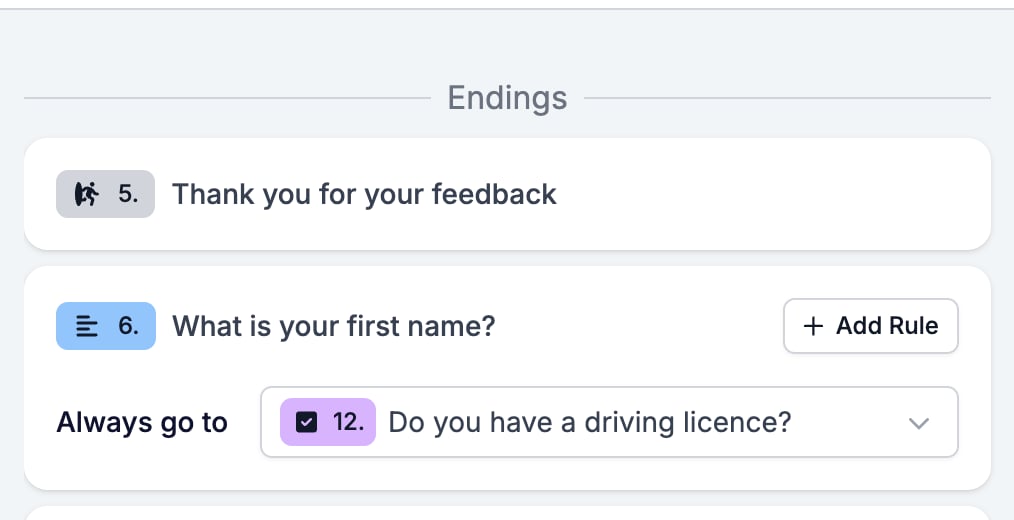
Evaluation
An ending screen carries no evaluator switches. The AI evaluators read the answers, and an ending has none.Related
- Form Builder: Overview covers the builder, the shared settings, and every field type.
- Redirect URL is the other ending, with no screen at all.
- Logic explains sending different respondents to different endings.