

Settings
Datetime adds nothing to the settings every field shares. There is no window to set and no working-hours limit.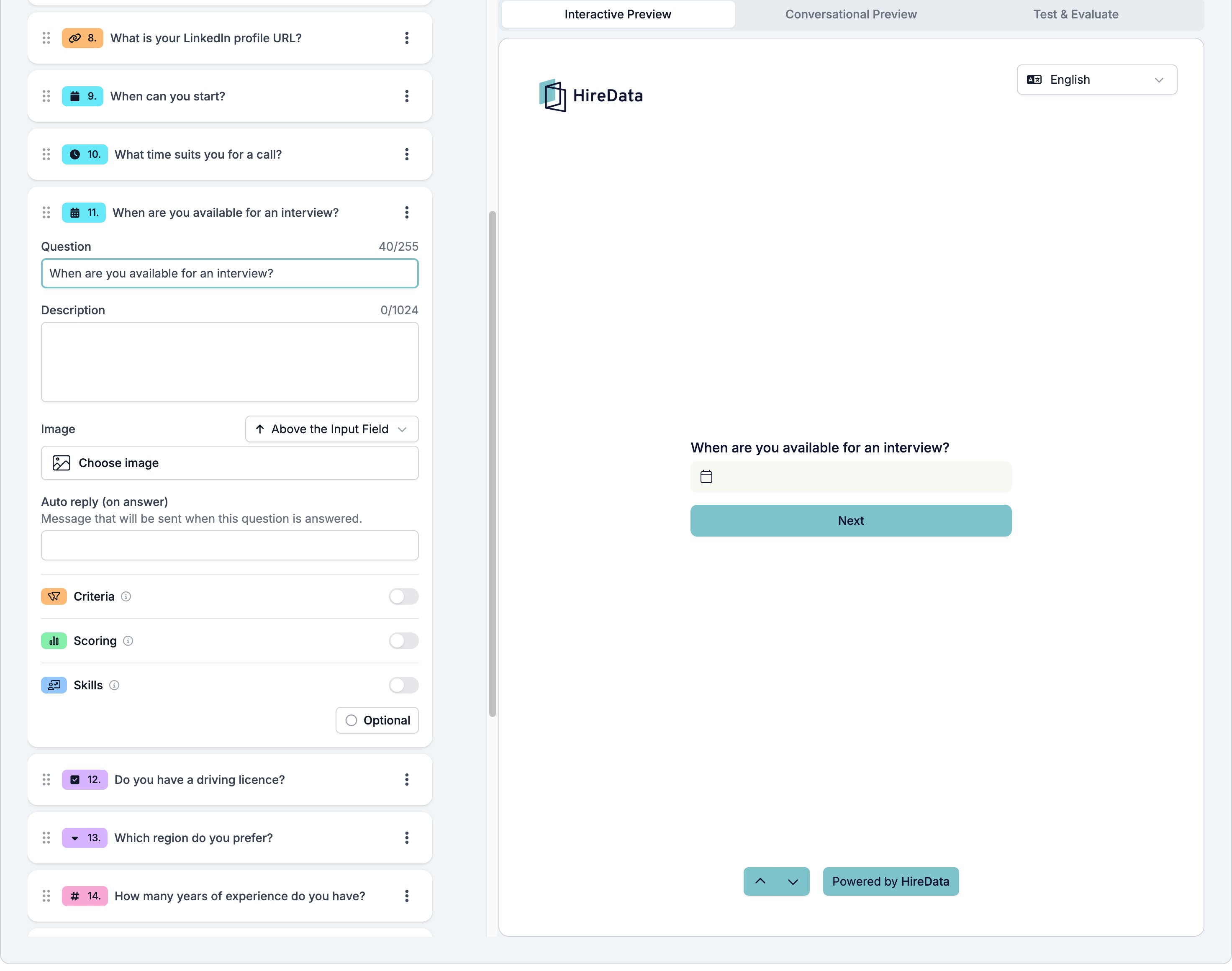
What it stores
A date and time. All three temporal types share one value, and Datetime fills in both halves.Logic operators
The operator picker is fixed at has response and cannot be changed. A rule can ask whether the respondent gave a slot, not whether it falls in the window you wanted.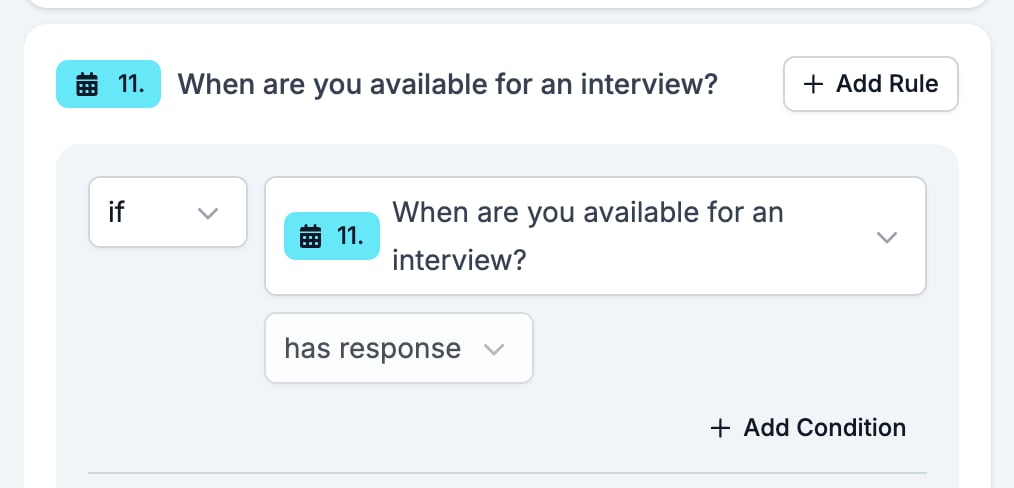
Evaluation
Switch Criteria, Scoring, or Skills on for the form in the Evaluation tab and each one gets a switch on this card.Related
- Form Builder: Overview covers the builder, the shared settings, and every field type.
- Logic covers the operators, the branching patterns, and what to check when a rule does not fire.
- Date and Time are the other two Temporal fields.