

Settings
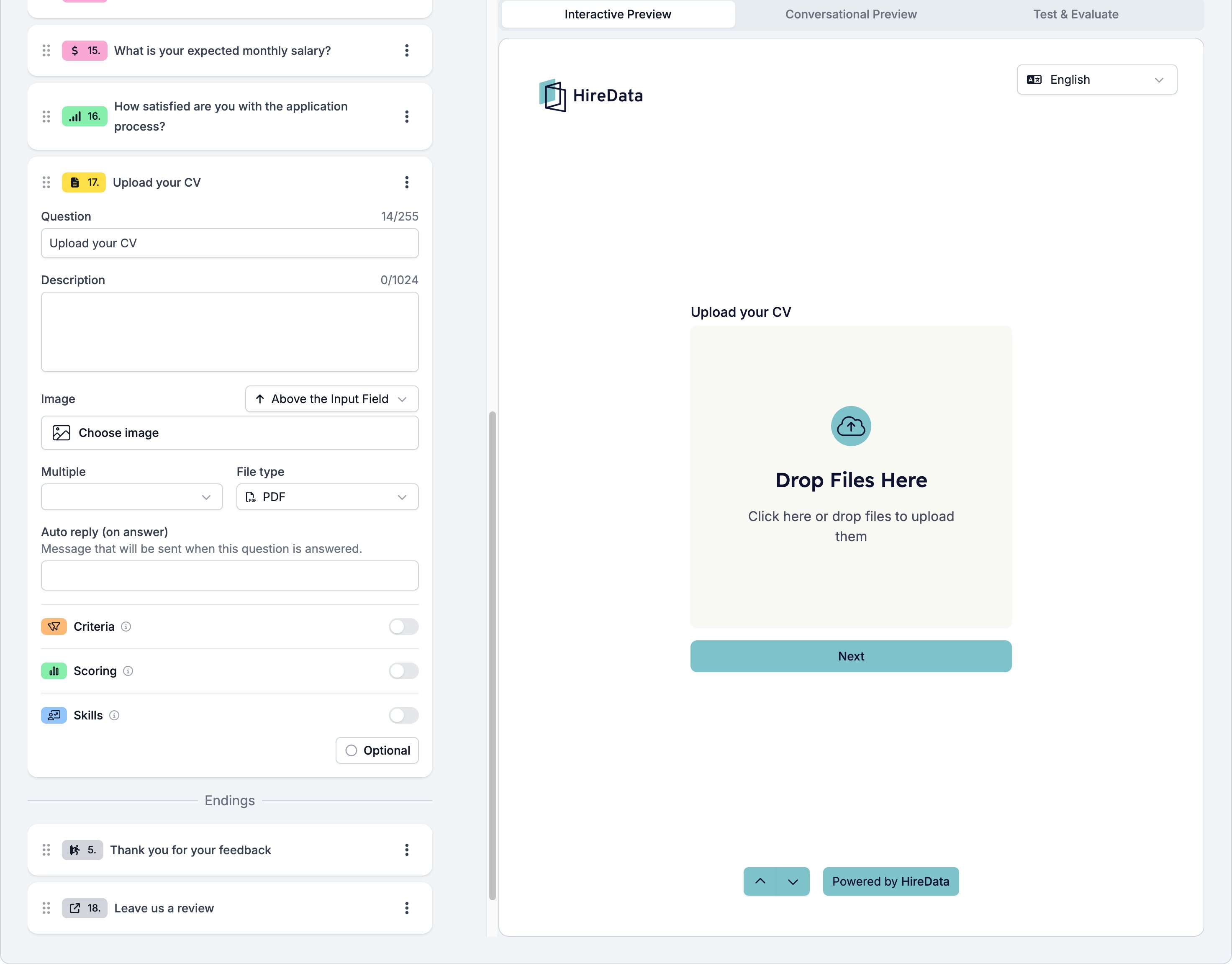
The card carries the settings every field shares. File Upload adds two of its own.- Multiple, Yes or No, which decides whether the respondent can attach more than one file.
- File type, one preset from Any, Image, Audio, Video, Media, PDF, Document, Powerpoint, Word Document, Sheet, and Archive.
What it stores
The uploaded files, with the file name and type of each one.Logic operators
The operator picker is fixed at has response and cannot be changed. A rule can ask whether the respondent attached anything, which is enough to send a candidate without a CV somewhere else.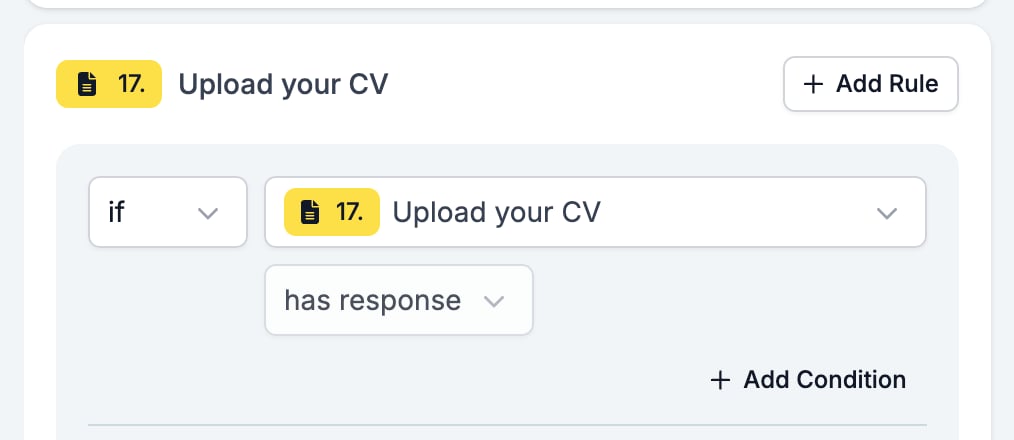
Evaluation
Switch Criteria, Scoring, or Skills on for the form in the Evaluation tab and each one gets a switch on this card.Related
- Form Builder: Overview covers the builder, the shared settings, and every field type.
- Logic covers the operators, the branching patterns, and what to check when a rule does not fire.
- Languages and translations is where you reword the drop area.