

Settings
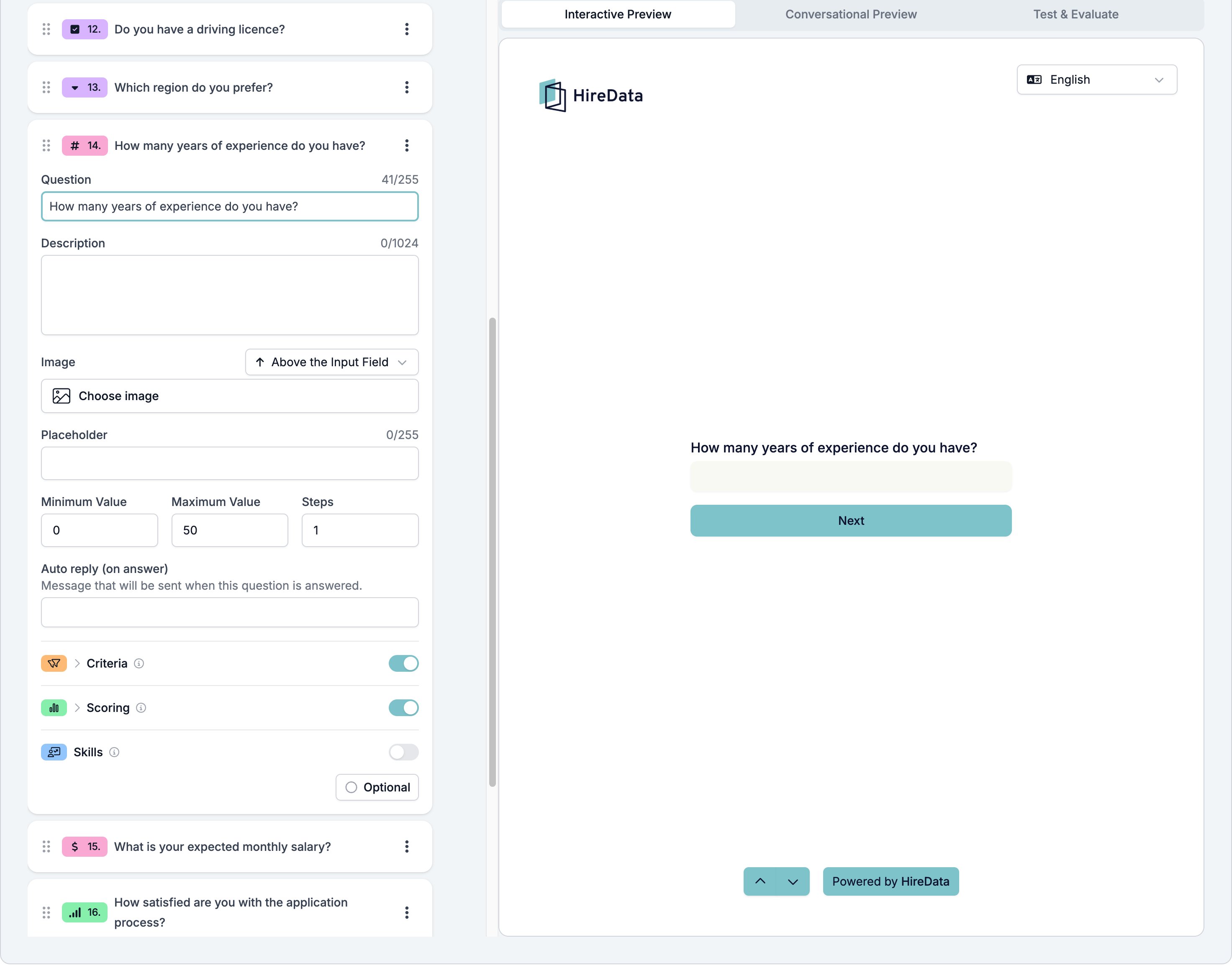
The card carries the settings every field shares. Number adds four of its own.- Placeholder, up to 255 characters, shown in the empty box.
- Minimum Value and Maximum Value, the ends of the range you accept.
- Steps, the size of one step. Set it to 1 to insist on whole numbers.
What it stores
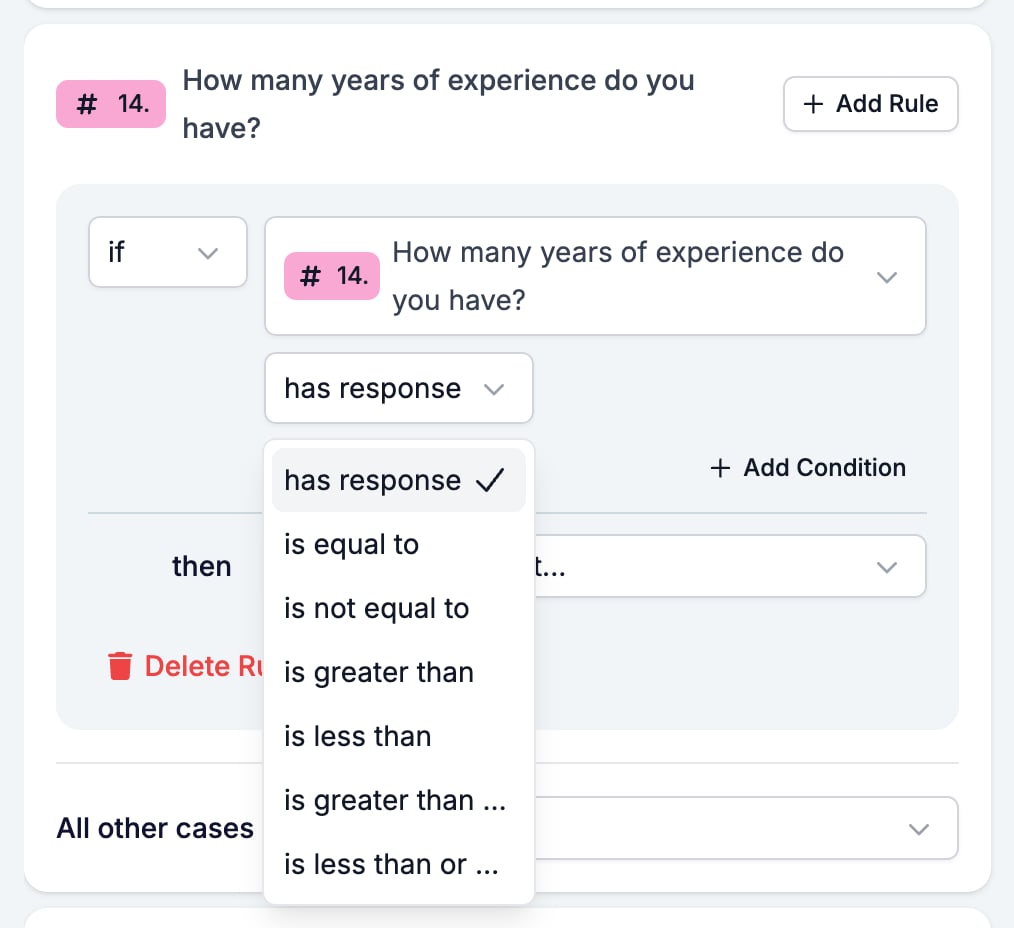
A number.Logic operators
Evaluation
Switch Criteria, Scoring, or Skills on for the form in the Evaluation tab and each one gets a switch on this card. Number suits Scoring better than any other type. A threshold gives full points, a lower one gives some, and everything below gives none, all from the value itself.Related
- Form Builder: Overview covers the builder, the shared settings, and every field type.
- Logic covers the operators, the branching patterns, and what to check when a rule does not fire.
- Currency is the same field with a symbol on it.
- Net Promoter Score and Opinion Scale is a number the respondent picks off a scale.