

--:-- -- box with a clock picker beside it. Use it for a time of day with no date attached, such as when someone would rather be called.
It sits in the Temporal group of the Add Content palette.
Settings
Time adds nothing to the settings every field shares. There is no earliest or latest time to set, and no way to offer a fixed set of slots. If you want the respondent to pick from a shortlist, use Multiple Choice instead and write the slots as options.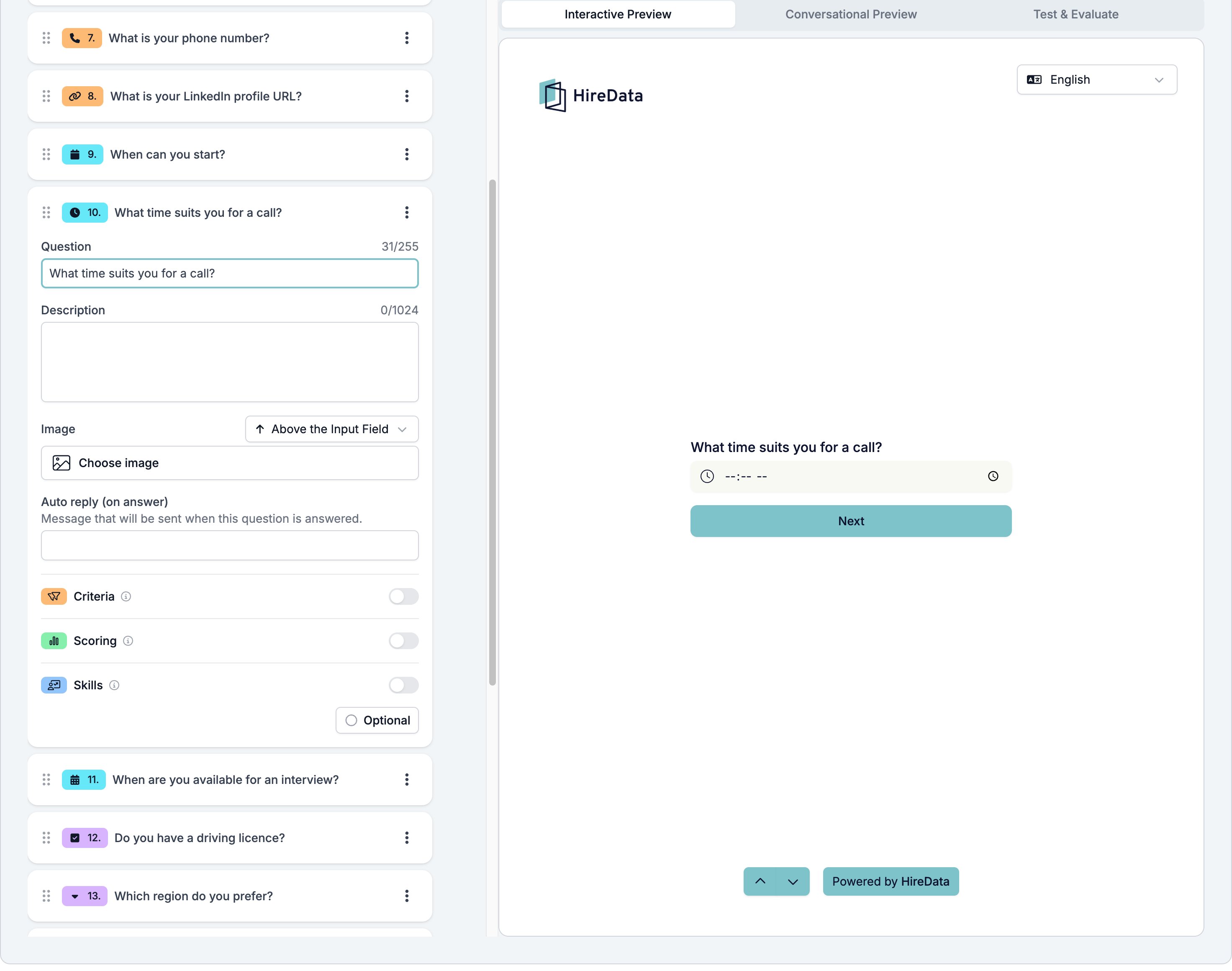
What it stores
A date and time. All three temporal types share one value, and Time fills in the clock time.Logic operators
The operator picker is fixed at has response and cannot be changed. A rule can ask whether the respondent gave a time, not how early it is.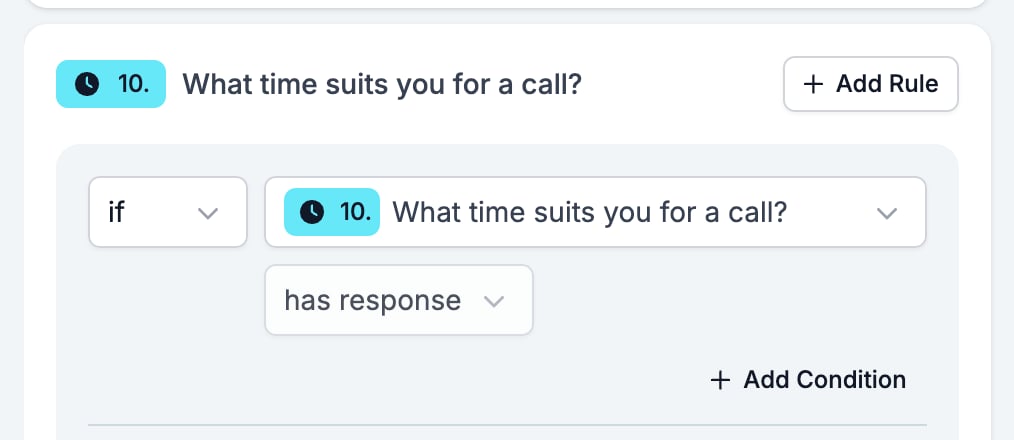
Evaluation
Switch Criteria, Scoring, or Skills on for the form in the Evaluation tab and each one gets a switch on this card.Related
- Form Builder: Overview covers the builder, the shared settings, and every field type.
- Logic covers the operators, the branching patterns, and what to check when a rule does not fire.
- Date and Datetime are the other two Temporal fields.
- Multiple Choice and Dropdown is the field to use for a fixed set of slots.