Step 1: Download and install the Numero eSIM app
1.1. Download the app from your device’s app store
Open the Google Play Store on Android or the Apple App Store on iOS. Search for Numero eSIM and download the app.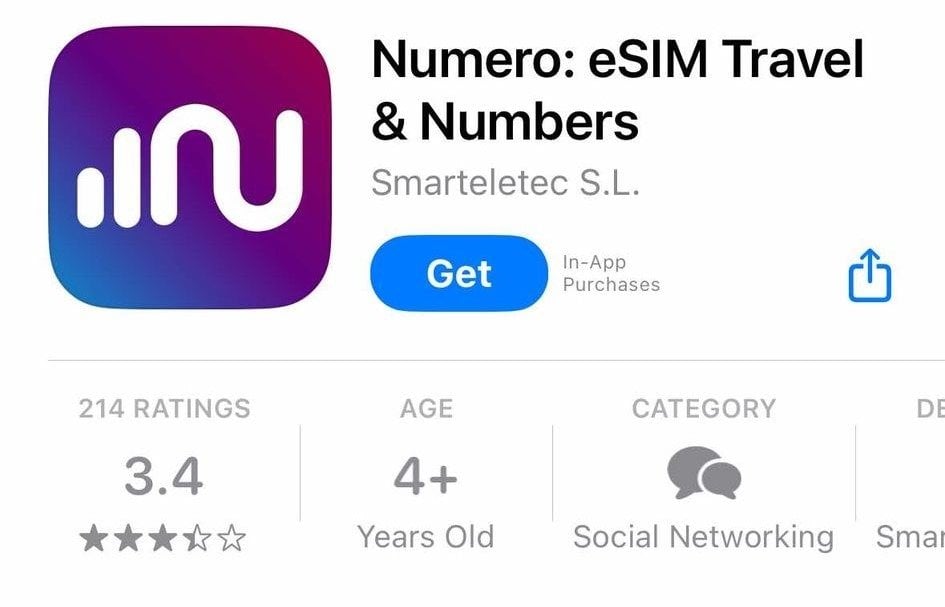
1.2. Create an account or log in
Open the app. Create an account, or log in if you already have one.Step 2: Explore the available phone numbers
2.1. Open the app, go to the Home screen and click Phone Numbers
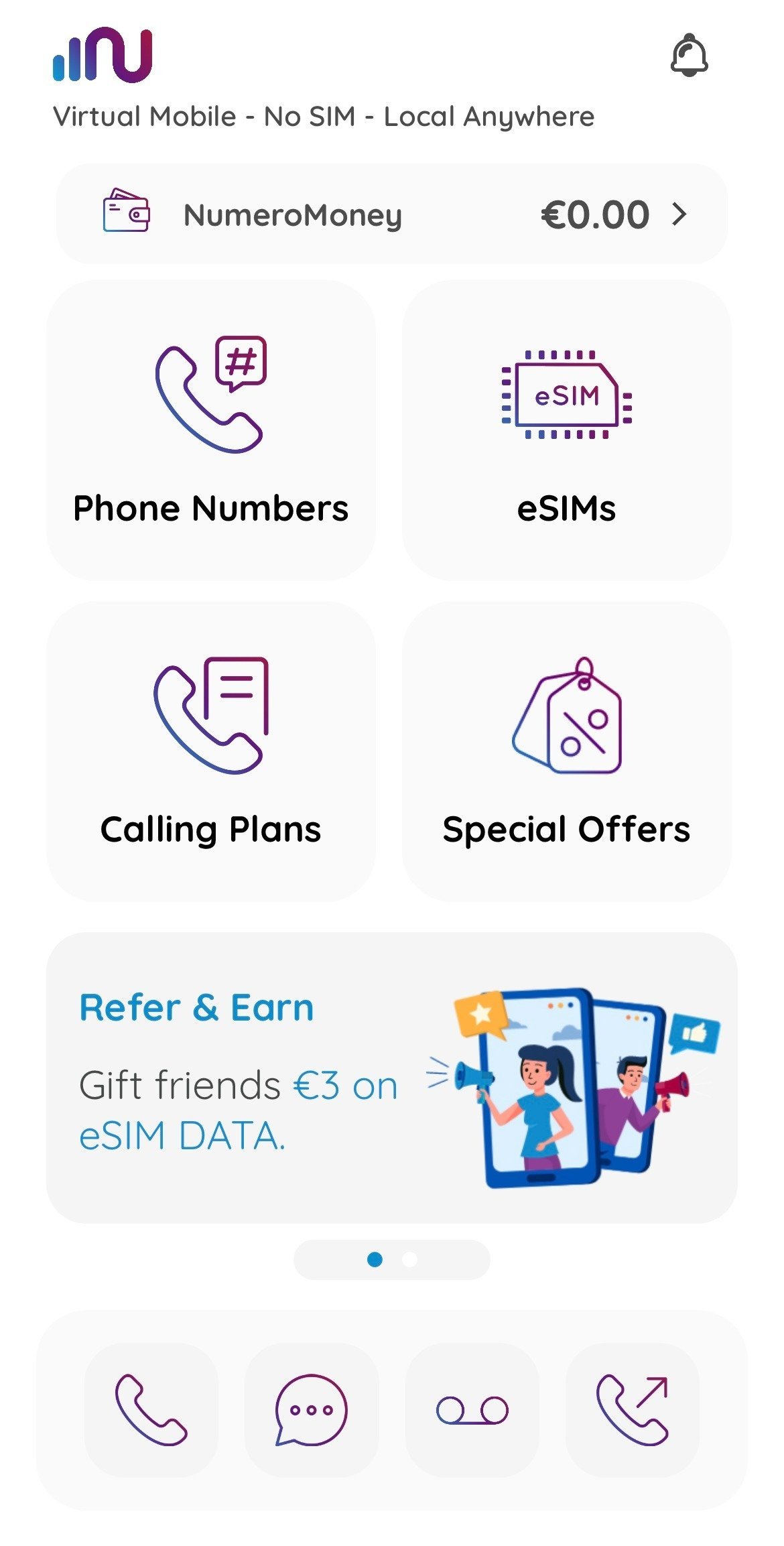
2.2. Select Mobile Numbers to continue
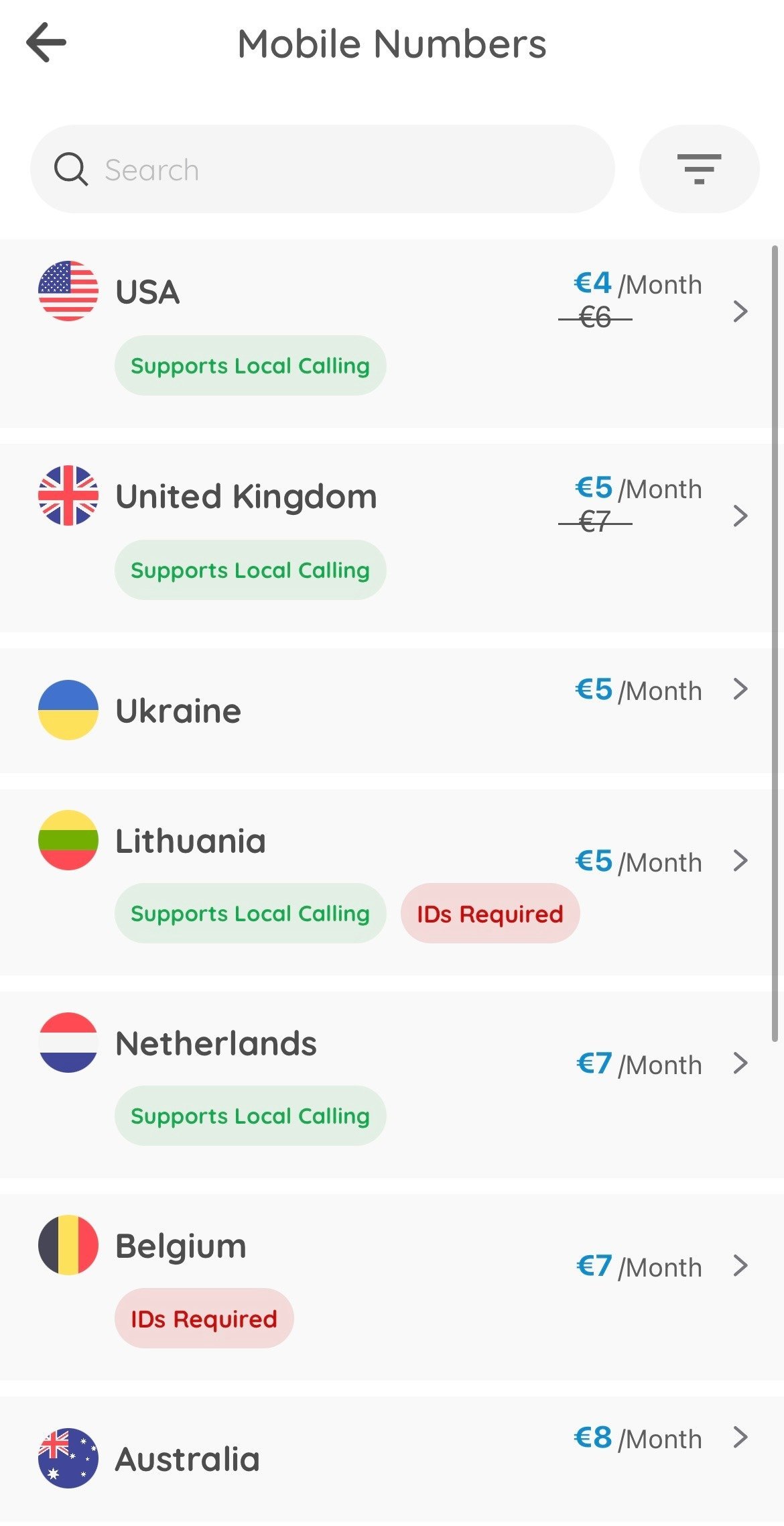
2.3. Select the country your business is based in to see the available phone number plans
Step 3: Buy a phone number
3.1. Select a subscription plan
Review the features of each subscription, such as calling, texting, and verification support. Select one of the plans and click Buy Plan.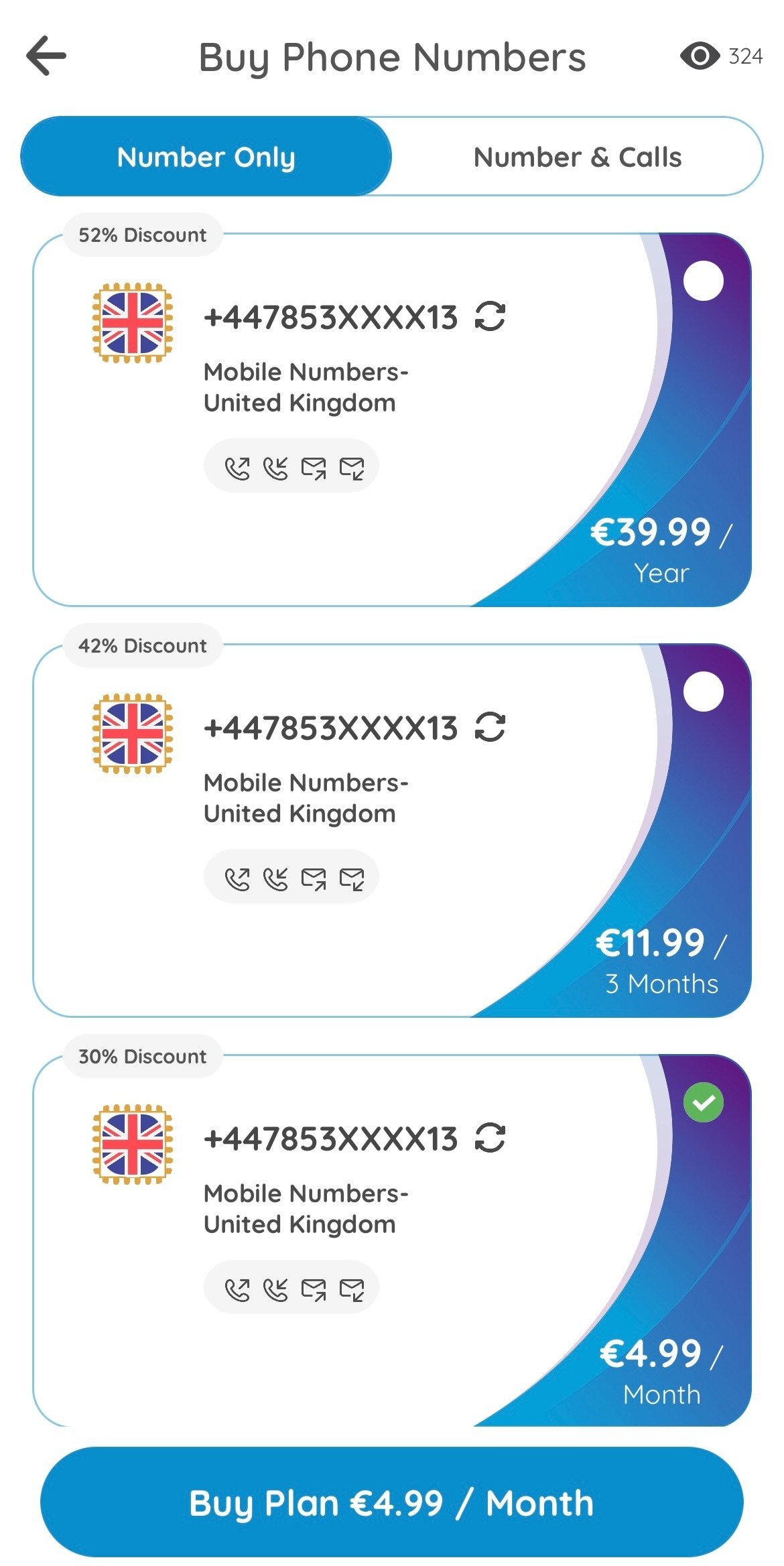
3.2. Complete the purchase
Select your preferred payment method, such as credit card, Google Pay, or Apple Pay, and confirm the purchase. Numero then adds the phone number to your account.Step 4: Set up and start using your new number
Go back to the My Numbers section to see your purchased number.- Numero eSIM allows you to manage your new number, including making calls, sending texts, and setting up voicemail.
- You can also activate or deactivate features like call forwarding or setting a custom ringtone for incoming calls.