Step 1: Navigate to the Settings page and open the Apps menu
Log in to your HireData account and open the Settings page via the Settings button above your name. Then, go to the Apps menu.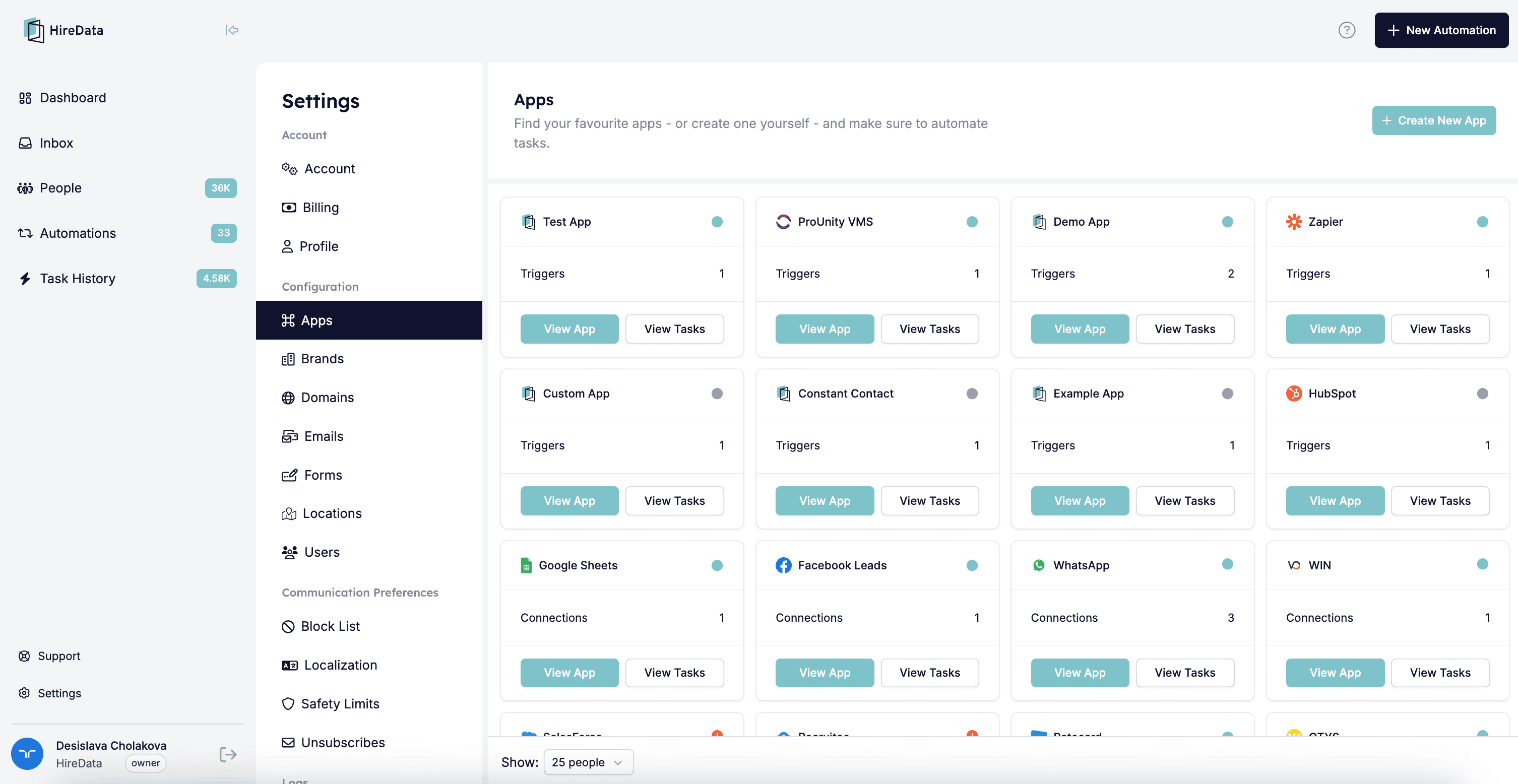
Step 2: Select WhatsApp
You can open WhatsApp to see your connection(s) by clicking the name or the View app button.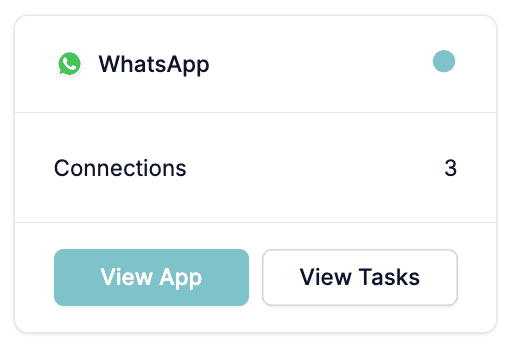
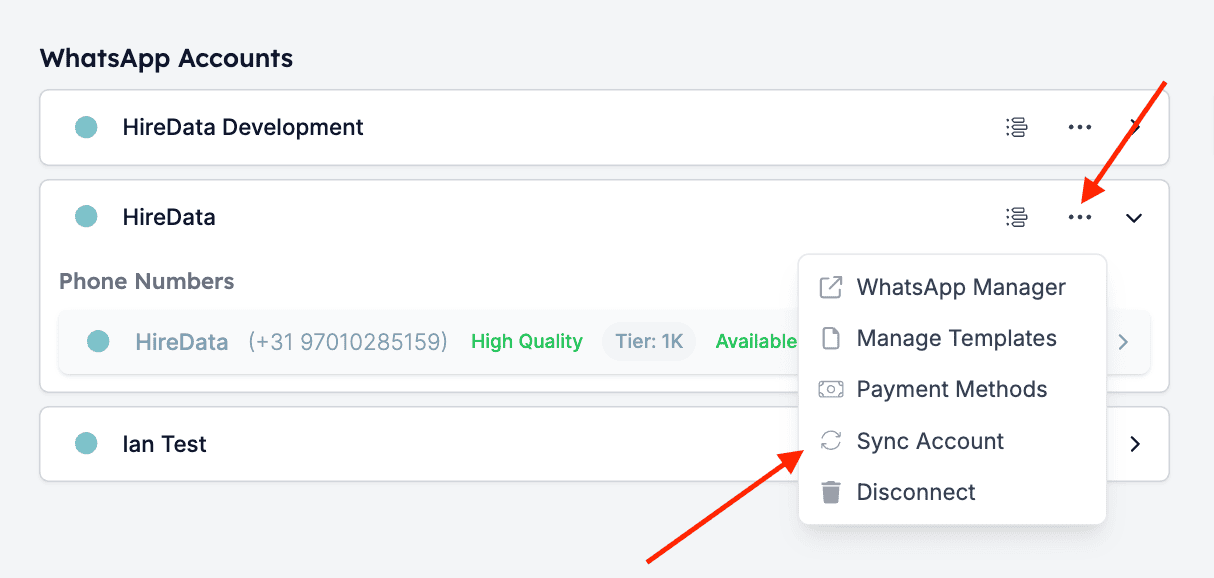
Step 3: Sync the data
Click the Sync button (the two arrows in a circular motion) located in the dropdown menu of the company’s connection. After you have clicked it, you will see the syncing progress.